6.3. Truck stability conditions
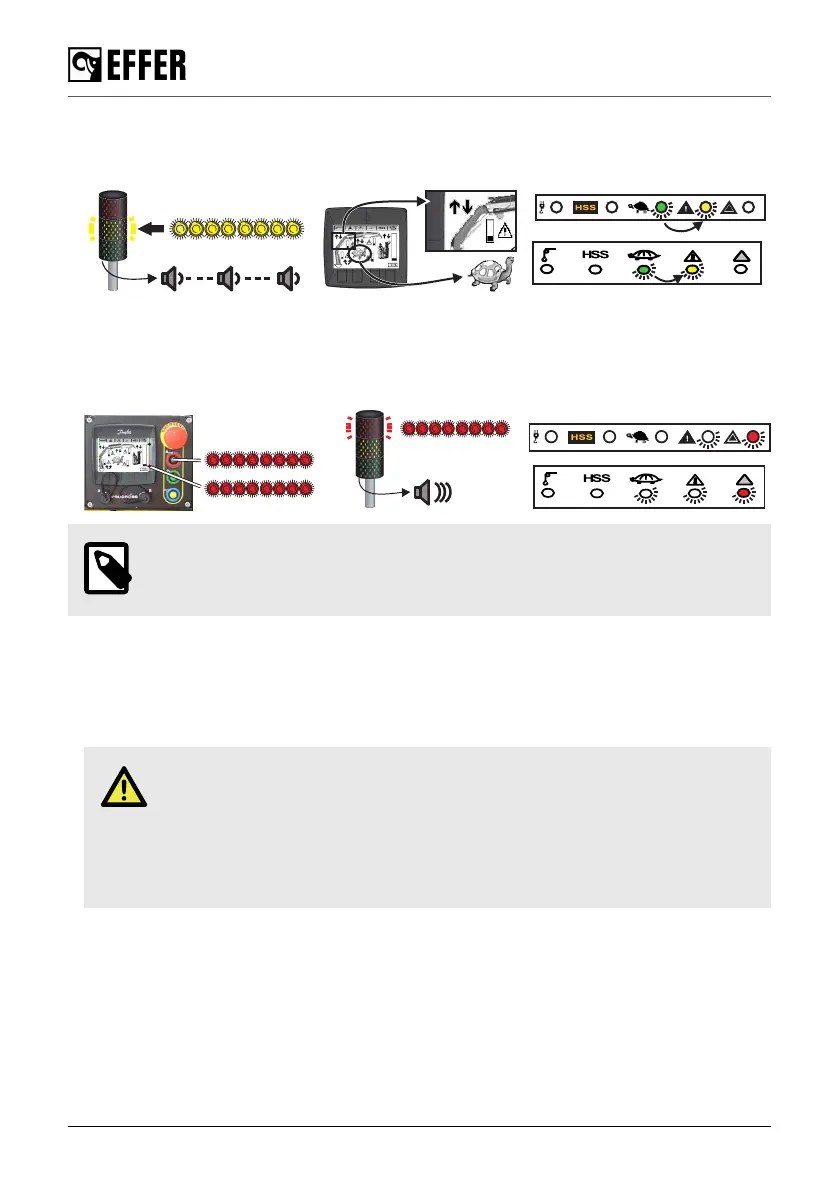
• If a stabiliser leg is no longer in contact with the ground, the system allows crane operation and
shows a warning signal.
• If two stabiliser legs are no longer in contact with the ground, the system stops all crane
movements that could worsen the stability. You can see on the display panel and on the
controller which movements are not allowed and which are still permitted to correct the overload.
Retract the boom extensions to get the crane out of a locked position (it is usually the only
movement allowed in this case).
NOTE
The stabiliser legs overload is considered in the stability calculations.
6.4. Manual extensions [if installed]
Operation with manual extensions:
• Use the manual extensions only when you need the longest outreach, otherwise remove them.
• The manual extension load limits are controlled by Progress.
DANGER
◦ Do not stand in front of moving parts. They may eventually move and cause
injuries.
◦ Before driving with the crane, make sure that you fully retract the manual
extension and lock them correctly. Make sure that they stay within the width of
the truck.
During operation
116 EFFER 265-315-395-525 Progress 2.0 CE



 To Next Page