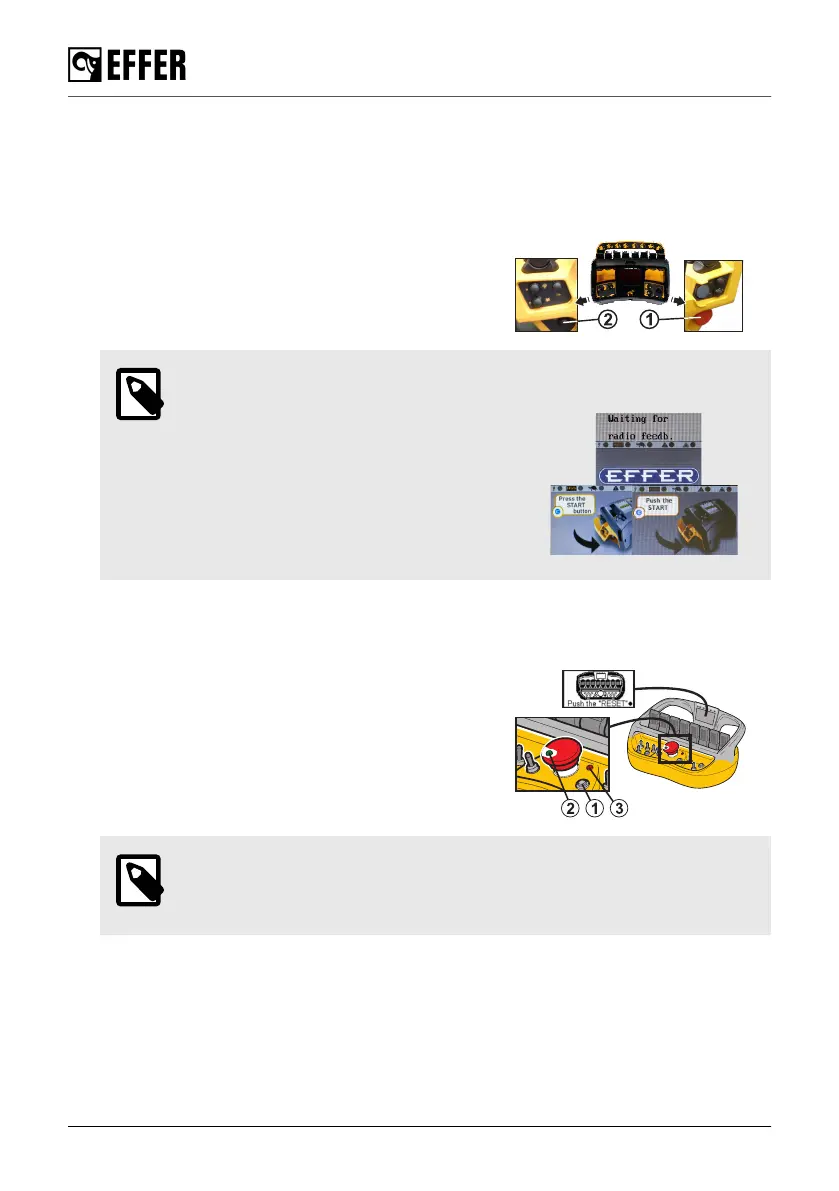
Start the controller
Fasten the controller to a waist belt, or shoulder-/neck strap, in the most comfortable operating
position. The emergency stop button should be on the right-hand side.
STEADY
1. To activate the controller, pull out the emergency
stop button (1) by turning it clockwise.
2. Push button (2) 'On/Reset'.
NOTE
• The home page appears after a few
seconds on the controller display and
on the user panel display.
• When all the emergency stop buttons
are released, a message shows on the
screen to 'Push the START' or 'Press
the START button'.
3. Push button (2) again.
SCANRECO
1. To activate the controller, pull out the emergency
stop button by turning it clockwise.
2. Push button (1) 'On-Off/Reset'.
The LED (2) becomes steady when the controller
is active and LED (3) flashing green indicates
a correct radio communication between the
transmitter and the receiver.
NOTE
When all the emergency buttons are released, a message pops up on the
screen to 'PRESS RESET' or 'PUSH THE RESET'.
3. Push button (1) again.
Starting crane operation
80 EFFER 265-315-395-525 Progress 2.0 CE



 To Next Page