20.5. Indication by EWS3 - Wireless Indoor Siren Indicators
When enabled, the built-in LED indicators of EWS3 wireless indoor siren will ash during the alarm. In the event of burglary, 24-hour or
tamper alarm, EWS3 will ash the blue LED indicators, while in case of a re alarm, the device can ash the red LED indicator. To enable/
disable these features, please refer to the following conguration methods.
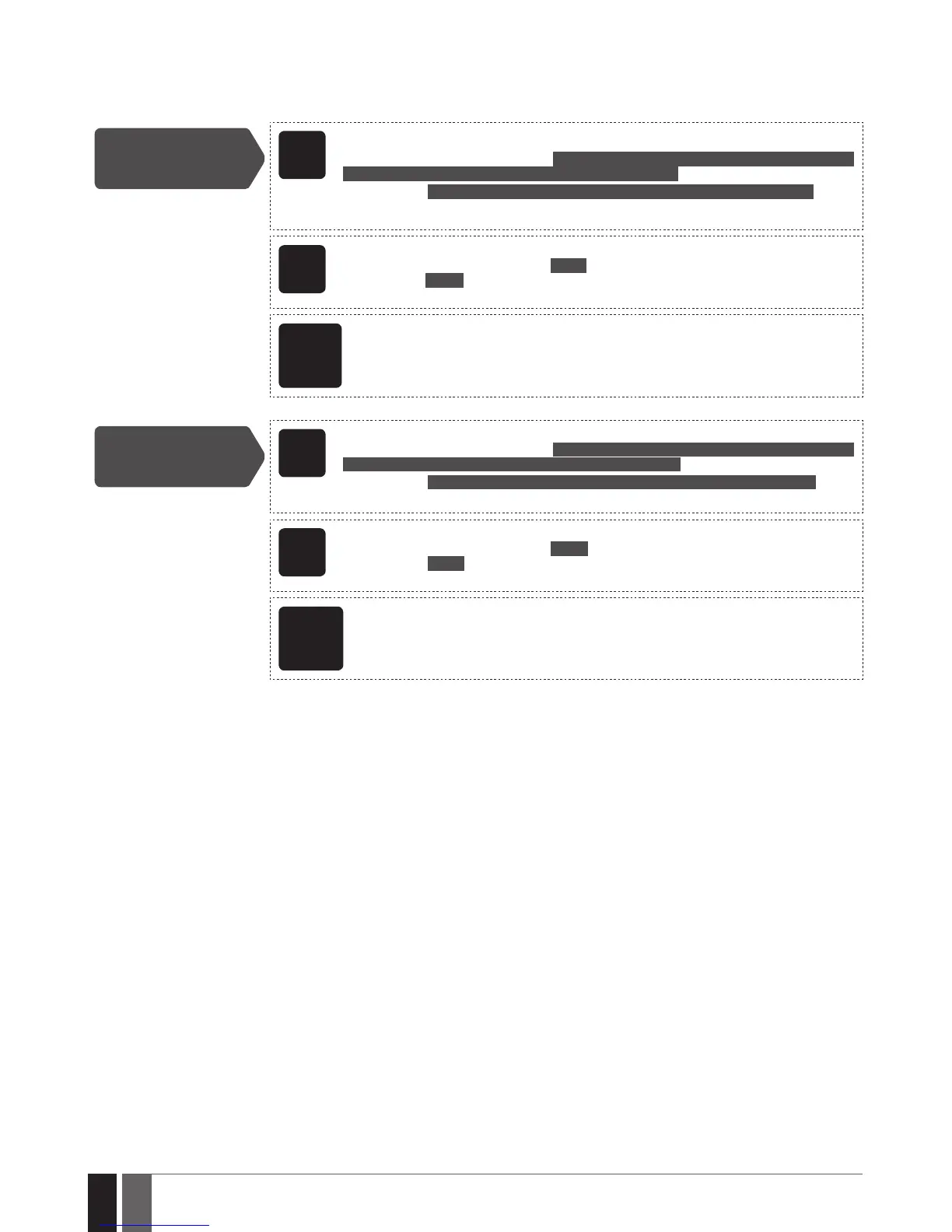
Enable EWS3 LED
indication
EKB2
Menu path:
Burglary/24-hour/tamper alarm LED: OK → iiii → OK → PRIMARY SETT INGS → OK → SIREN
SETTINGS → OK → EWS3 ALARM LED → OK → ENABLE → OK
Fire alarm LED: ... → SIREN SETTINGS → OK → EWS3 FIRE LED → OK → ENABLE → OK
Value: iiii – 4-digit installer code.
EKB3/
EKB3W/
EWKB4
Enter parameter 94/93 and parameter status value:
Burglary/24-hour/tamper alarm LED: 94 1 #
Fire alarm LED: 93 1 #
Example: 931#
ELDES
Cong-
uration
software
This operation may be carried out from the PC using the ELDES Conguration software.
Disable EWS3 LED
indication
EKB2
Menu path:
Burglary/24-hour/tamper alarm LED: OK → iiii → OK → PRIMARY SETT INGS → OK → SIREN
SETTINGS → OK → EWS3 ALARM LED → OK → DISABLE → OK
Fire alarm LED: ... → SIREN SETTINGS → OK → EWS3 FIRE LED → OK → DISABLE → OK
Value: iiii – 4-digit installer code.
EKB3/
EKB3W/
EWKB4
Enter parameter 94/93 and parameter status value:
Burglary/24-hour/tamper alarm LED: 94 0 #
Fire alarm LED: 93 0 #
Example: 940#
ELDES
Cong-
uration
software
This operation may be carried out from the PC using the ELDES Conguration software.



 To Next Page