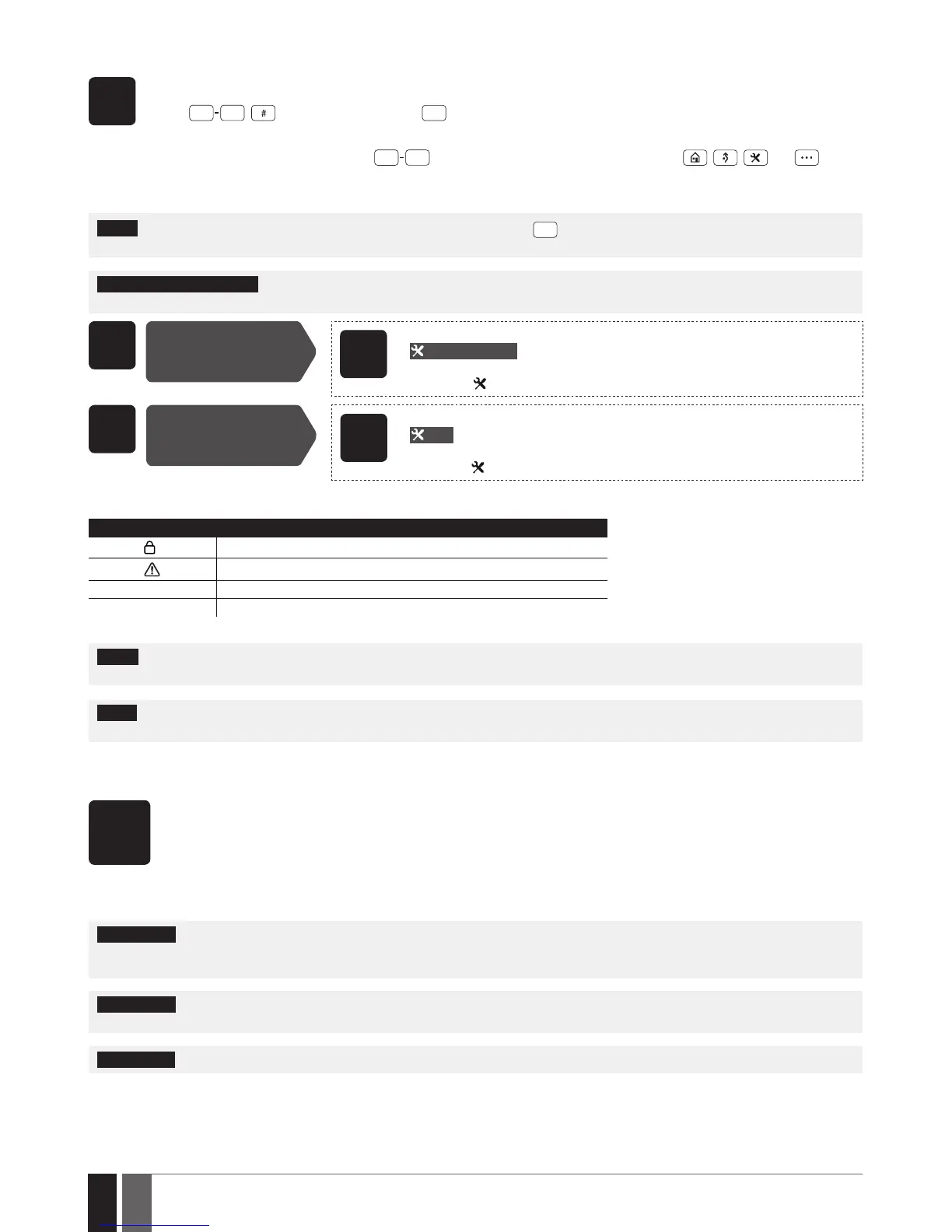
are being pressed. Some commands require , , and keys as
well. The structure of a standard conguration command is a combination of digits. The commands, which do not require the
Conguration mode being activated, are noted. The variables are provided in lower-case letters, while a valid parameter value
range is provided in brackets.
NOTE: If you have accidentally typed in an unnecessary character, please press
key or wait for 10 seconds until the keypad buzzer will
provide a long beep indicating that the typed in characters have been cleared.
NOTE for EKB3W/EWKB4: Even if Back-light Timeout has expired, the character will be considered as typed in once the appropriate EK-
B3W/EWKB4 key is pressed. For more details, please refer to 19.5.3. Wireless Communication, Sleep Mode and Back-light Timeout.
EN50131-1
GRADE 3
Activate
Conguration mode
EKB3/
EKB3W
Enter installer and master codes:
iiiiii mmmmmm #
Value: iiiiii – 6-digit installer code; mmmmmm - 6-digit master code.
Example:
147000111111#
EN50131-1
GRADE 3
Deactivate
Conguration mode
EKB3/
EKB3W
Enter installer code:
iiiiii #
Value: iiiiii – 6-digit installer code.
Example:
147000#
The following table provides a list of EKB3/EKB3W/EWKB4 indications, which are relevant during Conguration mode.
Indication Description
Indicator
ashing
Conguration mode activated successfully.
Indicator
ashing
Valid parameter entered and awaiting for valid value to be entered.
1 long beep Non-existing command or invalid parameter value entered.
3 short beeps Command entered successfully.
NOTE: The default installer code is 1470, while the default master code is 1111. By activating 6-digit password/code format, it will be neces-
sary to extend the installer code, master code and user code by adding 2 extra digits using ELDES Conguration software.
NOTE: The system can be congured using only one keypad at a time. Other connected keypads will be inactive while the Conguration
mode is activated.
5.4. ELDES Conguration software
ELDES
Cong-
uration
Software
ELDES Conguration software is intended for ESIM384 alarm system conguration locally via USB port or remotely via GPRS
network or Ethernet connection (ELAN3-ALARM device required). This software simplies system conguration process by
allowing to use a personal computer in the process. Before starting to use ELDES Conguration software, please read the user
guide provided in the software’s documentation.
5.4.1. Remote Connection
ATTENTION: The system will NOT transmit any data to monitoring station while conguring the system remotely via GPRS network or
Ethernet connection. However, during the remote connection session, the data messages are queued up and transmitted to the monitor-
ing station after the conguration session is over.
ATTENTION: When the Conguration mode is activated by EKB3/EKB3W/EWKB4 keypad or when menu section CONFIGURATION is
opened by the installer using EKB2 keypad, remote system conguration is disabled.
ATTENTION: The keypad (-s) become inactive while the system is being congured remotely.
ELDES Conguration software provides remote system conguration ability via Internet using one of the following methods:
• ELDES proxy server (recommended). The connection can be established on the system via GPRS network or Ethernet using ELAN3-
ALARM communicator.



 To Next Page