View primary and
secondary temperature
sensor slot number
SMS
SMS text message content:
ssss_TEMPI:?
Value: ssss – 4-digit SMS password.
Example: 1111_TEMPI:?
EKB2
Menu path:
Primary: OK → uumm → OK → TEMP SENSORS INFO → OK → 1... 8 tm.p C (PRIM)
Secondary: ... → TEMP SENSORS INFO → OK → 1... 8 tm.p C (SEC)
Value: uumm - 4-digit user/master code; tm.p – real-time temperature value.
ELDES
Cong-
uration
software
This operation may be carried out from the PC using the ELDES Conguration software.
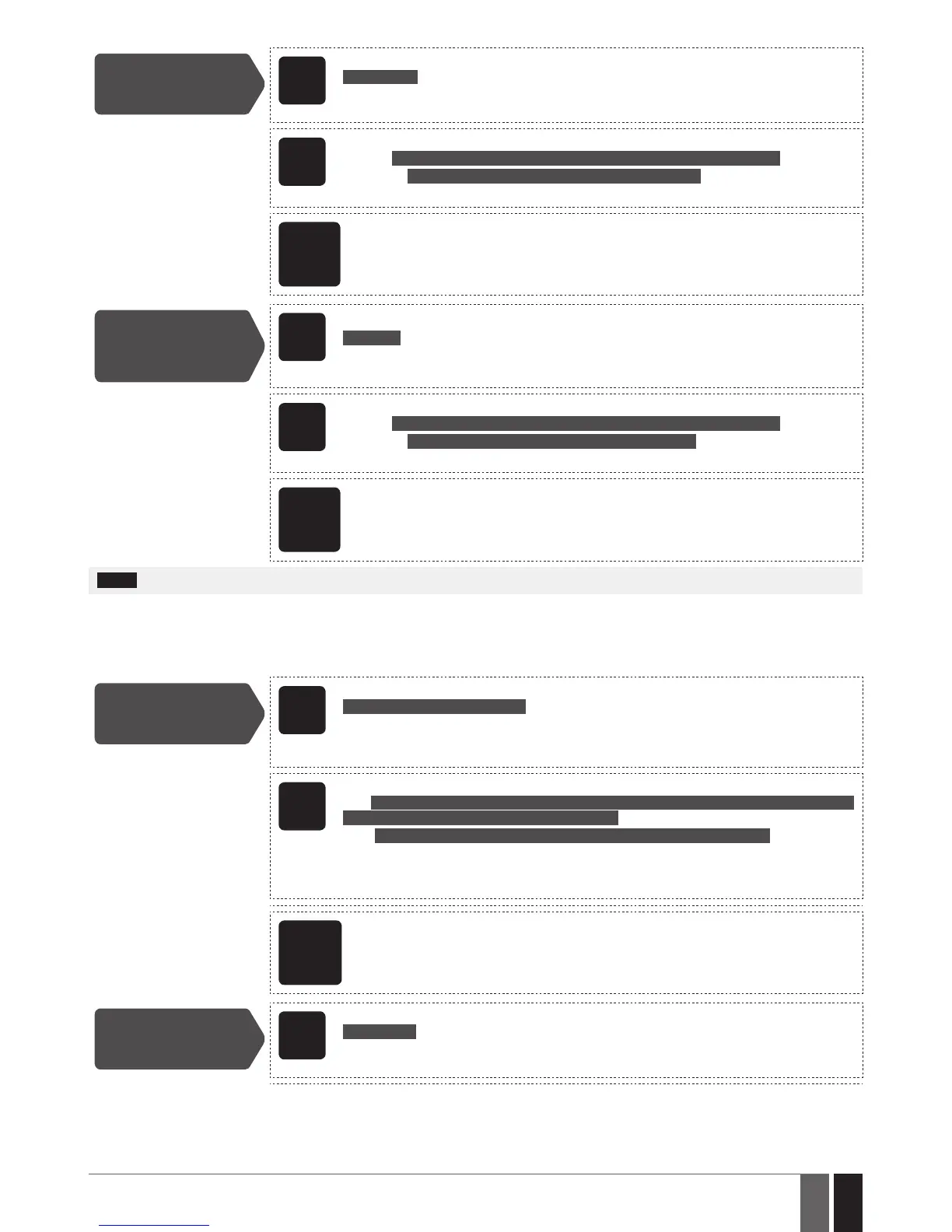
View primary and
secondary temperature
sensor real-time
temperature values
SMS
SMS text message content:
ssss_INFO
Value: ssss – 4-digit SMS password.
Example: 1111_INFO
EKB2
Menu path:
Primary: OK → uumm → OK → TEMP SENSORS INFO → OK → 1... 8 tm.p C (PRIM)
Secondary: ... → TEMP SENSORS INFO → OK → 1... 8 tm.p C (SEC)
Value: uumm - 4-digit user/master code; tm.p – real-time temperature value.
ELDES
Cong-
uration
software
This operation may be carried out from the PC using the ELDES Conguration software.
NOTE: Primary and secondary temperature sensors can be set by a single SMS text message, Example: 1111_TEMPI:PRIM:4,SEC:3
24.3. Setting Up MIN and MAX Temperature Thresholds. Temperature Info SMS
The system supports an SMS text message identied as the Temperature Info SMS, which is automatically delivered to the listed user
phone number if the specied minimum (MIN) or maximum (MAX) temperature threshold of any temperature sensor is exceeded by at
least 1°C. In case of temperature threshold’s is exceeded, an event data message will be sent to the monitoring station
To set the MIN and MAX temperature thresholds for a certain temperature sensor, please refer to the conguration methods.
Set MIN and MAX
temperature
boundaries
SMS
SMS text message content:
ssss_TEMPts:MIN:mnn,MAX:mxx
Value: ssss – 4-digit SMS password; ts - temperature sensor slot, range – [1... 8]; mnn – MIN
boundary, range – [-55... 125] C; mxx - MAX boundary, range – [-55... 125] °C.
Example: 1111_TEMP2:MIN:-5,MAX:28
EKB2
Menu path:
MIN: OK → iiii → OK → PRIMARY SETTINGS → OK → TEMP SENSORS → OK → TEMPERATURE
SENS 1... 8 → OK → TEMP. MIN → OK → mnn → OK
MAX: ... → TEMPERATURE SENS 1... 8 → OK → TEMP. MAX → OK → mxx → OK
Value: iiii – 4-digit installer code; mnn – MIN boundary, range – [-55... 125] °C; mxx - MAX
boundary, range – [-55... 125] °C.
Keys P1 or P2 are used to enter minus character, e.g. -20.
ELDES
Cong-
uration
software
This operation may be carried out from the PC using the ELDES Conguration software.
View MIN and
MAX temperature
boundaries
SMS
SMS text message content:
ssss_TEMPts
Value: ssss – 4-digit SMS password; ts - temperature sensor slot, range – [1... 8].
Example: 1111_TEMP4



 To Next Page