23. PARTITIONS
ESIM384 system comes equipped with a partitioning feature that can divide the alarm system into four independently controlled are-
as identied as Partition 1 through 4, which are all supervised by one alarm system unit. Partitioning can be used in installations where
shared alarm system is more practical, such as a house and a garage or within a single multi-storey building. When partitioned, each system
element, like zone, user phone number, keypad, user/master code, iButton key and wireless keyfob can be assigned to single or multiple
partitions. The user will then be able to arm/disarm the system partition (-s) that the zones and arm/disarm method are assigned to.
The following table reects the values used for system element assignment to partitions when conguring via EKB2/EKB3/EKB3W/
EWKB4 keypad. A sum of values is used to assign the element to multiple partitions.
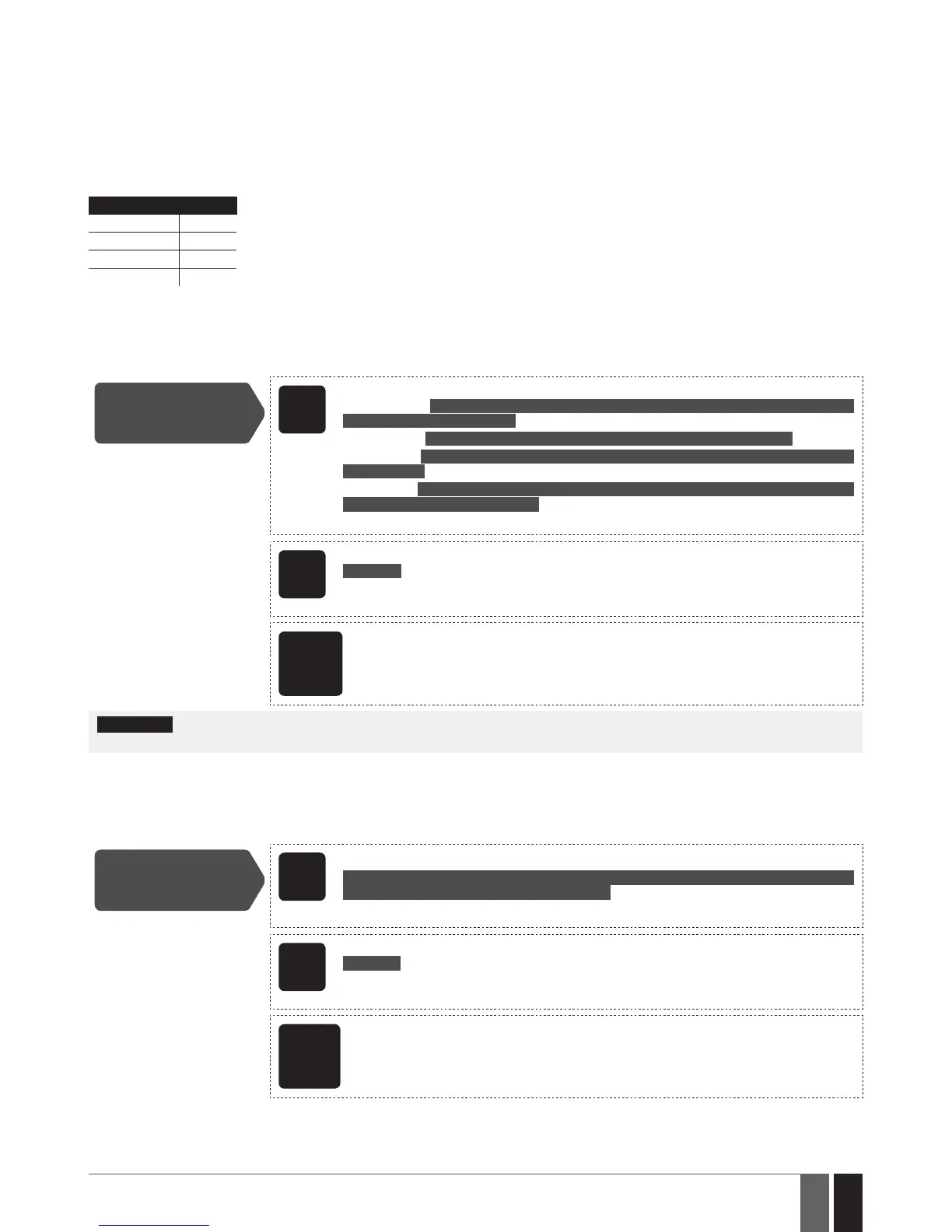
Partition Value
Partition 1 1
Partition 2 2
Partition 3 4
Partition 4 8
Example1: The user wants to assign a certain iButton key to Partition 4 only. According to the table value 8
reects Partition 4. He would then have to enter value 8.
Example2: The user wants to assign a certain user code to Partition 2 and 3. According to the table value 2 re-
ects Partition 2, while value 4 reects Partition 3, therefore 2 + 4 = 6. He would then have to enter value 6.
Example3: The user wants to assign a certain zone to Partition 1, 3 and 4. According to the table value 1 re-
ects Partition 1, while values 4 and 8 reect Partitions 3 and 4 respectively, therefore 1 + 4 + 8 = 13. He
would then have to enter value 13.
23.1. Zone Partition
Zone partition determines which system partition (-s) the zone will operate in.
Set zone partition
EKB2
Menu path:
On-board zone: OK → iiii → OK → ZONES → OK → ONBOARD ZONES → OK → ZONE 1... 16 → OK
→ PARTITION → OK → pv → OK
Wireless zone: ... → WIRELESS ZONE 13... 80 → OK → PARTITION → OK → pv → OK
Keypad zone: ... → KEYPAD ZONES → OK → 1ST... 4TH KEYPAD ZONE → OK → PARTITION →
OK → pv → OK
EPGM1 zone: ... → EPGM1 ZONES 1-16... EPGM1 ZONES 17-32 → OK → EPGM1 ZONE 1... 32 →
OK → PARTITION → OK → pv → OK
Value: iiii – 4-digit installer code; pv – partition value, range – [1... 15] (see 23. PARTITIONS).
EKB3/
EKB3W/
EWKB4
Enter parameter 57, zone number and partition value:
57 nn pv #
Value: nn – zone number, range – [01... 80]; pv – partition value, range – [1... 15].
Example: 57032#
ELDES
Cong-
uration
software
This operation may be carried out from the PC using the ELDES Conguration software.
ATTENTION: Wireless siren EWS2/EWS3 siren will sound only if wireless zone of the siren is assigned to the same partition as the one that
has been alarmed.
23.2. User Phone Number Partition
User phone number partition determines which system partition (-s) can be armed/disarmed from a certain user phone number by dialing
system’s phone number or sending an SMS text message.
Set user phone
number partition
EKB2
Menu path:
OK → iiii → OK → PRIMARY SETTINGS → OK → CALL/SMS SETTINGS → OK → USERS → OK →
GSM USER 1... 10 → OK → PARTITION → pv → OK
Value: iiii – 4-digit installer code; pv – partition value, range – [01... 15].
EKB3/
EKB3W/
EWKB4
Enter parameter 59, user phone number slot and partition value:
59 us pv #
Value: us – user phone number slot, range – [01... 10]; pv – partition value, range – [01... 15].
Example: 591013#
ELDES
Cong-
uration
software
This operation may be carried out from the PC using the ELDES Conguration software.



 To Next Page