30. MONITORING STATION
The system can be congured to report events to the monitoring station by transmitting data messages to the monitoring station. The
system connects to the monitoring station when the MS (Monitoring Station) mode is enabled.
When using the MS mode, the data messages transmitted to the monitoring station (see 30.1. Data Messages - Events) will gain the
highest priority for the delivery, therefore based on the communication method (see 30.2. Communication), a constant and stable con-
nection with the monitoring station must be ensured. In case of connection failure, the system will attempt to restore the connection
and if the monitoring is unavailable for a lengthy period of time, the system might consume a large amount of voice calls/data resulting in
additional charges applied by the GSM operator according to the cell phone service plan.
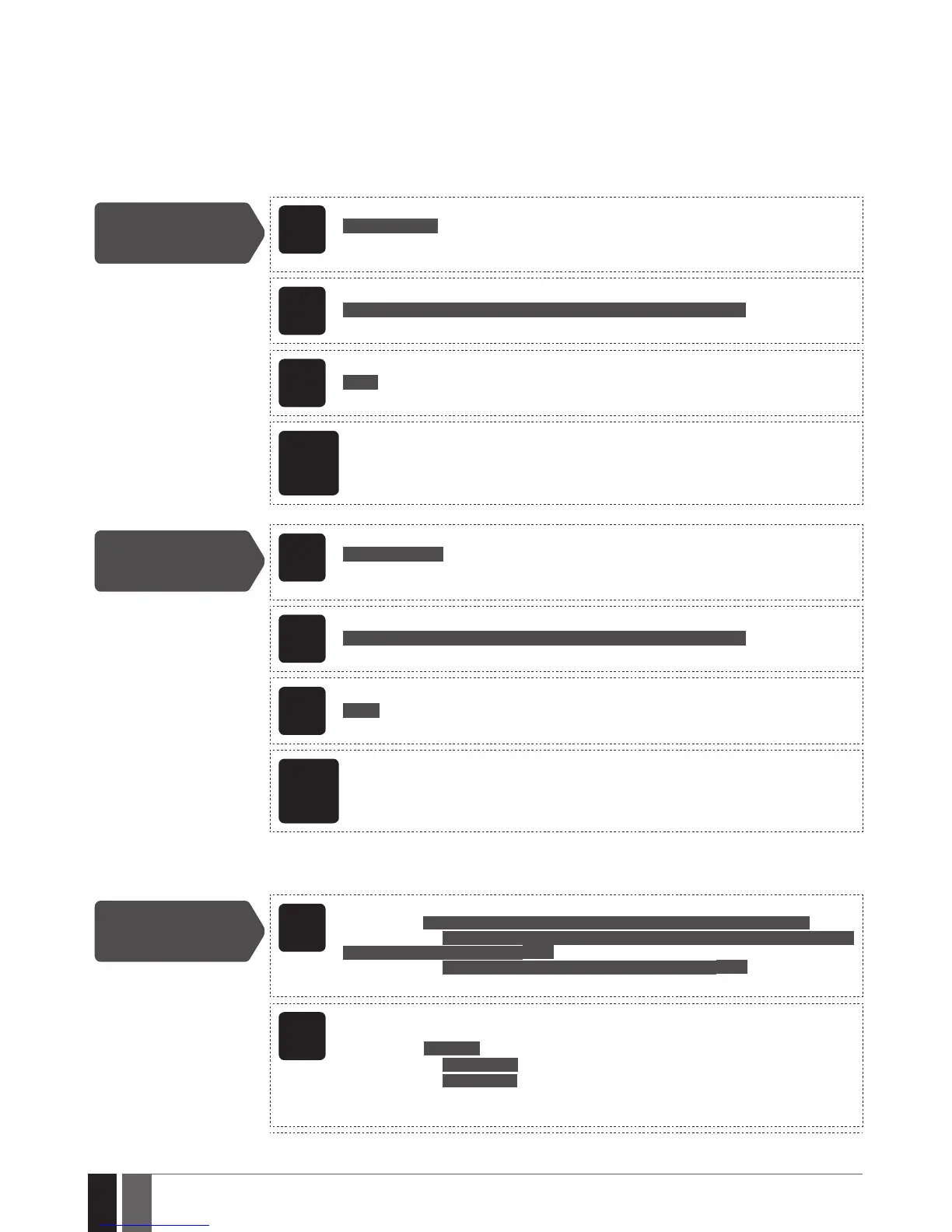
Enable MS mode
SMS
SMS text message content:
ssss_SCNSET:ON
Value: ssss – 4-digit SMS password.
Example: 1111_SCNSET:ON
EKB2
Menu path:
OK → iiii → OK → MS SETTINGS → OK → MS MODE → OK → ENABLE → OK
Value: iiii – 4-digit installer code.
EKB3/
EKB3W/
EWKB4
Enter parameter 23 and parameter status value:
23 1 #
Example: 231#
ELDES
Cong-
uration
software
This operation may be carried out from the PC using the ELDES Conguration software.
Disable MS mode
SMS
SMS text message content:
ssss_SCNSET:OFF
Value: ssss – 4-digit SMS password.
Example: 1111_SCNSET:OFF
EKB2
Menu path:
OK →iiii → OK → MS SETTINGS → OK → MS MODE → OK → DISABLE → OK
Value: iiii – 4-digit installer code.
EKB3/
EKB3W/
EWKB4
Enter parameter 23 and parameter status value:
23 0 #
Example: 230#
ELDES
Cong-
uration
software
This operation may be carried out from the PC using the ELDES Conguration software.
Account is a 4-character combination (By default – 9999) required to identify the alarm system unit by the monitoring station. The combi-
nation may consist of digits [0... 9] and letters [A... F] (can be set using ELDES Conguration software only). Server 2 Account and Server 3
Account are used only when necessary to set up to 3 server IP addresses (see 30.2.1. GPRS Network and ELAN3-ALARM)
Set account
EKB2
Menu path:
Main Account: OK → iiii → OK → MS SETTINGS → OK → ACCOUNT → OK → cccc → OK
Server 2 Account: OK → iiii → OK → MS SETTINGS → OK → IP SETTINGS → OK → SERVER2 IP
→ OK → ACCOUNT → OK → cccc → OK
Server 3 Account: ... → SERVER3 IP → OK → ACCOUNT → OK → cccc → OK
Value: iiii – 4-digit installer code; cccc – 4-character account, range - [0000... 9999].
EKB3/
EKB3W/
EWKB4
Enter parameter 27 and account number/parameter 96, parameter number and
account number:
Main Account: 27 cccc #
Server 2 Account: 96 12 cccc #
Server 3 Account: 96 13 cccc #
Value: cccc – 4-character account, range - [0000... 9999].
Example: 278853#



 To Next Page