22.2. GSM/GPRS antenna Status Monitoring
The system constantly monitors the GSM/GPRS antenna status. If the GSM/GPRS antenna is disconnected/cut-o, the system may send
notication by SMS text message (by default - disabled) to the listed user and the keypad will indicate system fault condition (see 29. IN-
DICATION OF SYSTEM FAULTS). Once the antenna is connected/xed, the system may notify the user by SMS text message (by default
- disabled) and the keypad will no longer indicate system fault.
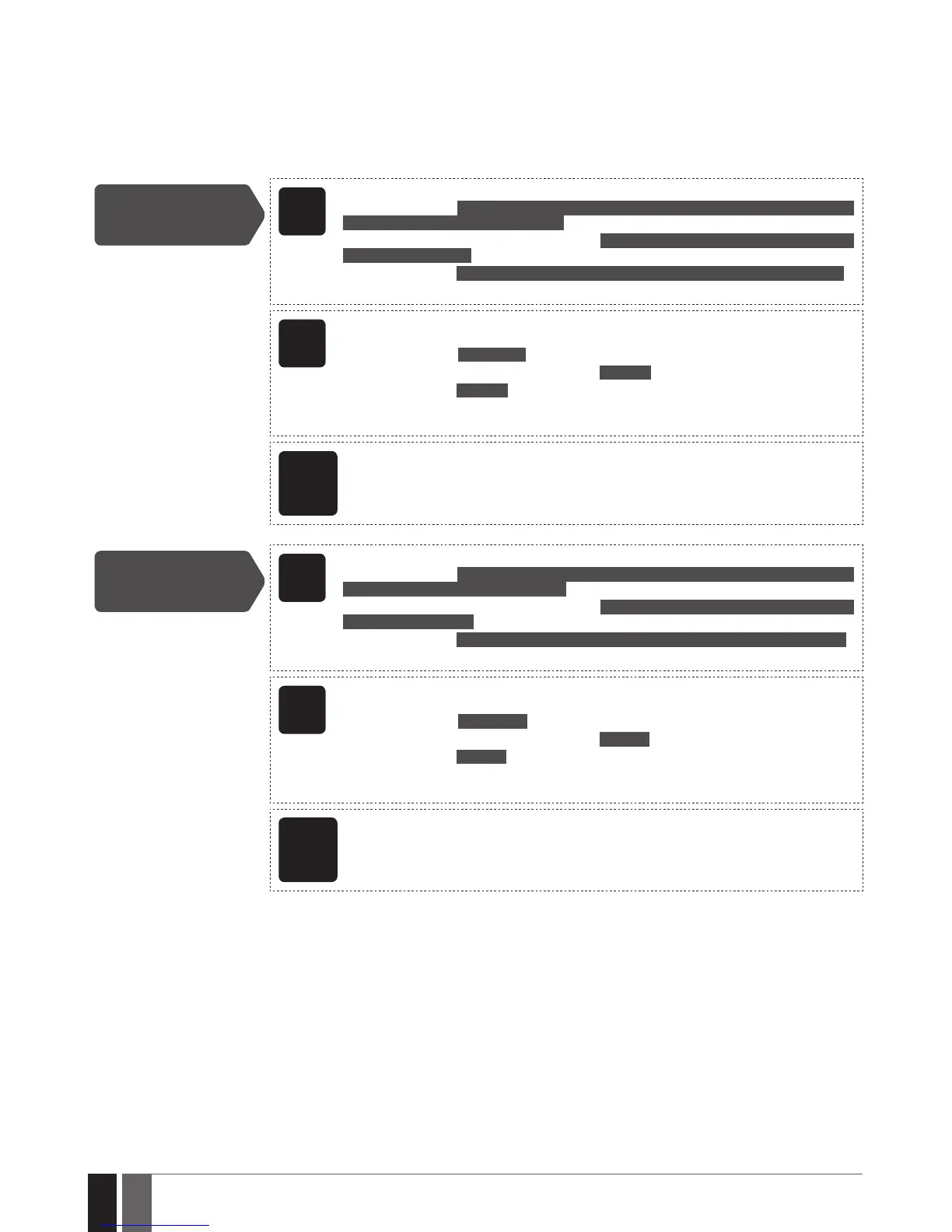
By default, the notication by SMS text message regarding the GSM/GPRS antenna status is disabled. To enable/disable this notication,
please refer to the following conguration methods.
Enable GSM/GPRS
Antenna Fail/Restore
notication
EKB2
Menu path:
User phone number: OK → iiii → OK → SMS MESSAGES 2 → OK → GSM ANT FAIL/REST → OK →
GSM USER 1... 10 → OK → ENABLE → OK
SMS text message to all users simultaneously: ... → GSM ANT FAIL/REST → OK → SMS TO ALL
→ OK → ENABLE → OK
SMS delivery report: ... → GSM ANT FAIL/REST → OK → SMS REPORT → OK → ENABLE → OK
Value: iiii – 4-digit installer code.
EKB3/
EKB3W/
EWKB4
Enter parameter 25/21/55, event number, user phone number slot and parameter
status value:
User phone number: 25 12 up 1 #
SMS text message to all users simultaneously: 21 12 1 #
SMS delivery report: 55 12 1 #
Value: up - user phone number slot, range - [01... 10].
Example: 2512031#
ELDES
Cong-
uration
software
This operation may be carried out from the PC using the ELDES Conguration software.
Disable GSM/GPRS
Antenna Fail/Restore
notication
EKB2
Menu path:
User phone number: OK → iiii → OK → SMS MESSAGES 2 → OK → GSM ANT FAIL/REST → OK →
GSM USER 1... 10 → OK → DISABLE → OK
SMS text message to all users simultaneously: ... → GSM ANT FAIL/REST → OK → SMS TO ALL
→ OK → DISABLE → OK
SMS delivery report: ... → GSM ANT FAIL/REST → OK → SMS REPORT → OK → DISABLE → OK
Value: iiii – 4-digit installer code.
EKB3/
EKB3W/
EWKB4
Enter parameter 25/21/55, event number, user phone number slot and parameter
status value:
User phone number: 25 12 up 0 #
SMS text message to all users simultaneously: 21 120 #
SMS delivery report: 55 120 #
Value: up - user phone number slot, range - [01... 10].
Example: 2512030#
ELDES
Cong-
uration
software
This operation may be carried out from the PC using the ELDES Conguration software.
For more details on how Send SMS text message to all users simultaneously and SMS Cascade parameters aect the SMS text message
transmission, please refer to 27. SYSTEM NOTIFICATIONS.



 To Next Page