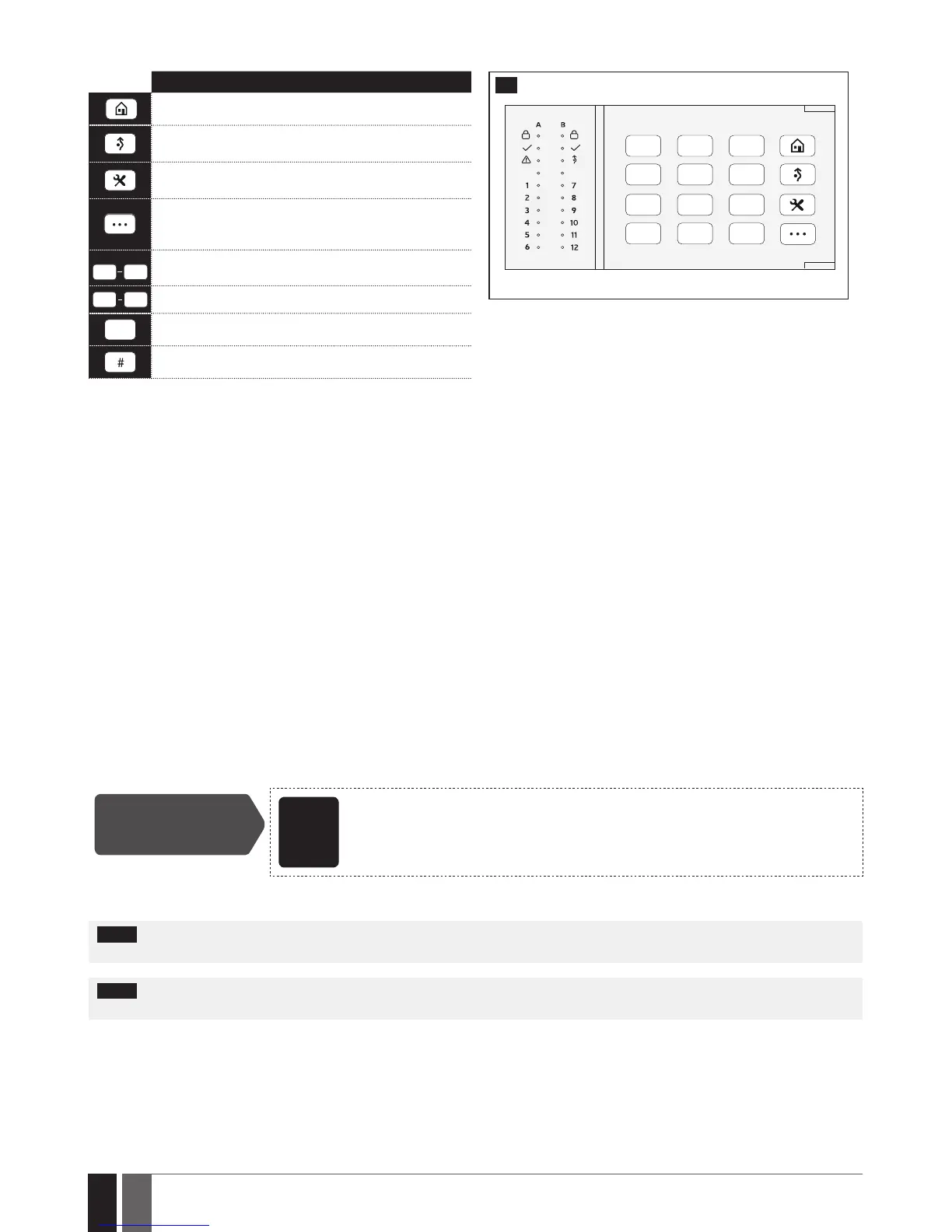
Command typing
1 2
Keypad partition switch
*
Clear typed in characters
Typed in command confirmation
19.5.3. Wireless Communication, Sleep Mode and Back-light Timeout
Once the wireless device is paired, it will attempt to exchange data with ESIM384 system. The communication process follows this pattern:
1. Due to battery power saving reasons, most of the time EKB3W/EWKB4 keypad operates in sleep mode and periodically wakes up (by
default - every 5 minutes) to transmit the supervision signal, identied as Test Time, to the ESIM384 system. However, when the keypad
wakes up, it will NOT activate its buzzer and/or the LED indicators.
2. When any EKB3W/EWKB4 key is pressed, the keypad LED indicators and the back-light will activate for a set up period of time (by default -
10 seconds), identied as Back-light Timeout. During the Back-light Timeout, the Test Time will automatically switch to 2 seconds period
allowing to indicate system alarms, faults and arm/disarm process on the EKB3W/EWKB4 keypad if it is assigned to the same partition as
the one that is violated or being armed/disarmed (see 23. PARTITIONS).
3. The Back-light timeout will expire after 10 seconds (by default) of EKB3W/EWKB4 idling. When the Back-light Timeout expires, the key-
pad will light OFF the LED indicators and the back-light and return to sleep mode. Meanwhile:
a) if a zone or tamper, which is of the associated EKB3W/EWKB4 keypad, is violated, EKB3W/EWKB4 will instantly wake up and initiate
the Back-light Timeout. Meanwhile the keypad buzzer will emit short beeps and the LED indicators will light ON indicating the violated
zone or tamper number.
b) if a zone or tamper, which is not of the associated EKB3W/EWKB4 keypad, is violated, EKB3W/EWKB4 keypad will NOT wake up and will
NOT initiate the Back-light Timeout as well as the buzzer will NOT emit short beeps and the LED indicators will NOT light ON.
To set a dierent Back-light Timeout value, please refer to the following conguration method:
Set Back-light
Timeout
ELDES
Cong-
uration
software
This operation may be carried out from the PC using the ELDES Conguration software.
For more details and how to set a dierent Test Time value, please refer to ELDES Conguration software.
NOTE: By default, the keypad zone and tamper is enabled, therefore a resistor supplied with the EKB3W/EWKB4 keypad must be connect-
ed to the keypad zone terminal and the tamper switch must be properly pressed in when inserting the keypad into the holder.
NOTE: To wake up the keypad it is highly recommended to press the [*] key in order not to enter any unnecessary character. If other
character is pressed it is already counted in characters sequence meant for arming/disarming or conguration.



 To Next Page