PI-135 OPERATOR’S MANUAL
112
value between 10 km and 30 km, otherwise it will take the
reported value such as i.e. 24 km or 15 sm.
WIND AND GUSTS
ELITE calculates the weather between the METAR
conditions received by the Aircraft. If the wind is 270° and
the next available METAR station reads 260°, ELITE will
constantly update the wind from 270° to 269, 268, 267
etc. until reaching 260°. The same ap pears for all other
values such as wind speed, cloud coverage, temperature,
dew point, visibility and QNH/ALT. The symbols used in
the METAR page are ICAO standard. When gusts are
reported, ELITE will set the appropriate wind speed and
turbulence to level 2 for a short period.
USING THE METAR PAGE
Open the METAR page through the menu bar in the lower
right corner or type ‘alt & R’ on your keyboard.
NOTE: Active METAR is only available with GenView™
vi su al databases.
Once in the METAR page, you have the choice of se lect ing
existing METAR conditions which have been previously
downloaded from the Internet or you can download current
METAR conditions online through the use of the D-LOAD
func tion.
USING EXISTING METAR DATA
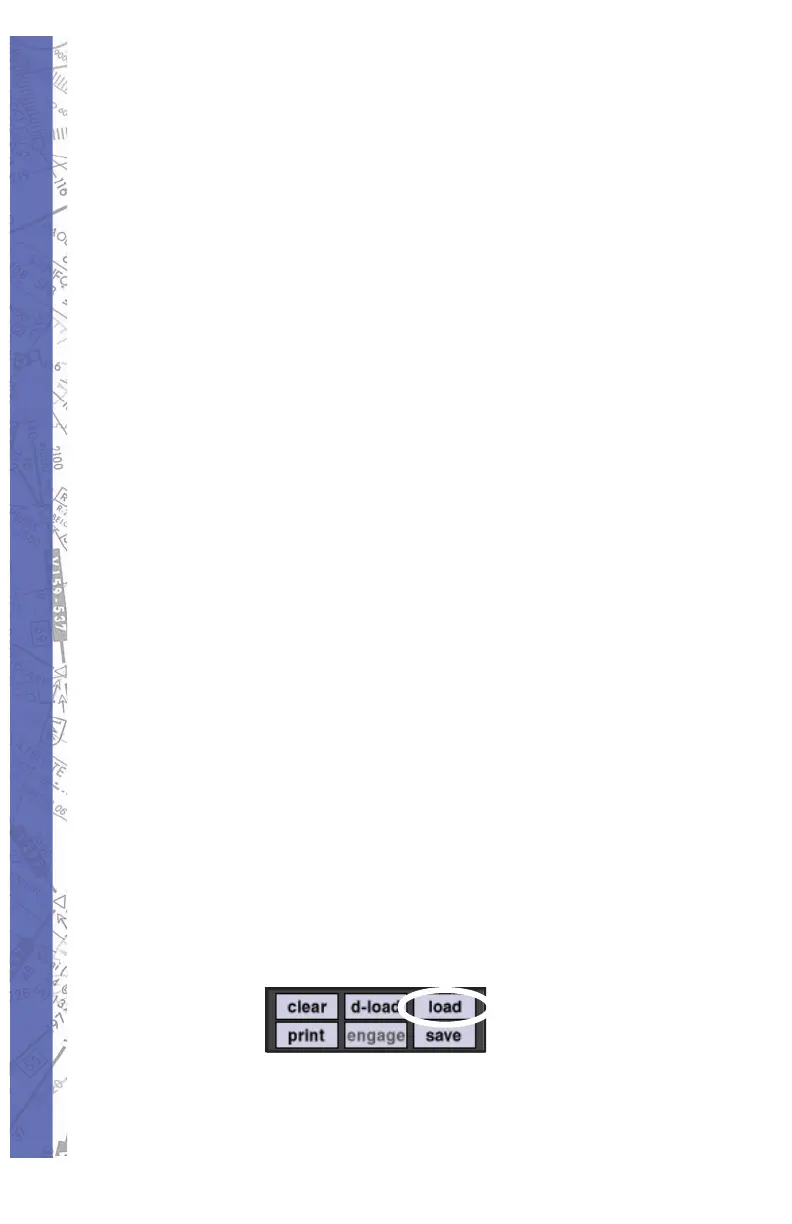
Press the 1. LOAD button on the METAR page
to open existing METAR fi les previously
saved to your hard drive.
From the directory list select the METAR 2.
fi le. (i.e. 05Z.TXT) 05Z means zulu time,
434.5Kb is the size of the fi le and May 29


 To Next Page