PI-135 OPERATOR’S MANUAL
144
VISUAL SETTINGS
When the “Visual Set tings always store in Pref er ence File”
button is ON, all vi su al set tings se lect ed on the Con trol
page are stored.
PASSWORD PROTECTION
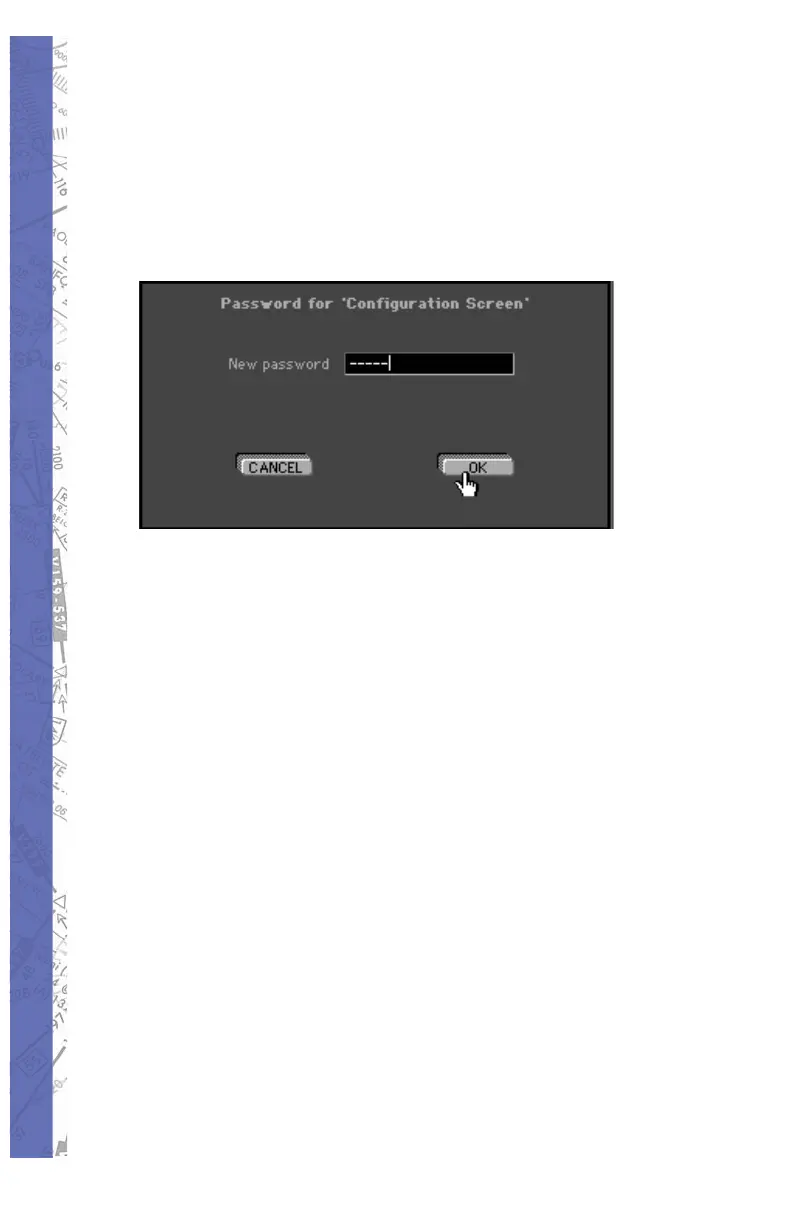
You may protect the Confi guration and Mod i fi ca tion
pages with a pass word. Click on the SET button, type a
password and follow remove in struc tions on the screen.
Click OK to save the settings. To delete the password, click
the SET button and enter the pass word. When asked for a
new password, select OK with the pass word fi eld blank.
TIME DIFFERENCE LT TO UTC
For ELITE to properly cal cu late daylight (sunrise and sun set)
times, you must set the difference be tween your local time
(LT) and UTC (Zulu) time. First ver i fy that your com put er’s
clock is set correctly. Click on the SET button. Cal cu late your
local time using 12:00UTC as a ref er ence. For example in
Orlando, Flor i da (UTC-5) you would set the local time value to
07:00, i.e. 12:00UTC - 5Hrs = 07:00. For periods of Day light
Saving Time (UTC-4) in Orlando, this val ue would be set to
08:00.
To have ELITE perform this calculation automatically
(recommended) simply click the “Take Local Time from
Computer” SET button.



 To Next Page