37
CHAPTER 1: Assembly and Startup
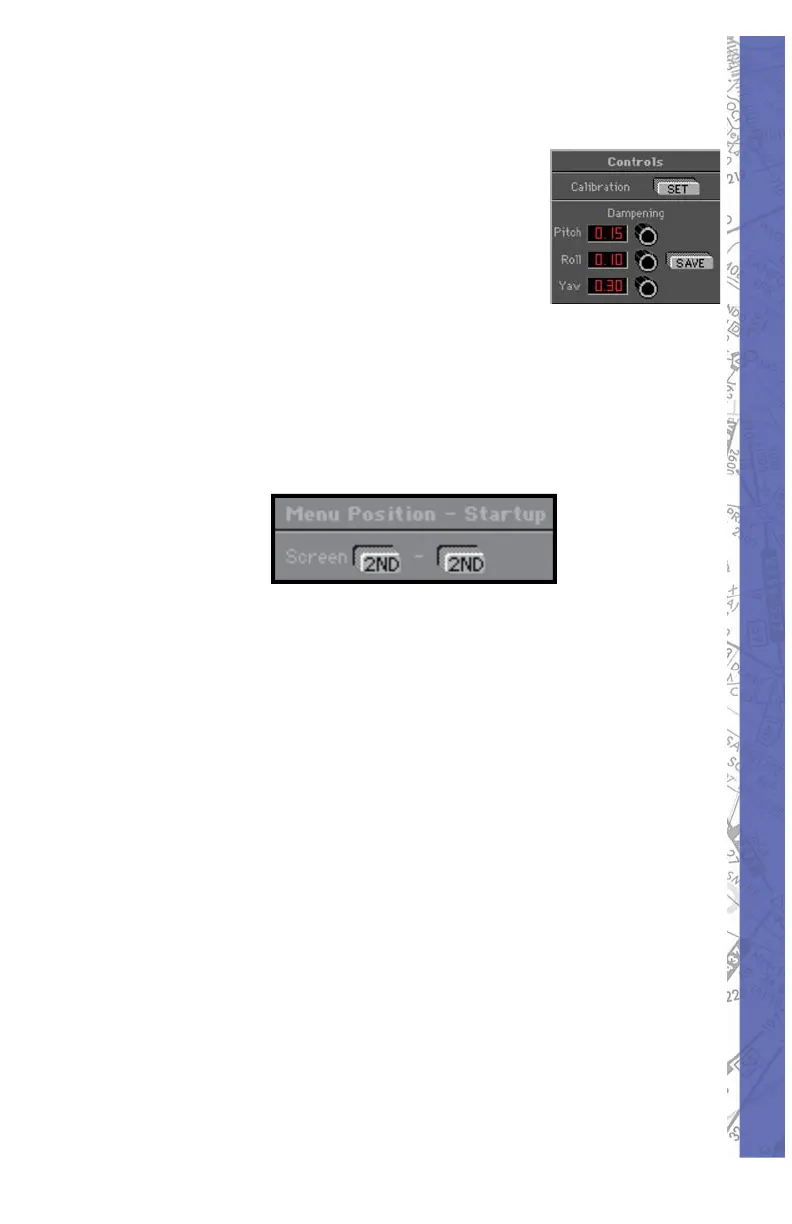
Adjusting control sensitivity:
Control dampening is de signed to
de sen si tize or add slop to the controls.
Start with low to mid-range values and
adjust to your sat is fac tion. Yaw usu al ly
requires more dampening than pitch
or roll. Click on SAVE to store new
dampening values after ad just ment.
Numbers between 0.00 (no dampening) and 0.20
(max i mum dampening) change the sensitivity of fl ight
con trol devices.
SECOND MON I TOR
If you are using an ELITE system with a 2
nd
(in struc tor’s
sta tion) monitor, an ad di tion al dis play panel will appear
be low the Color for Digits pan el. Pressing the 2ND
SCREEN button assigns the program menu to the 2
nd
monitor. This allows someone sitting at the in struc tor’s
station easier access to the pro gram menu and features.



 To Next Page