PI-135 OPERATOR’S MANUAL
150
MODIFYING FACILITIES
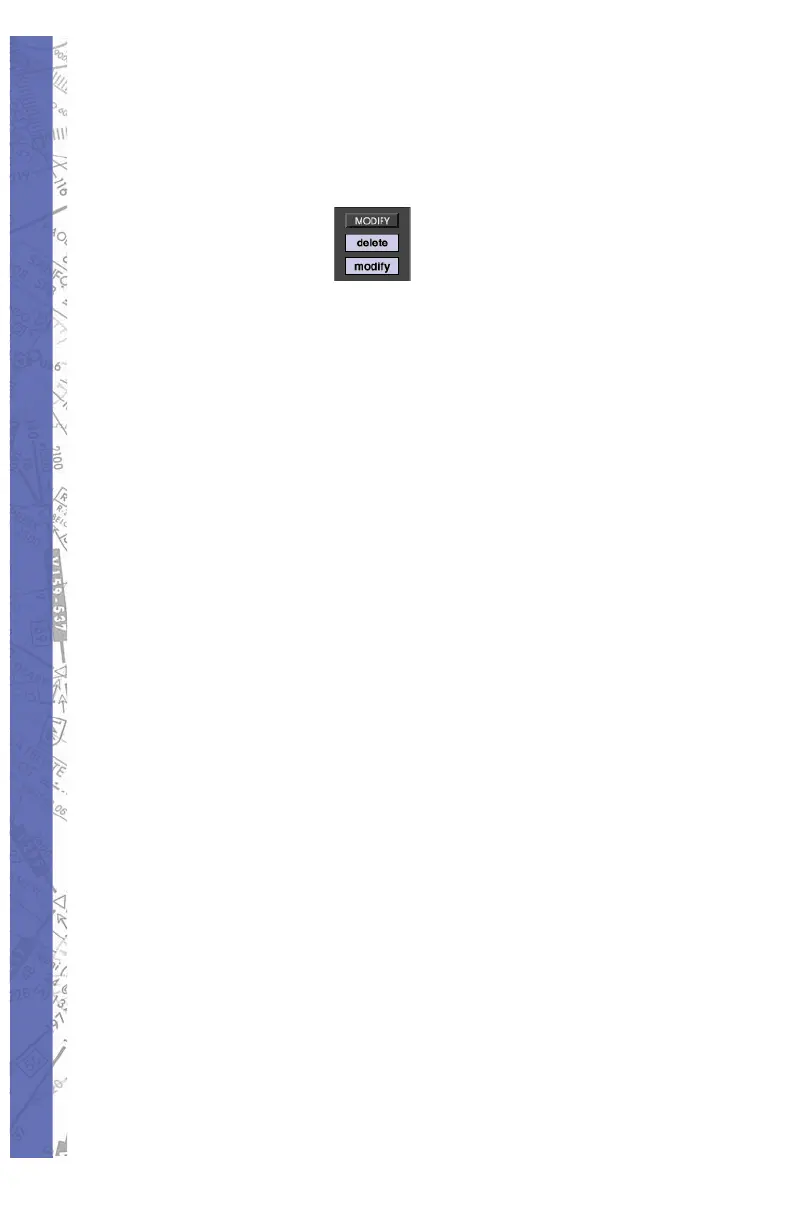
Any facility can be mod i fi ed by us ing the MOD I FY button,
shown on the Mod i fy pan el.
Click on the MODIFY button and then the de sired fa cil i ty to
be changed. A window will ap pear with the specifi c data of
the facility. Data can be changed and the change will take
effect after click ing on the OK button.
DELETING FACILITIES
Facilities can be deleted as well as created and mod i fi ed.
Click on the DELETE button fi rst and then on the facility
you want to delete.
A pop-up window will ask for ver i fi ca tion be fore the deletion
takes place.
NOTE: A de le tion or mod i fi ca tion does not mod i fy the
original da ta base fi le on your hard disk, but only a copy of
the data.
If you choose to delete an original facility that has al ready
been modifi ed, a pop-up window asks for ver i fi ca tion to
delete the modifi cation.
If you choose to delete a self-created facility, the pop-up
window will ask you if you really want to ir re vo ca bly delete
your self-created facility.
After creating, modifying or deleting a facility, click on the
OK button to con fi rm the changes.
If you click on the CANCEL button, all previous in struc tions
are cancelled and you return to the Mod i fi ca tion page.
All self-created and modifi ed facilities are dis played in red
on the Modifi cation page. When changing to the Map
page, your modifi cations have the same ap pear ance and



 To Next Page