ELITE OPERATOR’S MANUAL
174
The length of the runway defi nes the amount 4.
of taxiway exits:
Runway length smaller 2500 ft 2 exits
Runway length smaller 4500 ft 3 exits
Runway length smaller 6500 ft 4 exits
Runway length equal or longer 6500 ft 5 exits
ADJUSTING THE INSTRUMENT PANEL
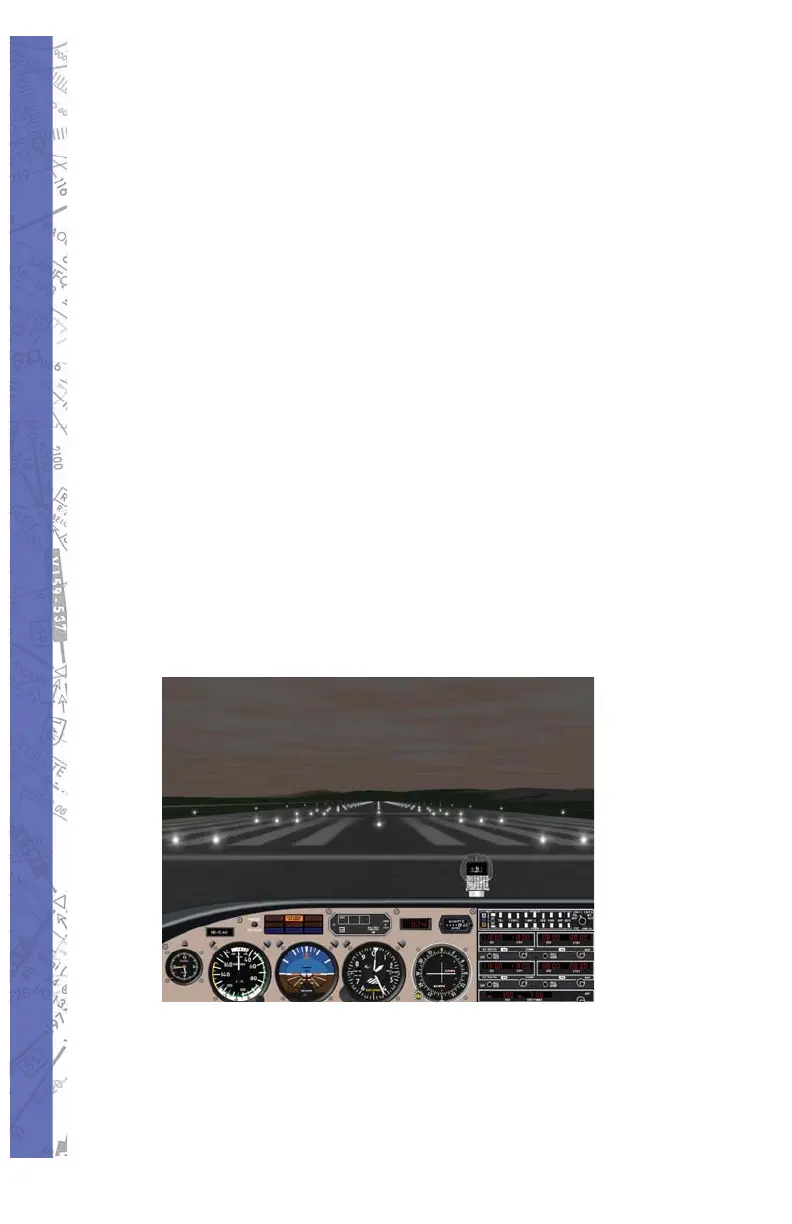
While fl ying in GenView, you can control the size of the
visual display with a simple “click and drag” on the dash
board, scroll of a mouse wheel or keyboard for increased
viewing area. The keyboard commands to lower and raise
the instrument panel are Control & Page Up, Control &
Page Down, Control & Home, Control & End.
Use Shift & left arrow and Shift & right arrow for a maximum
of 150° side view to each side and Shift & up cursor for
front view. Use the Shift & Ins for a left 90° degrees view
or Shift & Del for a right 90° degrees view. ”Click and Drag”
on the dashboard to increase viewing area.
Piper Archer III



 To Next Page