PI-135 OPERATOR’S MANUAL
152
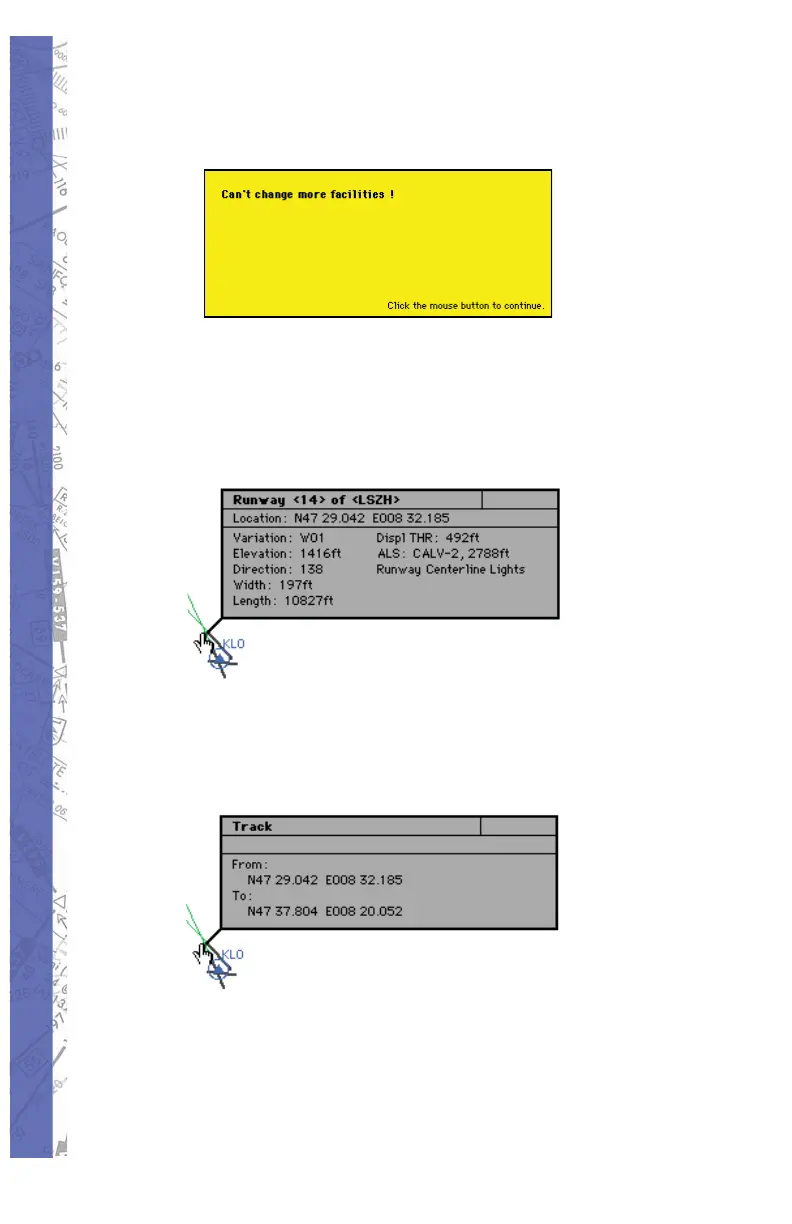
When 200 modifi cations have been made the fol low ing
message appears:
FACILITY INFO
Click and hold the mouse on any facility to display detailed
information about that facility. For run way information, click
on the run way thresh old.
When facilities are in the same location or cov ered by other
ones, click on the same spot once more and in for ma tion
about the next facility will appear.
In the example above, several facilities nearly oc cu py the same
location or are co-located. In for ma tion on these facilities is
layered. Clicking the same spot re peat ed ly cycles through
these layers to reveal in for ma tion about each specifi c
facility.



 To Next Page