PI-135 OPERATOR’S MANUAL
26
HARDWARE INSTALLATION
Connect the USB Key to a USB port or hub.1.
Connect fl ight controls as applicable. Refer 2.
to the Elite Hardware Installation Manual for
detailed connection information.
Connect power to devices requiring external 3.
power (avionics panels, fl ight consoles, etc.)
as applicable.
MULTI-MONITOR SETUP
When using Windows XP or 2000, ELITE can be set up
to operate using up to three displays. On a single monitor
setup, ELITE switches between the instrument, map, and
other control screens using the menu at the bottom right
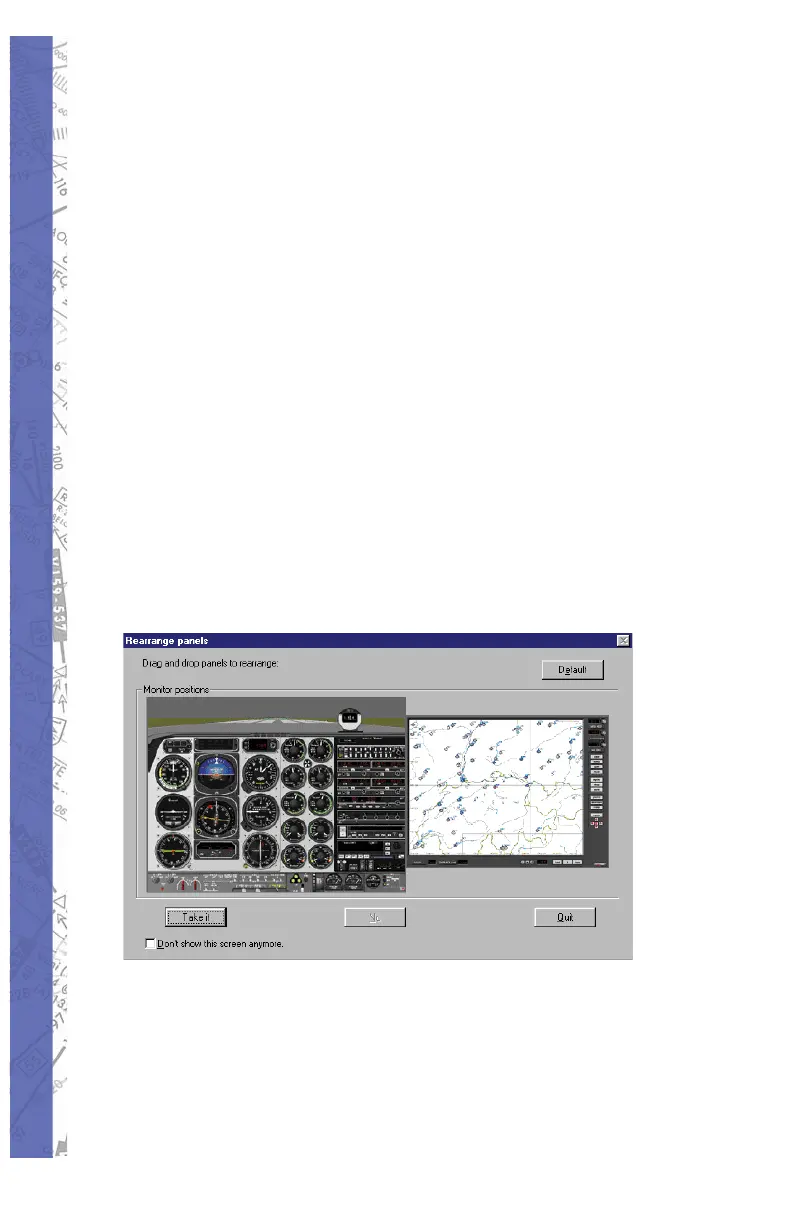
of the main instrument screen. When starting the program
with multiple displays detected, it will prompt for the
arrangement of the displays as shown.
TWO DISPLAYS
One display will stay fi xed to the instrument panel screen.
The second display defaults to the Map screen and can be
switched between the Control, Meteo, Confi guration, and
Modifi cation screens.



 To Next Page