135
CHAPTER 2: Instructor / Operator’s Station (IOS)
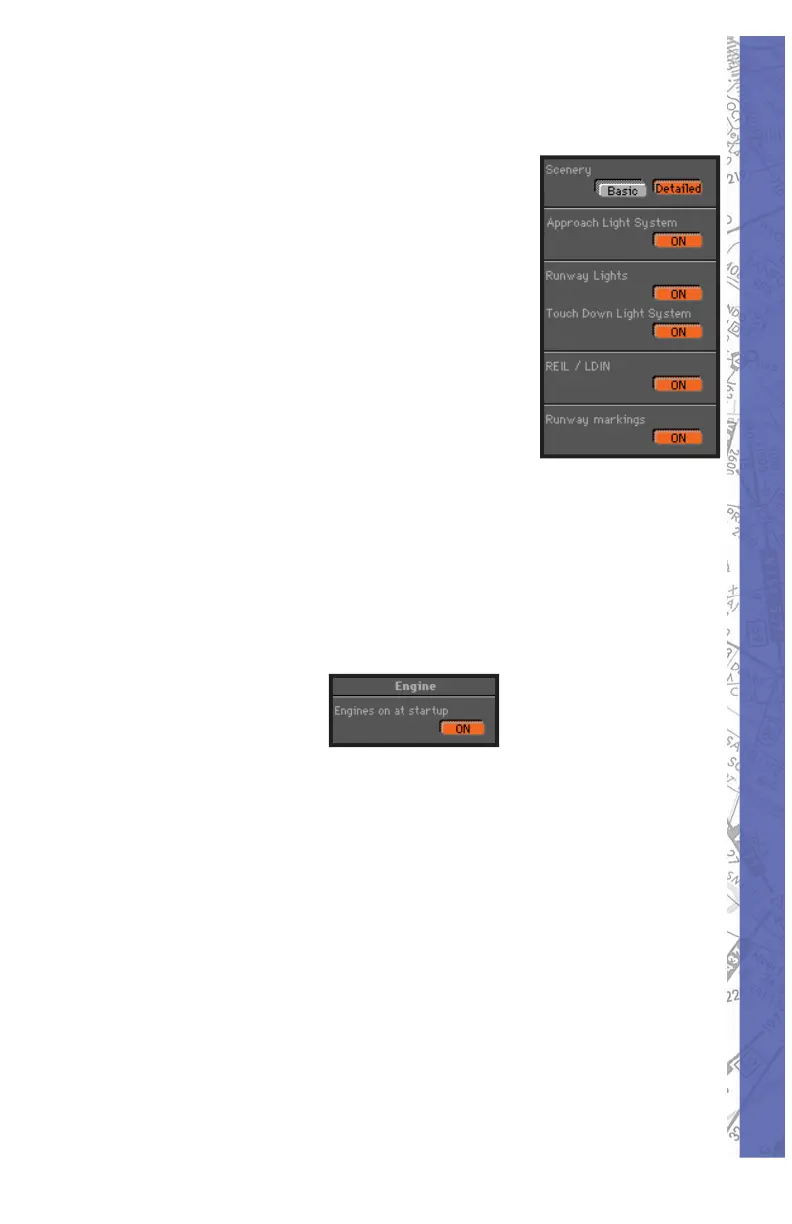
SCENERY/RUNWAY LIGHT ING (STAN DARD VIEW)
As mentioned in the previous sec tion,
software “per for mance” is directly
related to the computer hardware used
to run it. Based on the pro cess ing power
of your com put er, you may want to turn
OFF various scenery elements, as these
tend to increase com put er workload
and possibly cause the simulation to be
less than smooth. Pressing the De tailed
button un der Scenery simply adds a
grid of “city lights” for en hanced sur face
visual ref er ence. To fl y without this grid
simply press the Basic button.
Engine Startup
The engine(s) start automatically at initial program startup
when the ON button is active.
Aircraft Panel
The heading, altitude, and air speed panels found on the
MAP page are duplicated here for convenient air craft
setup while using the Con trol page. These pan els func tion
exactly the same as those on the MAP page discussed
earlier in the chapter.



 To Next Page