127
CHAPTER 2: Instructor / Operator’s Station (IOS)
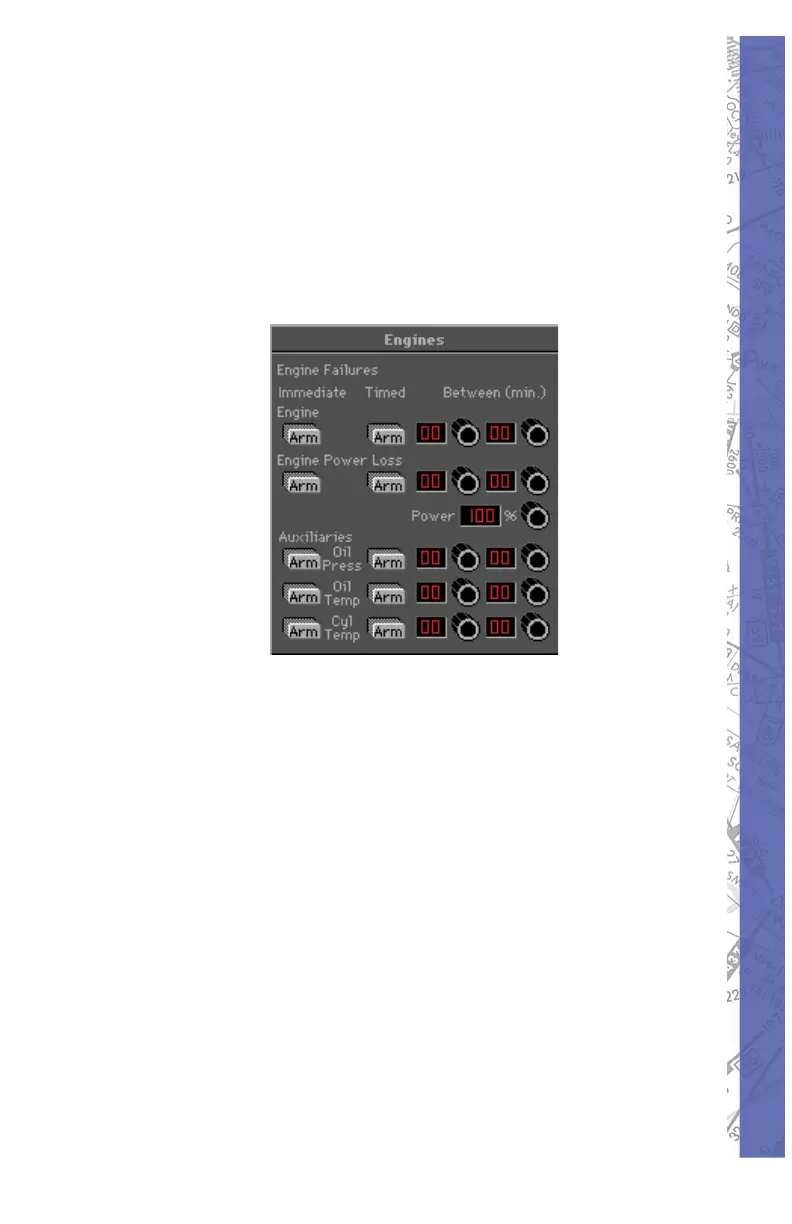
ENGINE FAILURES
Failures in this pan el are set up exactly the same as the
previous (Re ceiv ers / Gear / Flaps) panel. Note that it is
not only possible to fail an engine, but to also sim u late
a power loss (leaving partial power). Combine this with
var i ous “auxiliary” failures and you have the op por tu ni ty to
create some interesting failure sce nar i os.
A good way to see if a student is including engine in stru ments
in his/her scan is to invoke an Oil Pressure failure and
see if the student notices the pres sure drop ping. To really
bring the point home set up a scenario in which the Oil
Pressure drops fol lowed by an increase in Oil Tem per a ture
and sub se quent power loss.
NOTE: The Power Loss window shows the pow er avail able,
NOT the per cent age of power loss. If for ex am ple the
power loss win dow were set to 40%, this would indicate a
60% loss of pow er.
NOTE: Once an engine failure or power loss has been
in voked, the failure must be CLEARED to allow for engine
restart or power restoration.



 To Next Page