39
CHAPTER 2: Instructor / Operator’s Station (IOS)
CHAPTER 2
INSTRUCTOR / OPERATOR’S STATION (IOS)
MENU DESCRIPTION AND OVERVIEW
When the instruments are displayed in the cockpit and
the external visual displays shows a runway, the IOS LCD
monitor will depict a map screen. From here, the operator
can access all areas of the program through a MENU
system. A brief over view of the MENU items follow:
PROGRAM MENU
After starting the program, you will enter the simulation in
the cockpit (in front of the Instrument panel).
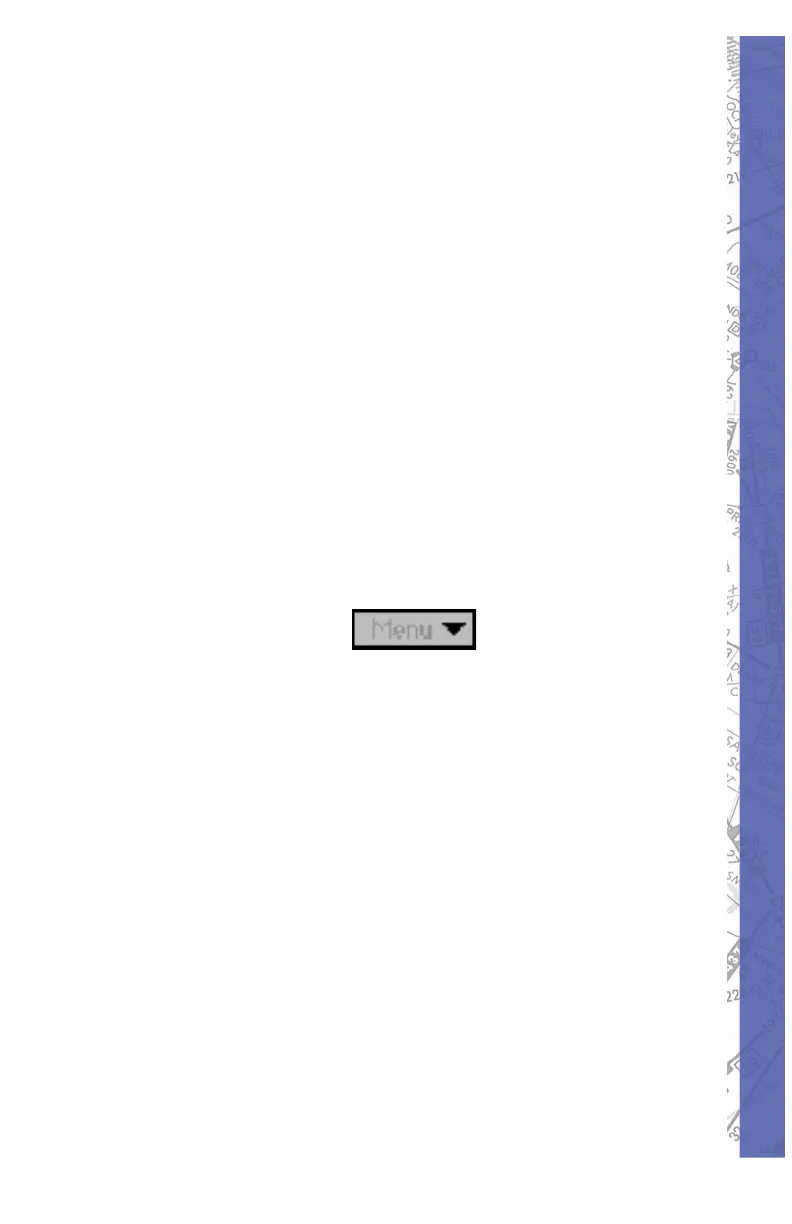
The MENU button at the bottom right of your instructor
screen is your access to the many features.
Click and hold on the MENU button to open the menu.
While holding your mouse button, move the cursor to
the menu selection and release. As you move through
each selection, the item to be opened will be highlighted.
Keyboard shortcuts are listed be side their corresponding
menu item. For shortcuts, hold the key board ALT key and
the designated letter. CAPS Lock should be OFF.
NOTE: The simulation is in the FREEZE mode if Menu or
FREEZE is colored red.



 To Next Page