151
CHAPTER 2: Instructor / Operator’s Station (IOS)
color as all orig i nal data. When changing back to the MOD
page, however, your chang es will again ap pear in red.
UNDO CHANGES
To return to the original status of facilities, you can undo
modifi cations or de le tions. Hold the ALT key while click ing
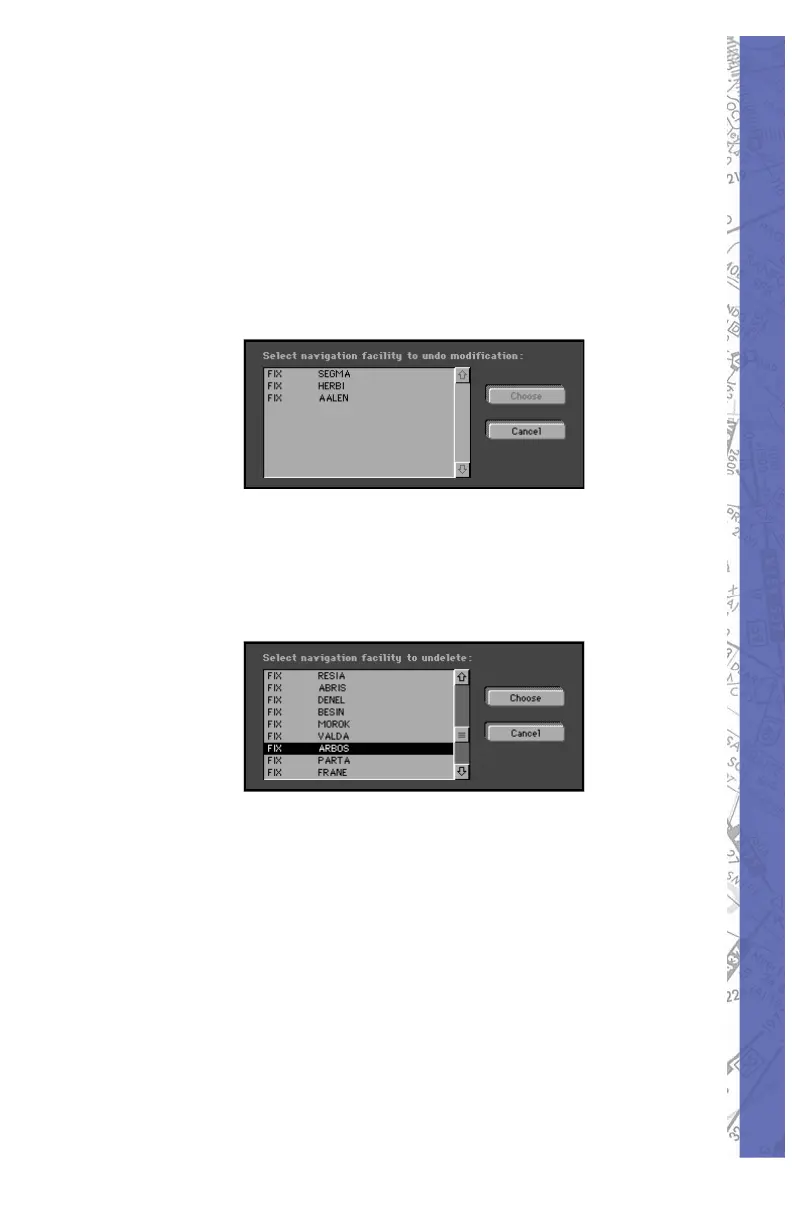
on the MODIFY button. The following pop-up window will
appear on the screen.
Now, select and choose to undo changes.
To restore an original facility that had been de let ed, hold
the ALT key while clicking on the DELETE but ton. The
fol low ing pop-up window will appear on the screen.
You can now undo a previous facility deletion and it will
once again be displayed on the Map.
Deleting an existing (original) fa cil i ty counts as one change.
Deleting a self-created or mod i fi ed fa cil i ty re leas es one for
further use. Undeleting a previous de le tion of an original
facility will also release a change for further use.



 To Next Page