51
CHAPTER 2: Instructor / Operator’s Station (IOS)
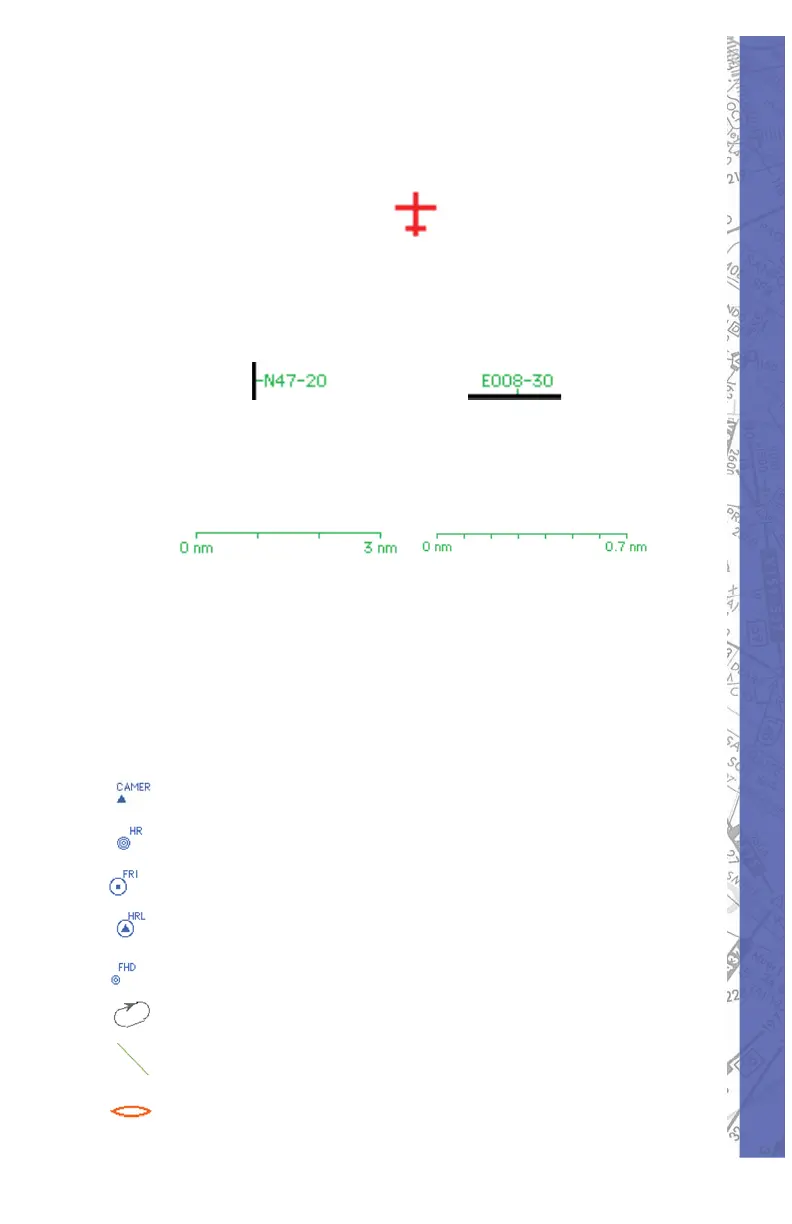
AIRCRAFT POSITION
The red air craft symbol shows the ac tu al aircraft position.
Geographical coordinates of the current view area appear
in green and are located on the left side and bot tom of the
map for reference.
MAP SCALE
The actual scale of the Map is indicated on the top right of
the screen. The scale appears in green.
/
The scale indication changes according the ac tu al
MAP view level, which can be changed with the ZOOM
func tion.
NAV DATA SYMBOLS
The following Nav Data Symbols are visible on the Map
page.
FIX (with iden ti fi ca tion)
NDB (with iden ti fi ca tion)
VOR (with identifi cation)
VOR DME (with identifi cation)
DME (with identifi cation)
Holding (with direction arrow
Glide Path Track
Marker



 To Next Page