29
CHAPTER 1: Assembly and Startup
NAVIGATION DATABASES
When “Ask for Navigation Databases at program start”
but ton is ON, ELITE will ask (on every startup) to se lect
a NAV database area to fl y in. “Easy open of Nav i ga tion
databases” al lows you to choose a NAV area by viewing
thumbnail maps of all available individual nav i ga tion areas
installed.
NOTE: To have ELITE automatically start up (de fault) to
the same aircraft and NAV area each time, fi rst make sure
you are currently using the desired aircraft and NAV area
you would like for subsequent startups, then turn OFF both
“Ask for Air craft mod ule” and “Ask for Nav i ga tion da ta bas es
at program start” but tons.
HARDWARE CONFIGURATION
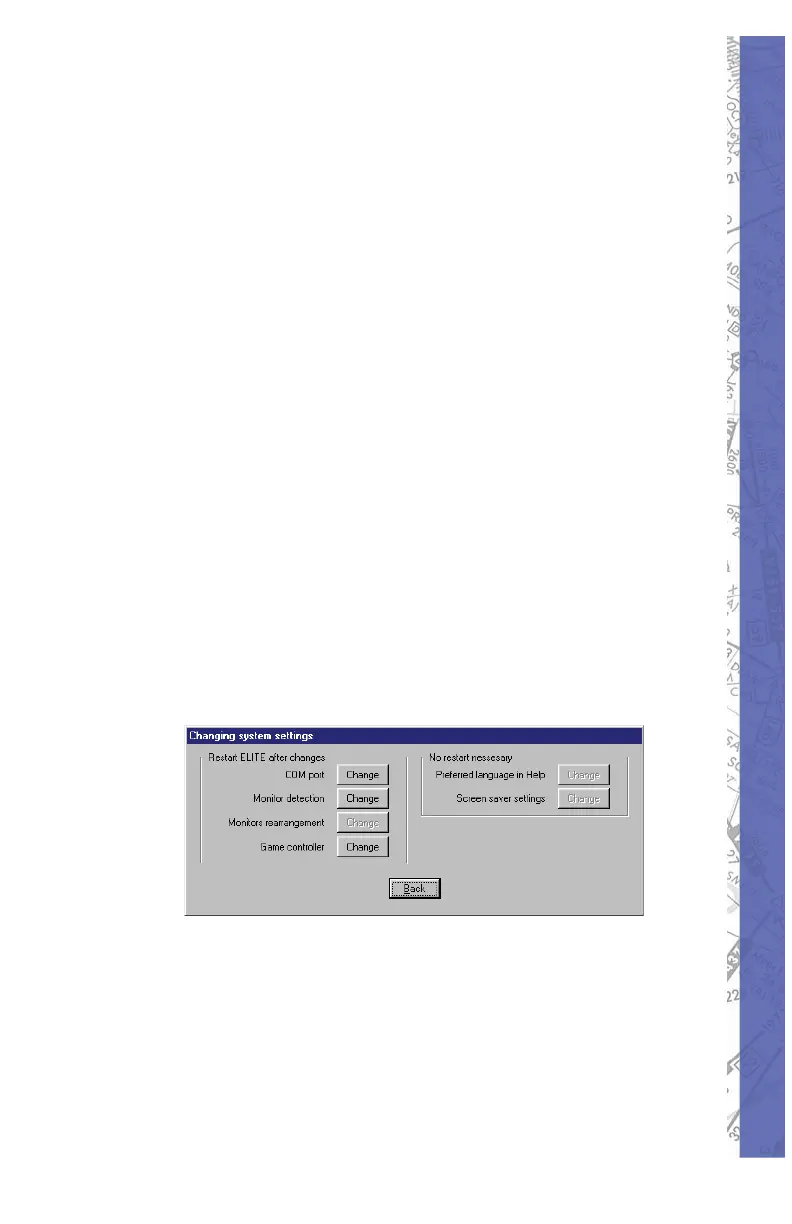
CHANGING SYSTEM SETTINGS
Do NOT USE Changing System Settings unless
instructed to do so by ELITE Technical Support personnel.
Adjustments to computer confi guration can render
the PI-135 BATD inoperative.
FLIGHT CONTROLS CALIBRATION
Cal i bra tion is necessary to bring the PI-135 fl ight controls
(pitch, roll, yaw and throttles) con trols into proper tolerances
and allow ELITE to learn the limits of the of the controls.
(Pressing the HELP button in the Calibration dialog box
will open on screen instructions and walk you through the
calibration process.)


 To Next Page