21
CHAPTER 1: Assembly and Startup
STARTING AND SHUTTING DOWN THE
PI-135 BASIC ATD
BEFORE STARTING ELITE:
If you are using hardware controls other than ELITE, you will
need to go into the Control Panel of Windows and calibrate
them according to the instructions the manufacturer of the
hardware supplied. If you are using ELITE hardware this
is not necessary.
NOTE: Once the ELITE software has started, you will
need to calibrate the hardware, both ELITE and other
manufacturer controls, from within the ELITE program in
order for them to function properly.
STARTING THE PI-135
Turn on the main computer 1.
and monitors.
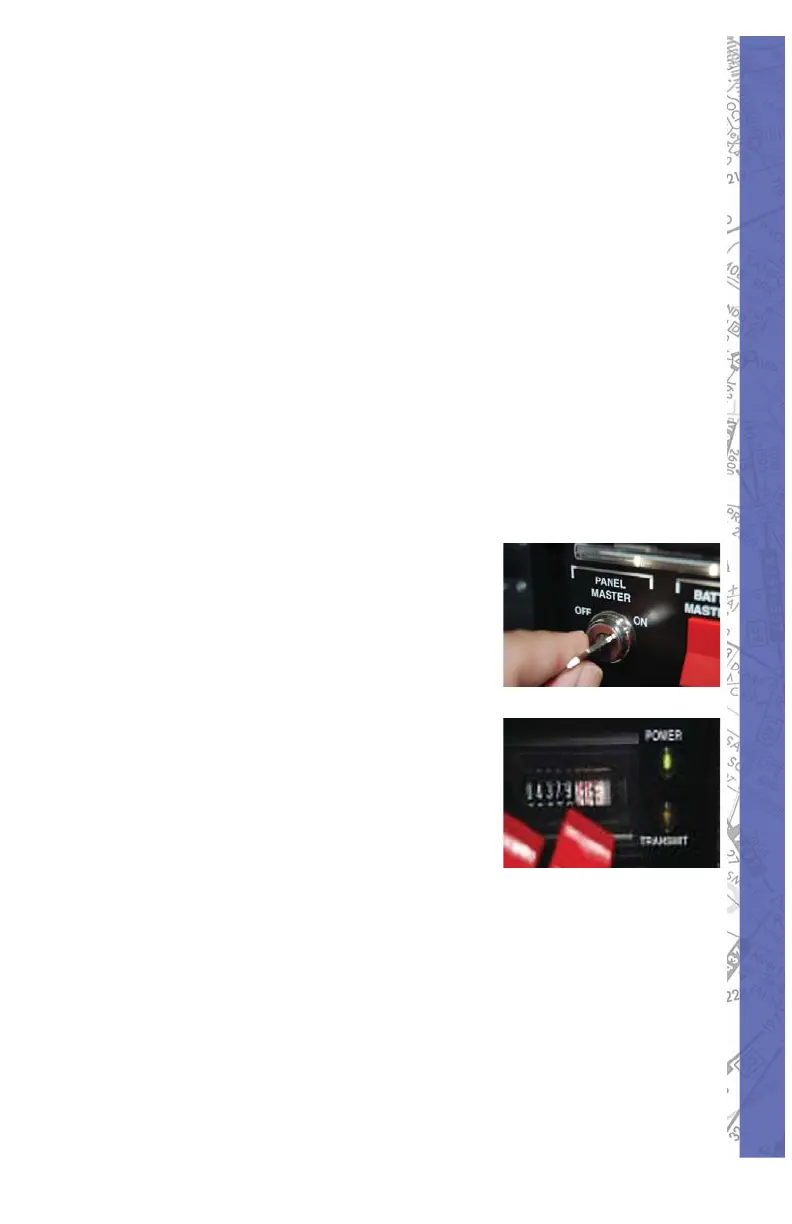
Turn on the 2. Pro Panel II
fl ight console main power
key. Check the right corner
of the console and insure
you see two lights… a solid
green light (showing power
connection) and a fl ashing
yellow light (showing data
transmissions).
On the Windows Desktop, double click on 3.
the ELITE® BATD icon to start the program.
Choose an aircraft by double-clicking on the 4.
icon or highlighting the aircraft with a single
left click and clicking on CHOOSE button at
the bottom of the page.



 To Next Page