PI-135 OPERATOR’S MANUAL
22
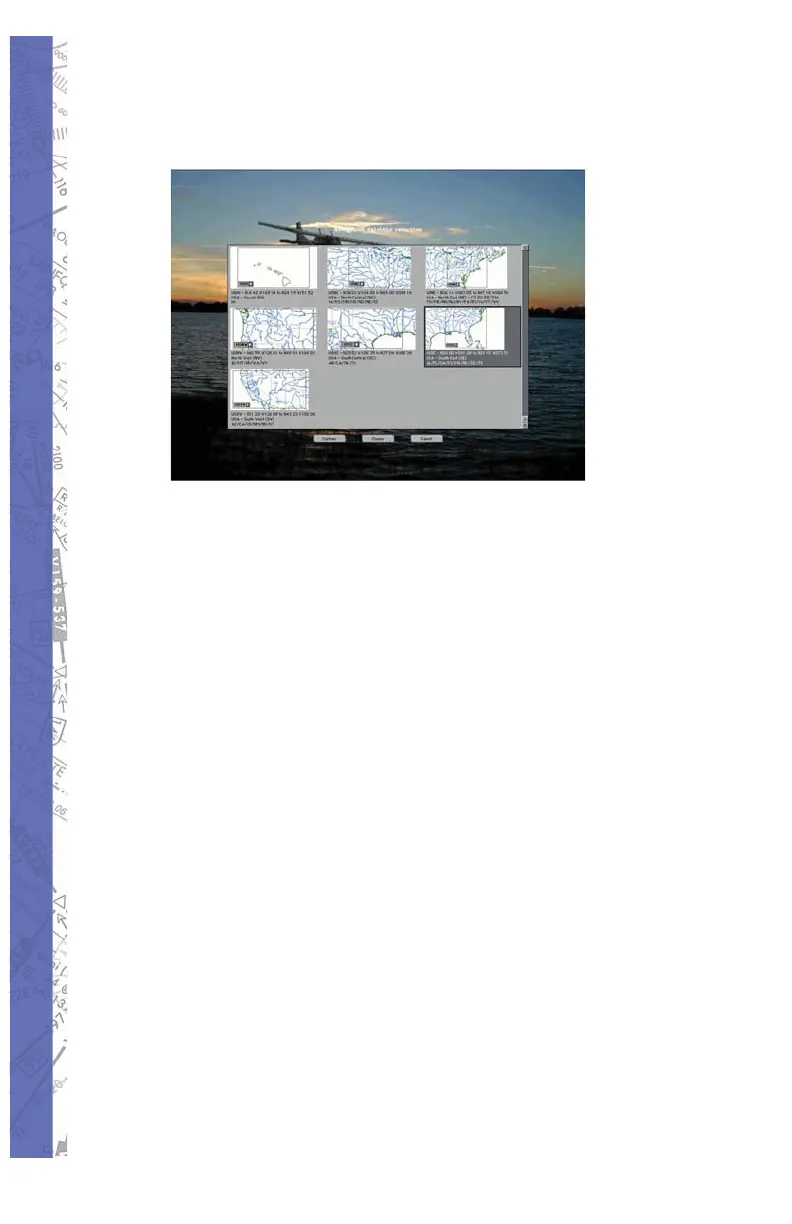
Choose your navigation database in the 5.
same manner.
The instrument panel of your chosen aircraft 6.
will appear on the main monitor. If a second
monitor is connected, the MAP Page will
appear.
Before fl ight, it is important to calibrate the 7.
fl ight controls. This is a simple exercise
to teach the software the range of values
from the pitch, roll, yaw, brake and throttle
movements. To calibrate the fl ight controls:
Bring up the program menu selections a.
on the instructor LCD (right mouse
click anywhere on the screen.
Choose b. CONFIGURATION
Left mouse click on c. CONTROLS
CALIBRATION
The calibration dialog box will open; d.
left mouse click on HELP
Follow on-screen instructions to e.
calibrate the controls



 To Next Page