23
CHAPTER 1: Assembly and Startup
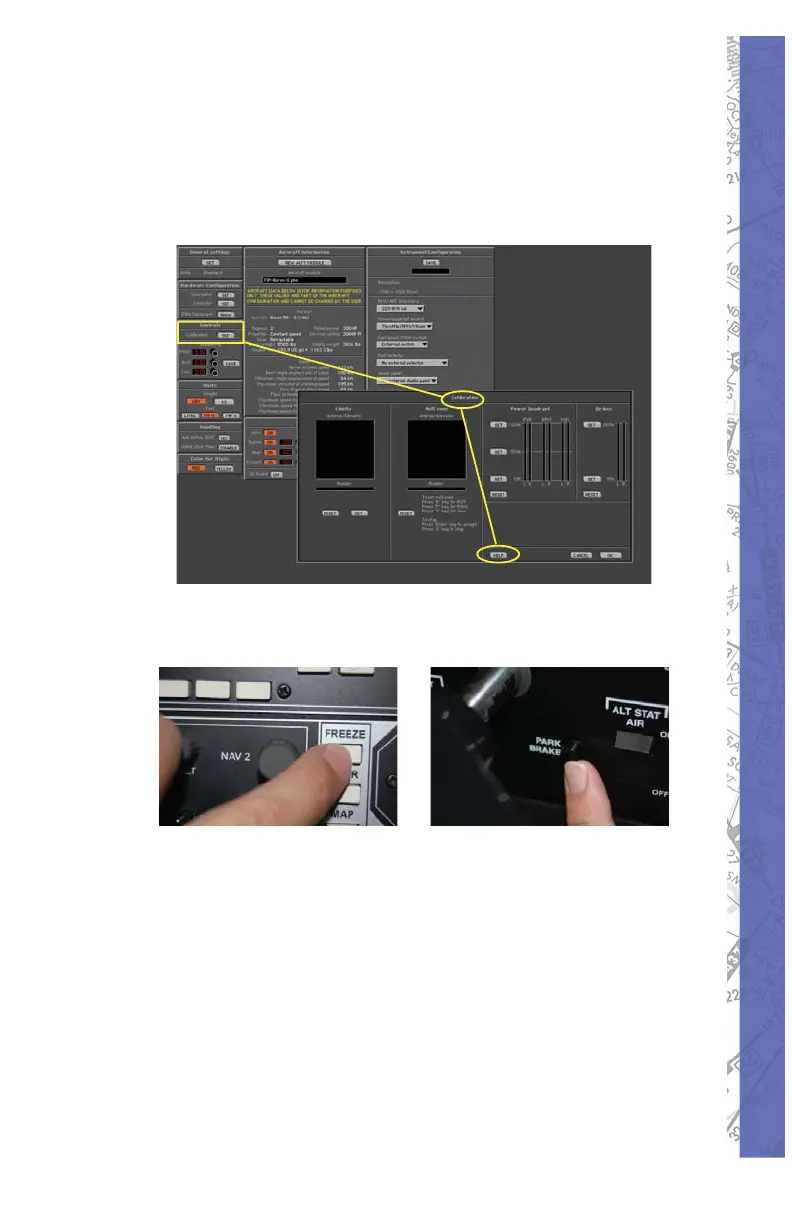
Click OK to continue when fi nished f.
and change CONFIGURATION
page to MAP page. (The simulation
remains in FREEZE when on the
CONFIGURATION page!)
Unfreeze the simulation, release the parking 8.
brake and you are ready to fl y.
The fl ight controls, switches, levers and knobs perform the
same function as their counterpart in the real aircraft. At this
point you can change frequencies, adjust instruments and
perform all procedures for fl ight as you would in the actual
aircraft. The fl ight may be paused at any time by pressing
the FREEZE button on the AP3000 avionics panel or by
using the main screen menu FREEZE selection.



 To Next Page