73
CHAPTER 2: Instructor / Operator’s Station (IOS)
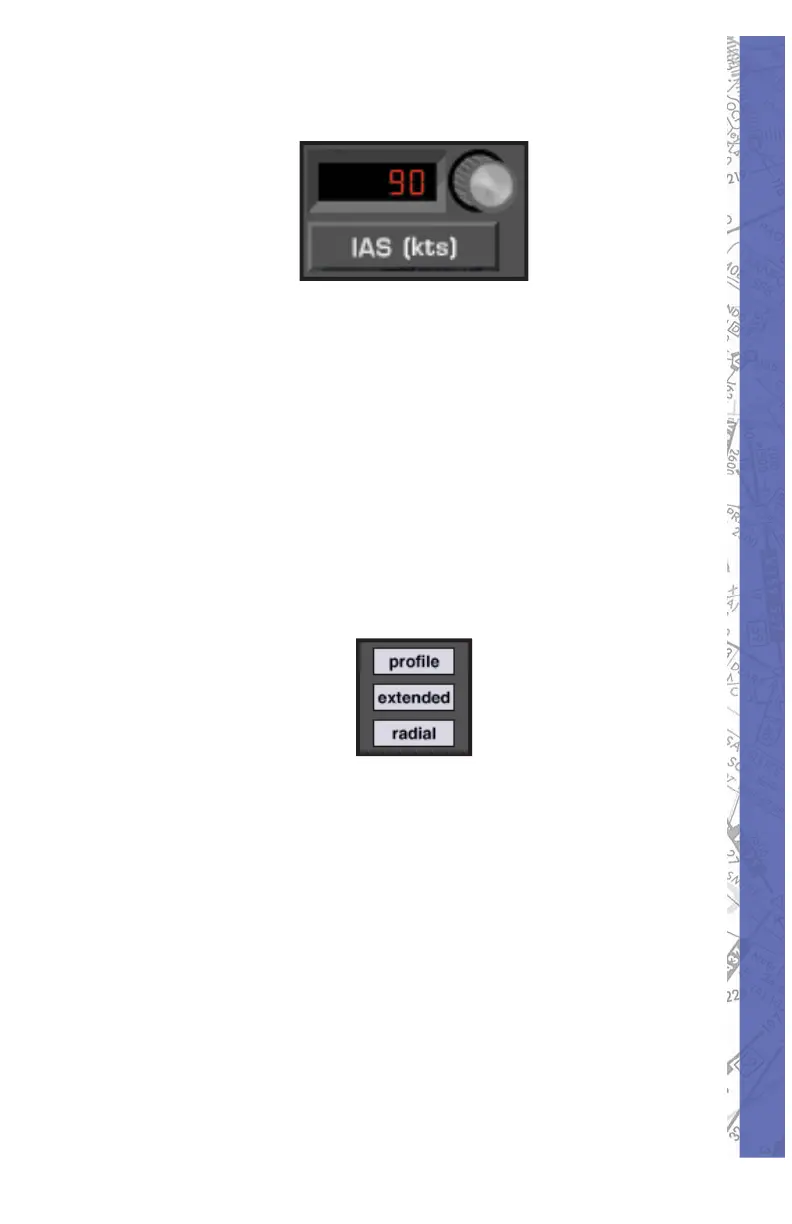
AIRSPEED PANEL
Aircraft Airspeed can easily be changed with the IAS
panel. Indicated air speed in knots is displayed in the
window next to the airspeed adjust knob. To change it,
click and drag on the airspeed adjust knob until the desired
value is in di cat ed. Airspeed changes usually require
some re-trim ming of the aircraft upon switch ing back to
the in stru ment pan el. Set air speed with at ten tion to the
par tic u lar air craft’s V-speeds. Speeds ap pro pri ate to the
de sired fl ight condition should be se lect ed. Keep in mind
that it is pos si ble to dial in speeds near or be low stall.
PROFILE BUTTON
Clicking the PRO FILE button brings up the MAP pro fi le.
Similar to the profi le view on an in stru ment ap proach plate,
the MAP profi le is a side view plot of air craft altitude and
fl ight path over time. The PRO FILE but ton func tions as
a toggle switch turning the dis play ON/OFF. The display
also contains dis tance marks cor re spond ing to the DME
station se lect ed (when ap pli ca ble) and shows the nom i nal
glidepath when an ILS sta tion is tuned in.



 To Next Page