PI-135 OPERATOR’S MANUAL
56
Manual Reposition:
It is also possible to reposition the air craft
man u al ly by drag ging the aircraft symbol to a
new lo ca tion.
Do this by click ing on the aircraft symbol and mov ing the
mouse while holding the mouse button.
If the desired new lo ca tion is outside the cur rent vis i ble
MAP area, the MAP will start scroll ing when the aircraft
sym bol is brought to ward the edge of the screen using the
method de scribed above.
MULTIPLE ILS / DESELECTION
Many airports in the US have the same ILS frequency for
both ends of the runway. For example, Runway 27 and
runway 9 at XYZ airport may have 109.90 as the ILS
frequency. If runway 27 is used for approaches, the tower
will turn off the ILS transmitter for runway 9 to prevent any
false ILS indications.
As within the real world, you must deactivate or deselect
the unused ILS should there be an ILS frequency confl ict.
If you are fl ying the trainer in the vicinity of XYZ airport,
tune the ILS and do not hear identifi ers, this is due to the
ELITE software not knowing which ILS on which end of
the runway you want. Therefore you must deactivate the
unused ILS by just a few clicks of the mouse.
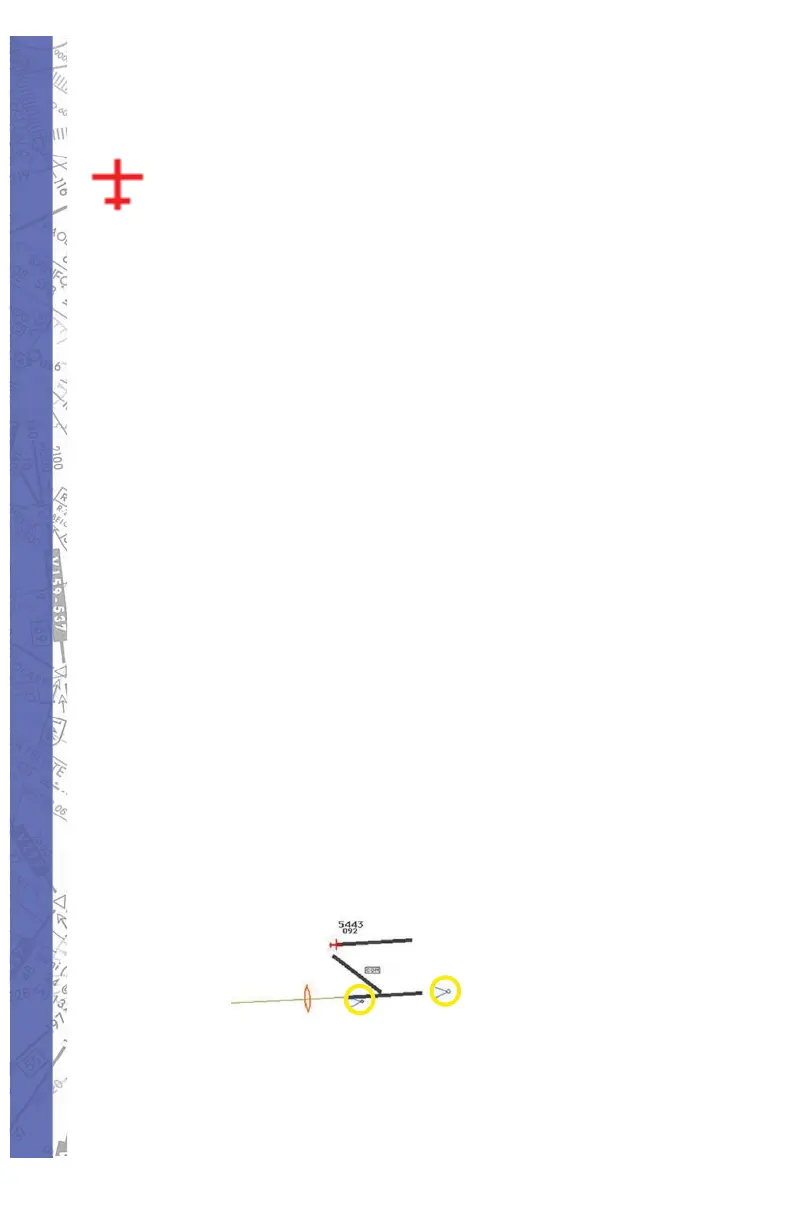
Notice TWO ILS antennas
as illustrated



 To Next Page