57
CHAPTER 2: Instructor / Operator’s Station (IOS)
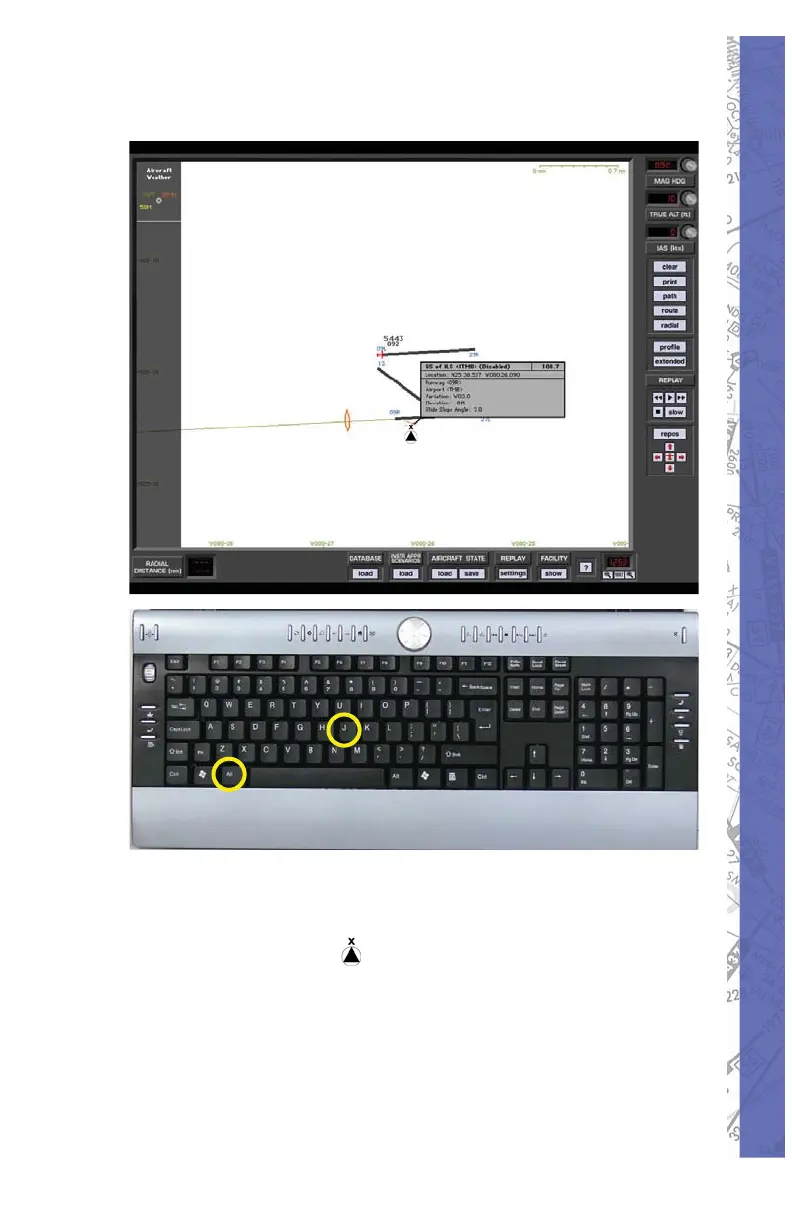
To Deactivate the ILS
Select <ALT> and <J> simultaneously.1.
The “fi nger” pointer will change to the “select/2.
deselect” icon.
Using your mouse place the “x” over the apex 3.
of the ILS you wish to deselect and push the
left mouse button. The ILS antenna icon will
change color from blue to amber.
The navaid databox will display showing the 4.
ILS is disabled.



 To Next Page