PI-135 OPERATOR’S MANUAL
58
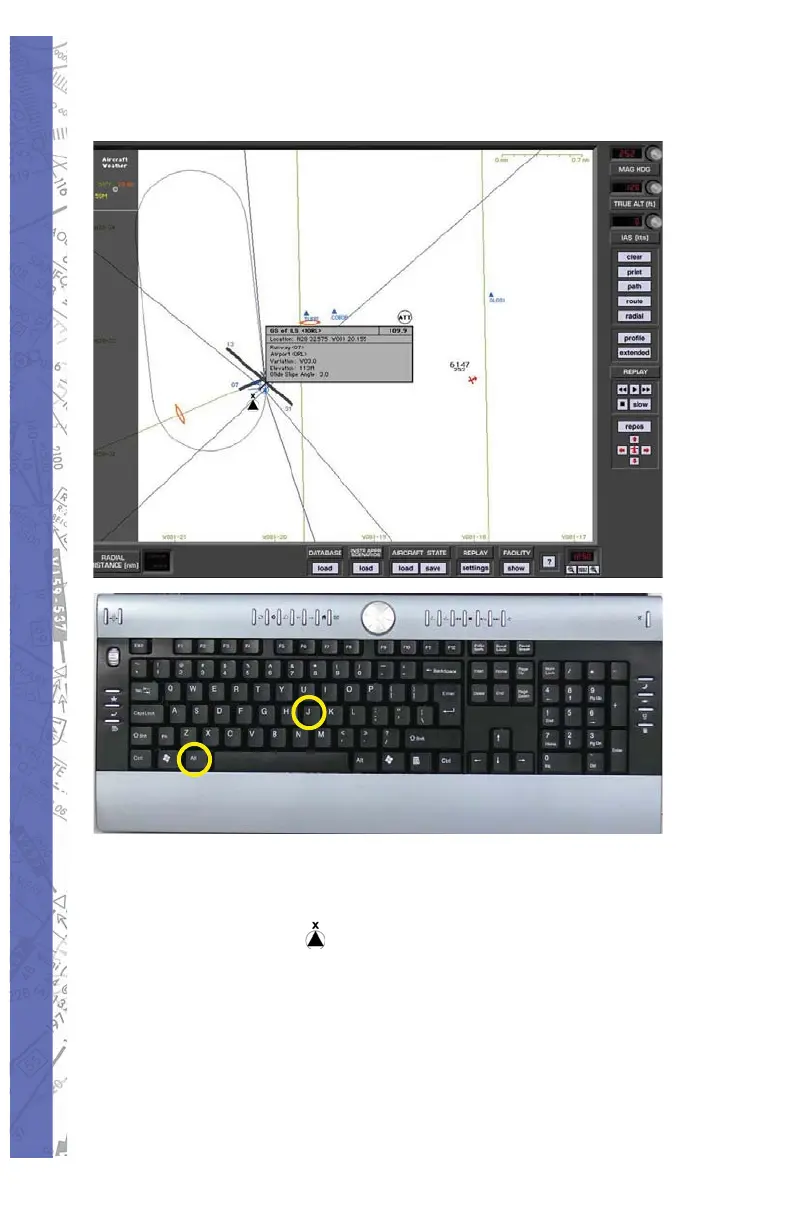
To Reactivate the ILS
Select <ALT> and <J> simultaneously.1.
The “fi nger” pointer will change to the “select/2.
deselect” icon.
Using your mouse place the “x” over the 3.
apex of the ILS you wish to reactivate and
push the left mouse button. The ILS antenna
icon will change color from amber back to
blue.



 To Next Page