53
CHAPTER 2: Instructor / Operator’s Station (IOS)
MAP INFORMATION
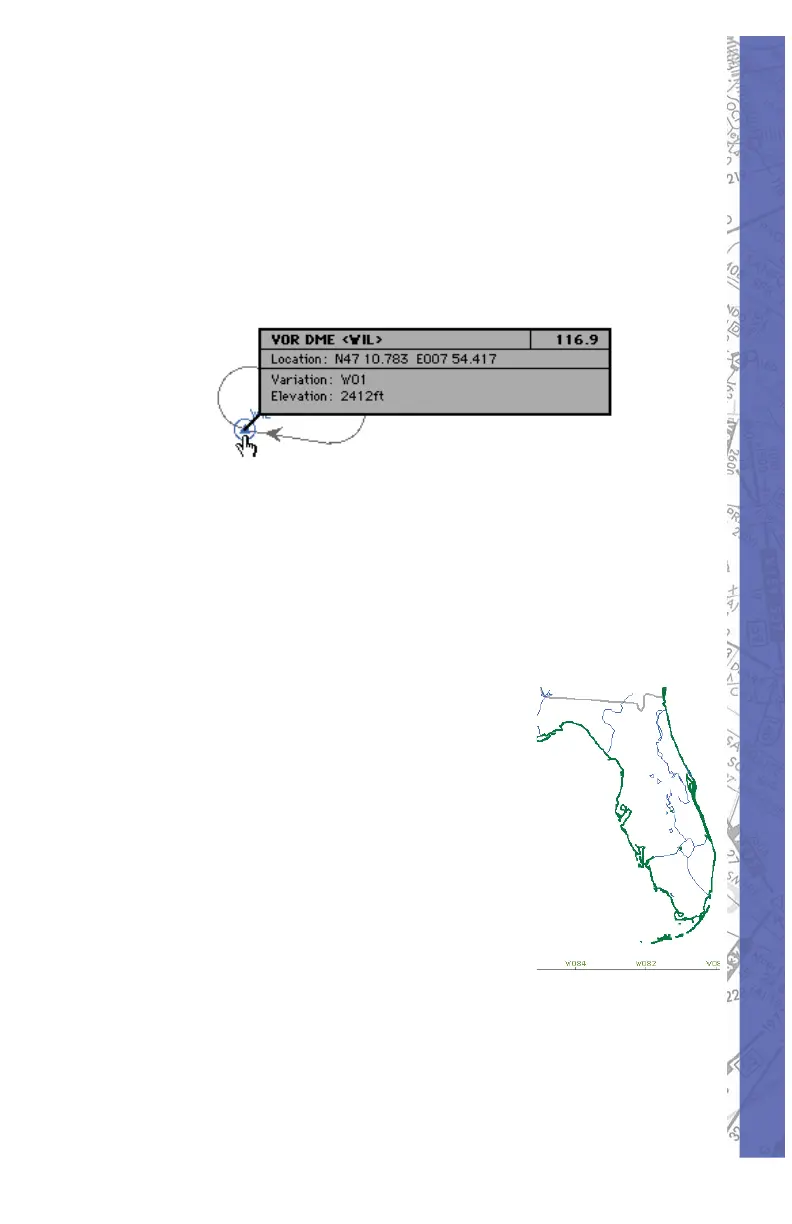
All elements displayed on the MAP page contain information
applicable to that specifi c element such as variation,
frequency, runway length, width, light ing, etc. To access
in for ma tion re gard ing a specifi c MAP el e ment, click and
hold on it with the mouse. For runway in for ma tion, click on
the runway’s threshold.
In the example above, several facilities nearly oc cu py the
same location or are colocated. In for ma tion on these facilities
is layered. Clicking the same spot re peat ed ly cycles through
these layers to reveal in for ma tion about each specifi c
facility.
MAP BORDERS
Border types:
• Flight Information Region
(FIR) borders ap pear in
brown.
Country borders ap pear in •
green.
Waterways and lake •
bound aries appear in blue.
States appear in gray.•
REPOSITION
To eas i ly re po si tion the air craft to a spe cifi c air port and
run way, click on the REPOS but ton located toward the
bot tom-right of the MAP page. A list of ev ery air port in all



 To Next Page