131
CHAPTER 2: Instructor / Operator’s Station (IOS)
Reset to ARM
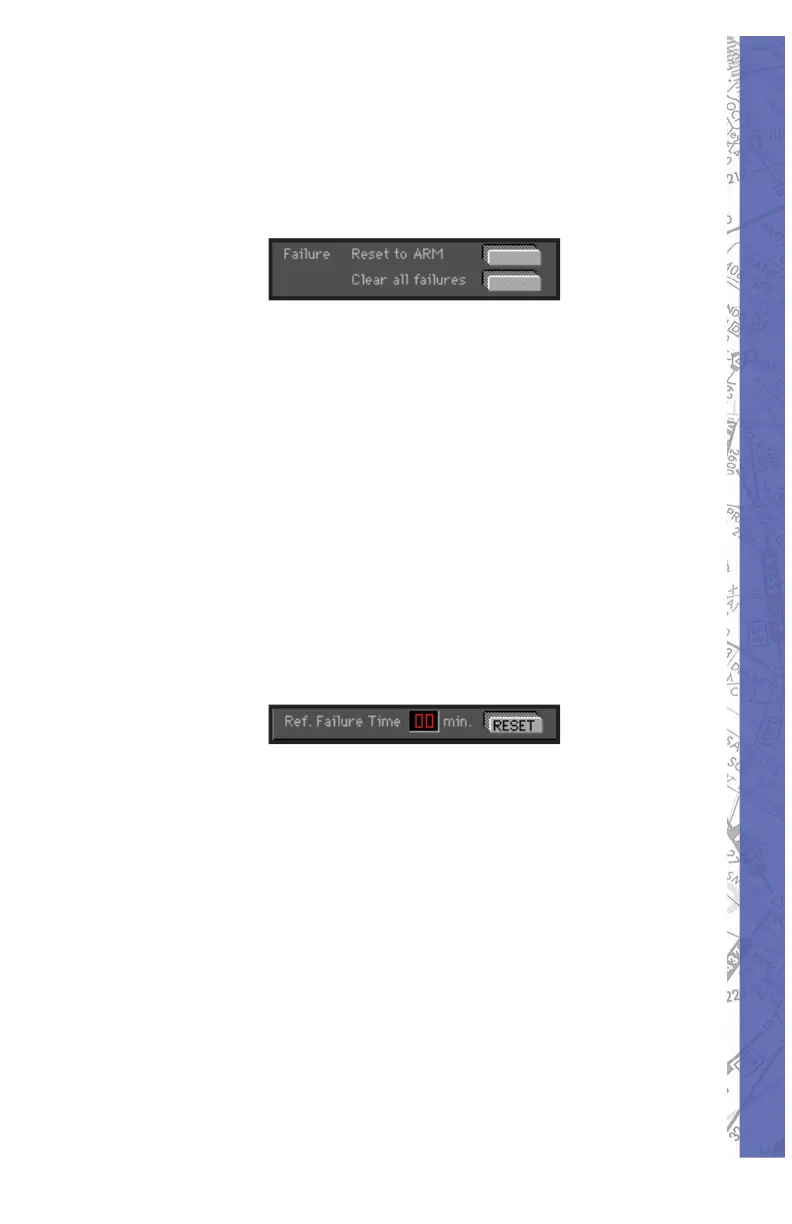
The “ Reset to ARM” and “ Clear all failures” but tons
provide a quick way to RESET the MAL FUNC TIONS page
as re quired.
Use the “Reset to ARM” button when a com plet ed fail ure
scenario sequence needs to be repeated. Pressing this
button will leave the entire failure “state” intact, but RESET
all FAIL buttons back to ARM (much eas i er than having to
reset each in di vid u al Fail button).
Use the “Clear all failures” button to RESET the entire
MAL FUNC TIONS page (including failure time in ter vals).
Ref. Failure Time
The Ref. Failure Time RESET button sets the Ref er ence
Failure Time back to zero minutes. This is used in
conjunction with the failure time window interval set tings
as described previously.
The MALFUNCTIONS page is extremely fl exible and
provides an op por tu ni ty for an almost in fi nite amount
of failure scenario possibilities. Please feel free to
ex per i ment.



 To Next Page