PI-135 OPERATOR’S MANUAL
10
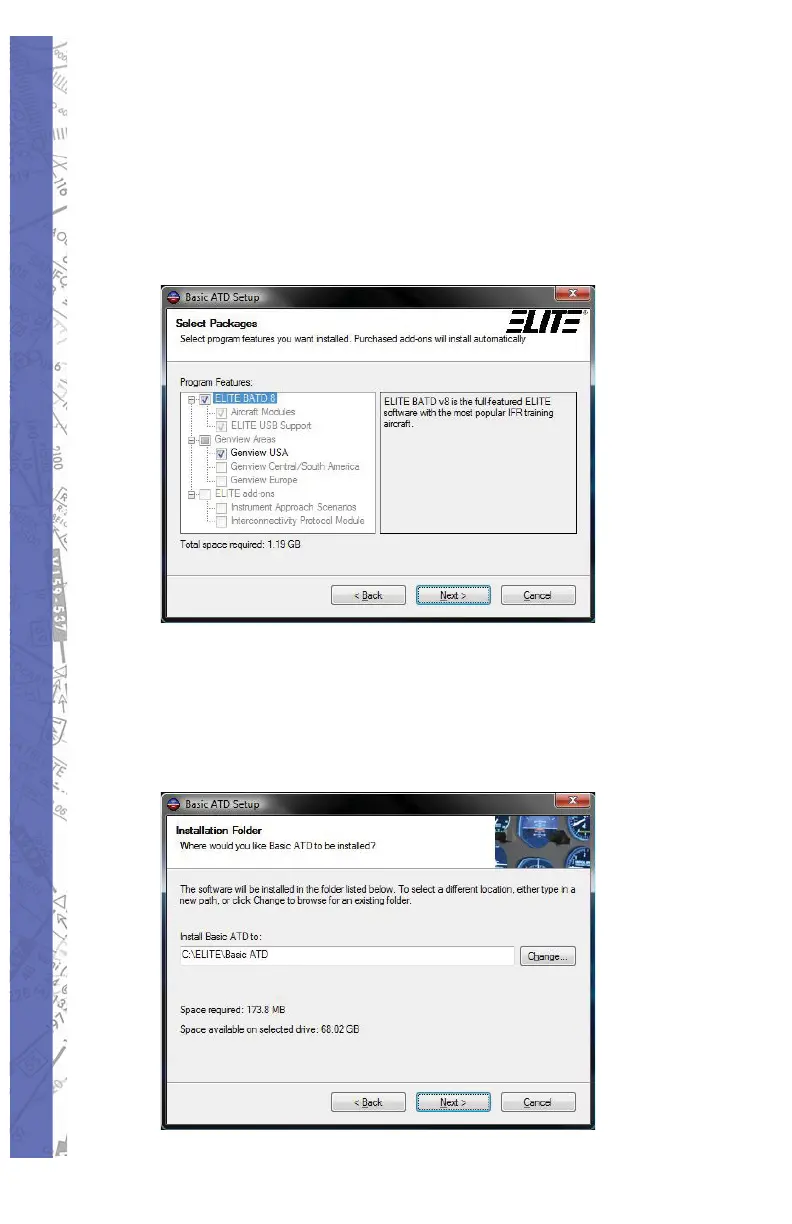
During this phase you are being asked 7.
which features of the ELITE software you
wish to install. Some will already be selected
by default, while others are optional. As
noted, your purchased add-ons will install
automatically. Select Next to continue.
Now you can decide where you wish the 8.
ELITE software to be installed on your
computer. By default it will install on the C
Disk Drive and should only be changed by
advanced users. Select Next to continue.



 To Next Page