ELITE OPERATOR’S MANUAL
348
“No visual database found”
This message indicates GenView was not installed or
installed in the incorrect directory. You will need to reinstall
the GenView disk and fi nd the correct directory using the
browse section in the installer.
“Open GL Subsystem Error”
The Graphics card/driver installed in your computer does
not support Open GL acceleration. In order to fi x this error
you will need to download the latest driver for the video
card or replace the video card for one that supports OPEN
GL such as NVIDIA.
For more information on this topic visit www.nvidia.com
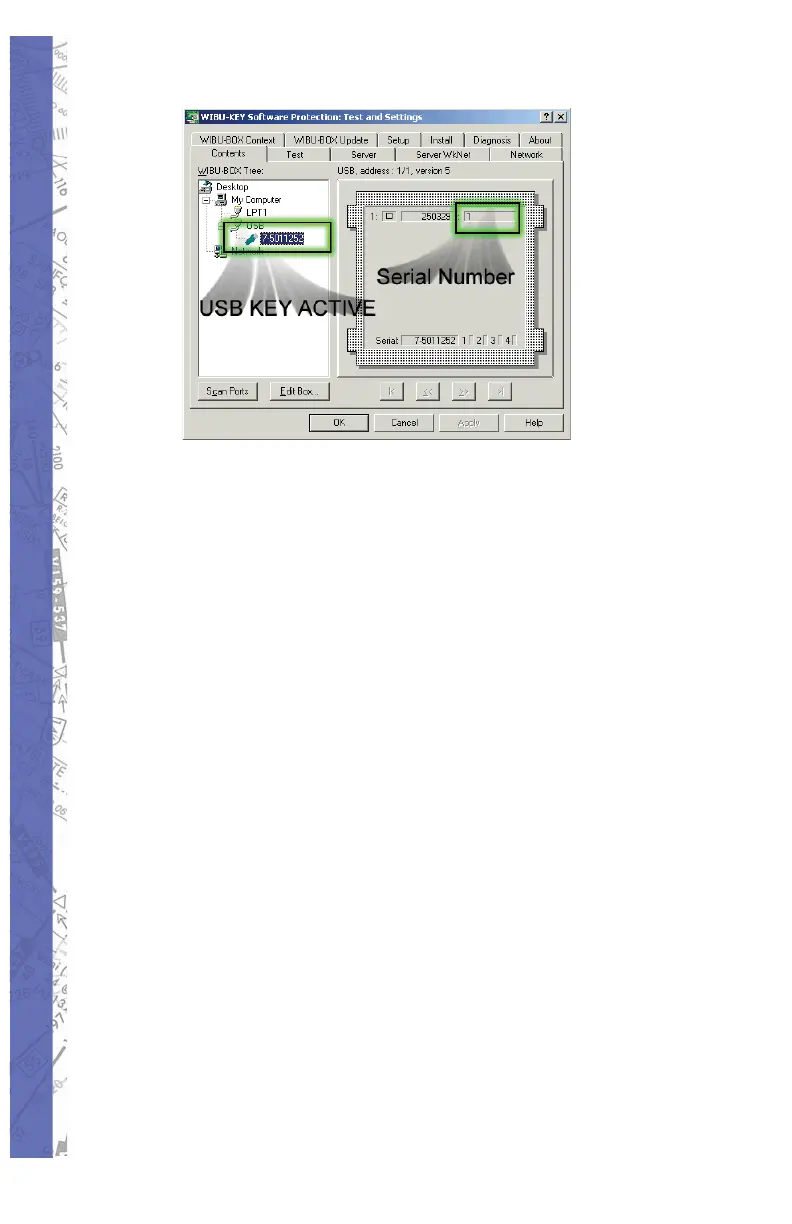
Serial number of ELITE and control interface do not
match
Please contact our support department for a control RMA
Number. The UCI has encountered an internal power
surge, and the serial chip will have to be replaced.
You can test the UCI to make sure against the software
that in fact the UCI’s number has changed. Double click on
the ELITE icon then hold the “C” key down, the next option
will be for you to test the UCI. Consult image below.



 To Next Page