17
CHAPTER 1: Assembly and Startup
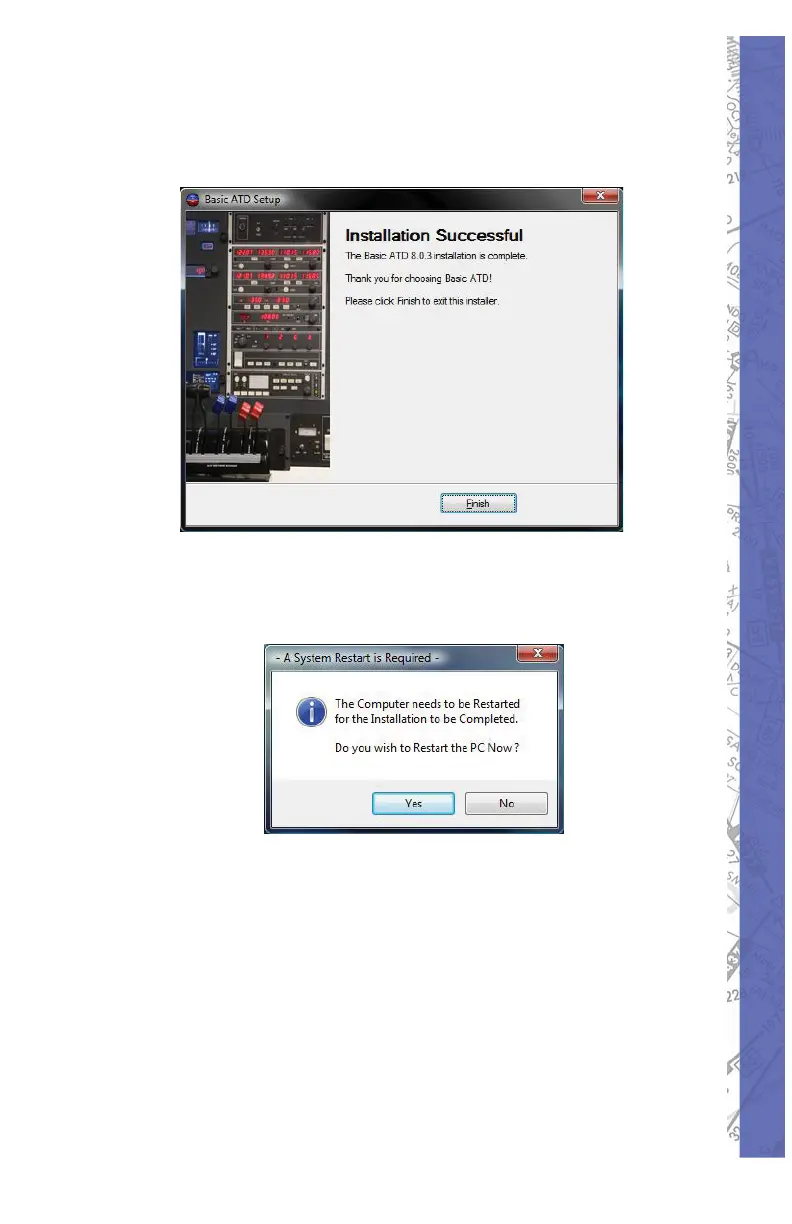
This is the fi nal screen showing that 19.
your software has been completely
installed. Select Finish to exit.
You will be prompted to reboot your computer. 20.
This will need to be done before the ELITE
software can operate.
NOTE: The Wibu key must be inserted in order for the
ELITE software to operate beyond the Demo Mode.



 To Next Page