67
CHAPTER 2: Instructor / Operator’s Station (IOS)
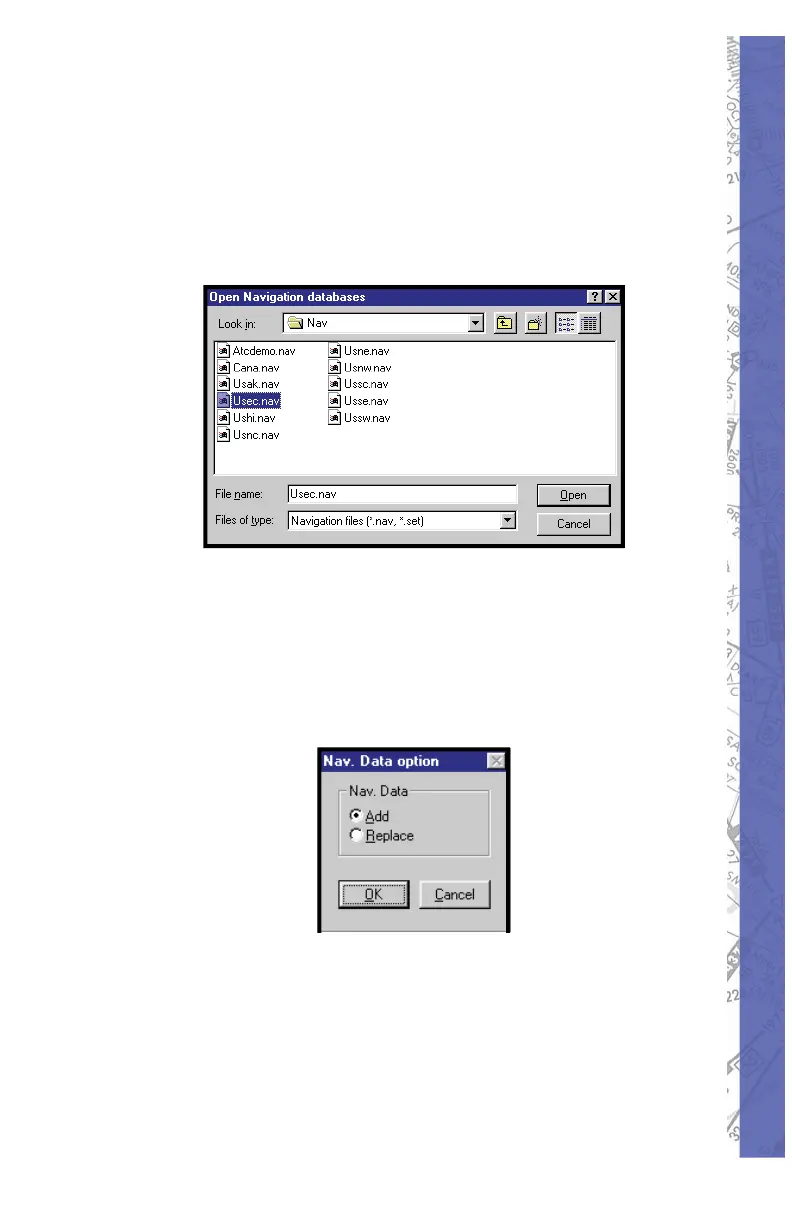
at the bottom of the MAP page. Choose a NAV database
from those list ed by double-clicking on its name, OR by
clicking on its name then clicking OPEN to load. Databases
NOT listed, which are located in other directories/fold ers,
may also be used by navigating the correct path to lo cate
them.
Following the Open Navigation Databases window,
another smaller pop-up window will appear giving you the
option to choose either add or replace. To Add the selected
database to those already loaded, click on ADD. To replace
a currently load ed database with the se lect ed one, click on
REPLACE. Click OK to complete the operation.
NOTE: The last database loaded with the Load func tion is
kept in memory and also used at the next startup.
Creating NAVsets:
As stated earlier, multiple NAV databases (regions) can
be loaded si mul ta neous ly. These databases can then be



 To Next Page