69
CHAPTER 2: Instructor / Operator’s Station (IOS)
with the aircraft at a predetermined altitude and generally
positioned 15-20 miles from the IAF (Initial Approach Fix)
of the selected approach.
One sample scenario is included with each ELITE package
(an ILS approach into Champaign-Urbana, Illinois). The
approach plate for this demo scenario can be found in the
supplements section at the back of this manual or in the
ELITE “Manuals” folder on your computer.
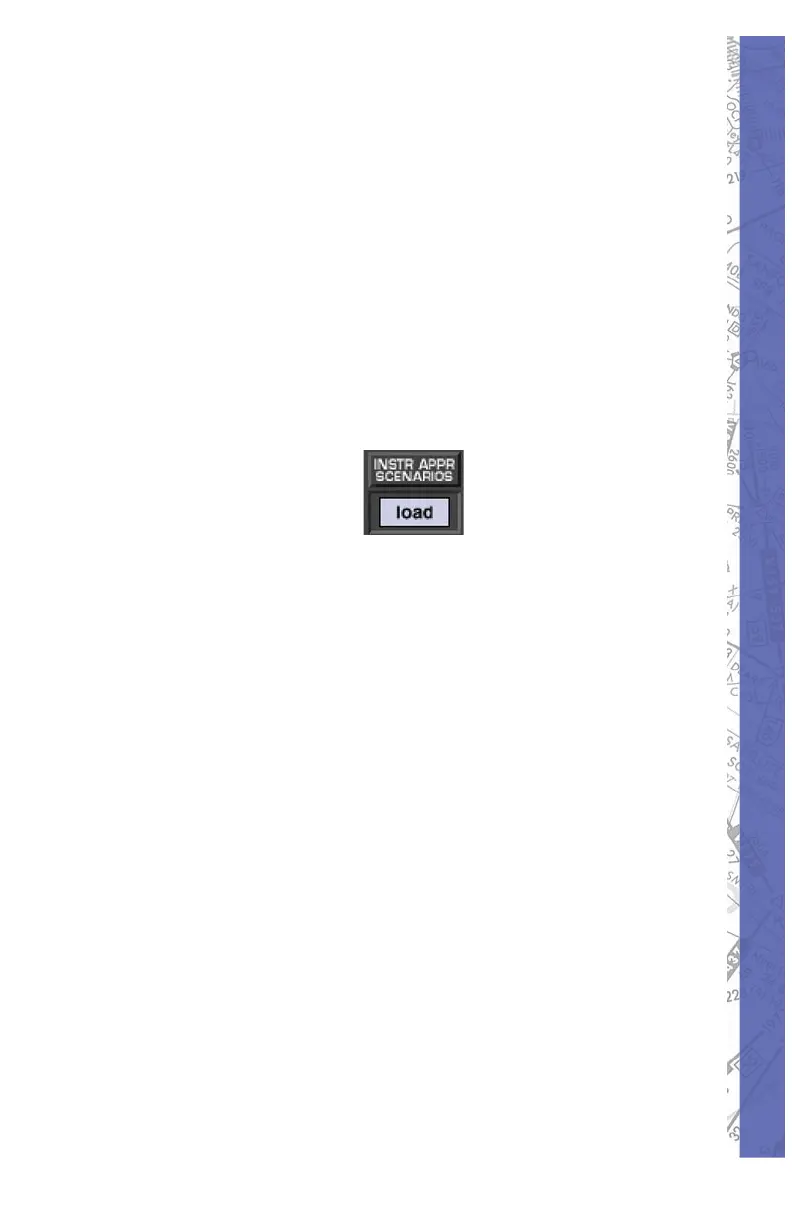
To load an Instrument Approach Scenario simply click on
the “INSTR APPR SCENARIOS” load button at the bottom
of the MAP Page.
If necessary, open the appropriate IAS folder (EC3, SE3,
etc.) for the region you would like to fl y in. Select and open
the desired Instrument Approach Scenario from those
listed. NOTE: A description of each scenario can be viewed
(before it is opened) by highlighting any scenario fi le name
with a SINGLE MOUSE CLICK. Follow on-screen dialog
box instructions to start scenario.
Important IAS notes:
Make sure to load and/or verify that the appropriate
Navigation Database (IASEC3, IASSE3, etc.) is active
before using the Instrument Approach Scenarios. For
example, to fl y a scenario in the EC3 (Illinois/Wisconsin)
IAS package, make sure to load the IASEC3 database.
The autopilot is ON by default at the start of each scenario.
Keep the autopilot ON briefl y to let the aircraft stabilize.
After the aircraft stabilizes you can continue to fl y the
scenario utilizing the autopilot or you can disengage the
autopilot and fl y the aircraft manually.



 To Next Page