CR825 and CE875 Instant Issuance System User’s Guide 25
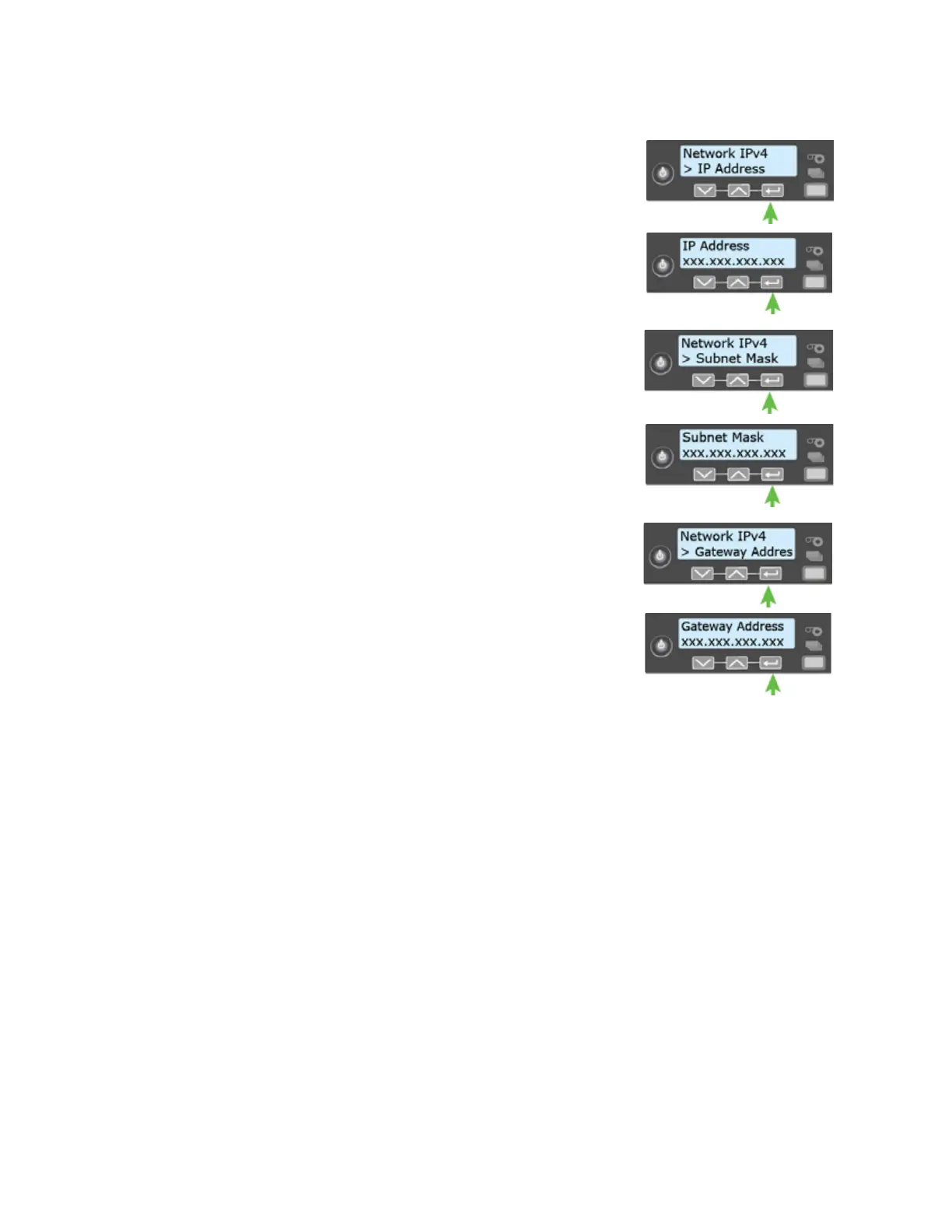
4. Press E
NTER to display the IP address. Record the IP address.
5. Press E
NTER to return to the Network IPv4 menu. Subnet Mask
displays on line 2.
6. Press E
NTER to display the subnet mask. Record it, if necessary.
7. Press E
NTER to return to the Network IPv4 menu. Gateway
Address displays on line 2.
8. Press E
NTER to display the gateway address. Record it, if
necessary.
9. Press E
NTER to return to the Network IPv4 menu.
10. Press the down arrow to scroll to Exit on line 2.
11. Press E
NTER. Then, press the USER button to return the printer
to Ready. The U
SER button glows green.



 To Next Page