© EPRAD Incorporated
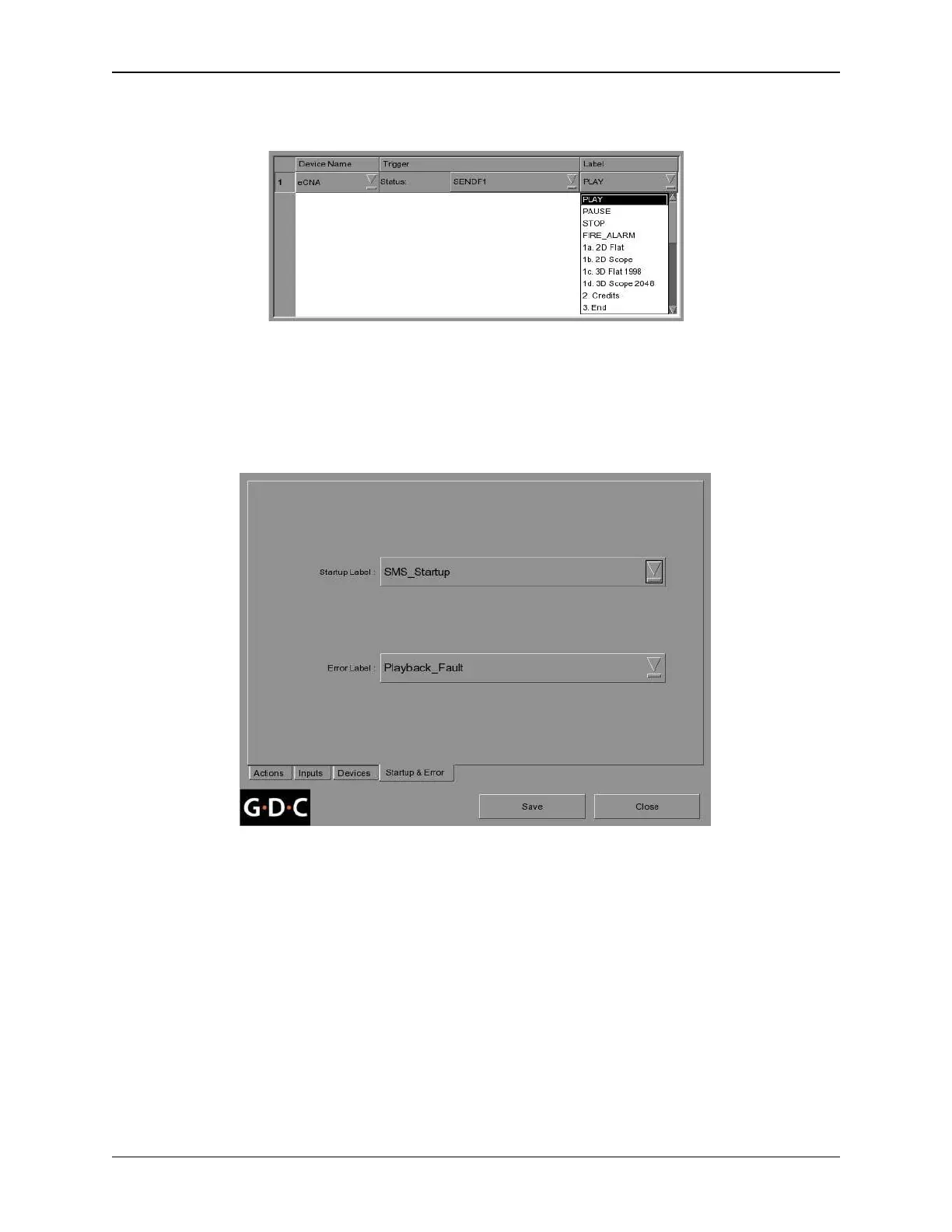
Select one of the Events from the Label list box. This list contains all of the events created from the
Actions Menu. Continue to add triggers for the eCNA (or other devices) as required.
Startup & Error Menu
Optionally, the SA2100A can send an automation cue on a power up and on a playback error. For
example, in the event of a playback error, the Fault (FLT) event message can be sent to the eCNA.
This can sound the eCNA alarm to alert theatre personnel of the problem.
When the setup is complete, press the [Save] button at the bottom of the Automation screen. Make
sure that Status is Enabled on the Device screen to enable communication to the eCNA before exiting
the Automation setup.
174
eCNA-10 Operation and Installation Manual Version 1.270-00



 To Next Page