© EPRAD Incorporated
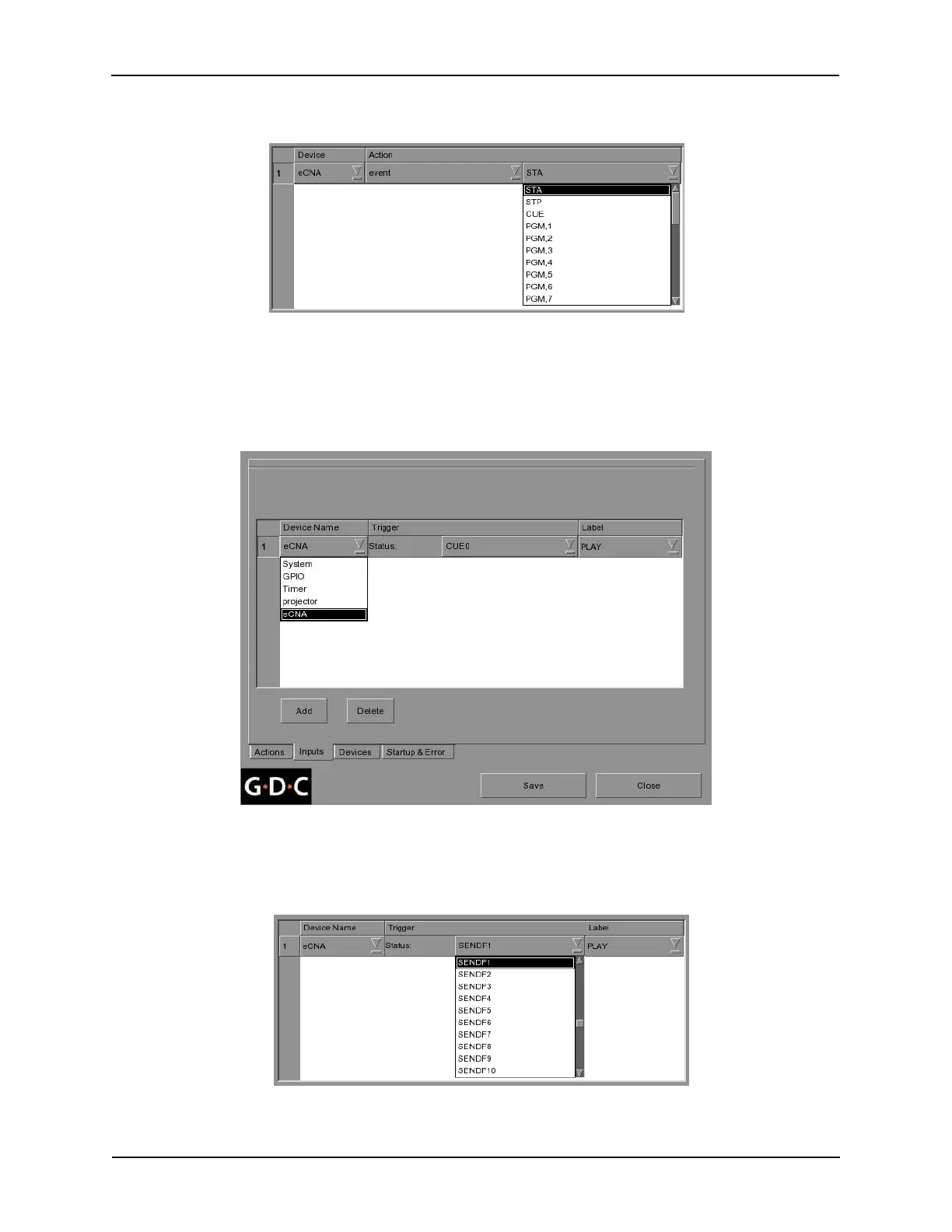
Select the specific desired event or output from the list. Continue to add actions for the eCNA (or
other devices) as required. Repeat the procedure to add more events as required.
Inputs Menu
Press the [Inputs] tab from the Automation menu. Here you will create triggers that will be used to
initiate Events. Press the [Add] button, located at the lower portion of the screen. Select “eCNA” from
the Device Name list box.
Select the desired eCNA status item from the Trigger list box. This list contains all of eCNA Status
and Event Reports selected from the Devices setup screen.
Figure 9 Inputs Menu
173
eCNA-10 Operation and Installation Manual Version 1.270-00



 To Next Page