© EPRAD Incorporated
Digital Fault Input Latched This function configures the Digital 1 Fault and Digital 2 Fault input
flags.
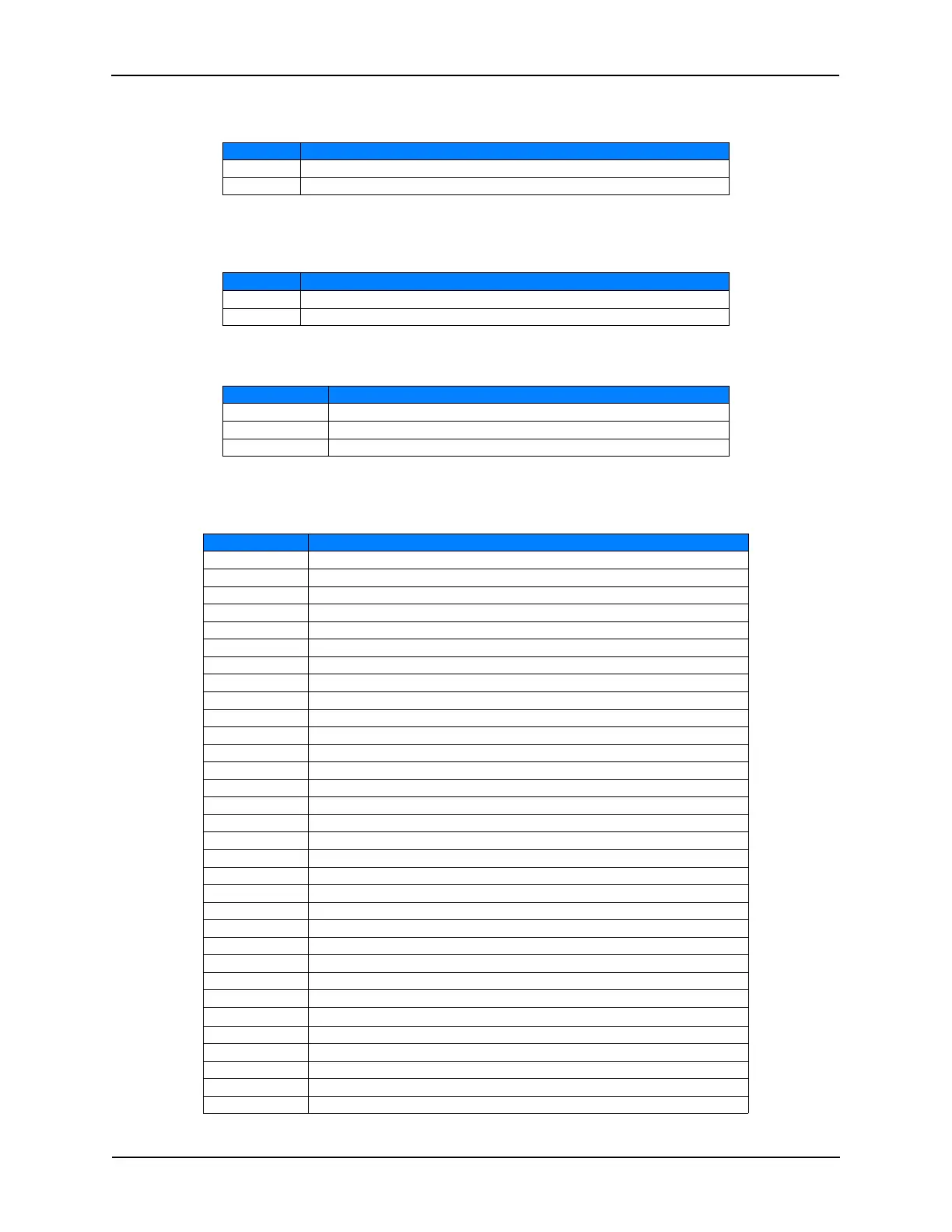
Value Function
Yes The Fault remains latched until the Cancel Keys is pressed.
No The Fault is cleared when the corresponding input turns off.
Fire Stop Input Latched This function configures the Fire Stop input flags.
Value Function
Yes The Fault remains latched until the Cancel Keys is pressed.
No The Fault is cleared when the Fire Stop input turns off.
Local Alarm Time (MM:SS) This function configures the local alarm.
Time (mm:ss) Function
00:00 Disables the local alarm.
99:59 Alarm will sound until cancelled
00:01 to 99:58 Alarm will sound until time expires or cancelled.
User Defined Keys This allows the user to customize the front panel controls. The eight front panel
keys can be assigned to any of the functions in the table below.
Key Function
<<blank>> Key has no function.
Start Starts or Resumes a program.
Stop Stops a Program. Press and hold for 5 seconds to abort a program.
Cue Forces a cue event.
Cancel Cancels the alarm or clears any ‘latched’ faults.
Bypass Not used.
Volume Up Ramps volume up.
Volume Down Ramps volume down.
Mute Mutes the sound.
Proj 1 Video Toggles Projector 1 Video output.
Proj 1 Power Toggles Projector 1 Power output.
Proj 2 Video Toggles Projector 2 Video output.
Proj 2 Power Toggles Projector 2 Power output.
Set Program 1 Sets the program to 1.
Set Program 2 Sets the program to 2.
Set Program 3 Sets the program to 3.
Set Program 4 Sets the program to 4.
Set Program 5 Sets the program to 5.
Set Program 6 Sets the program to 6.
Set Program 7 Sets the program to 7.
Set Program 8 Sets the program to 8.
Set Program 9 Sets the program to 9.
F1 F1 key will be displayed on the Main Status screen if Web Keys are enabled.
F2 F2 key will be displayed on the Main Status screen if Web Keys are enabled.
F3 F3 key will be displayed on the Main Status screen if Web Keys are enabled.
F4 F4 key will be displayed on the Main Status screen if Web Keys are enabled.
F5 F5 key will be displayed on the Main Status screen if Web Keys are enabled.
F6 F6 key will be displayed on the Main Status screen if Web Keys are enabled.
F7 F7 key will be displayed on the Main Status screen if Web Keys are enabled.
F8 F8 key will be displayed on the Main Status screen if Web Keys are enabled.
Program Abort Aborts a program (back to idle state). Outputs are not changed.
Pause Pauses a Program.
29
eCNA-10 Operation and Installation Manual Version 1.270-00



 To Next Page