Using the Printer Software with Windows 95
3
3
3
3
3
3
3
3
3
3
3
3
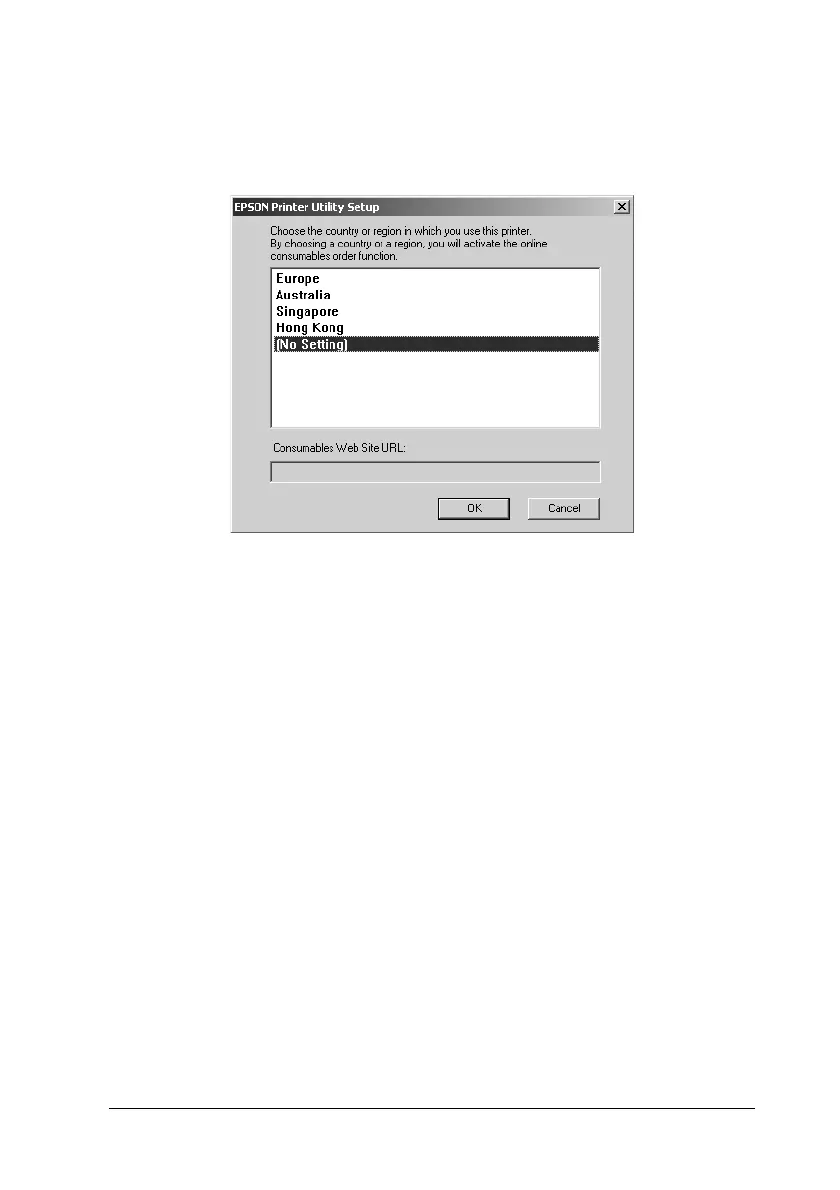
8. In the dialog box that appears, select your country or region,
and the URL for EPSON’s Web site in that country or region
appears. Then click OK.
Note:
❏ In the dialog box, you can set the URL for the site where you
can order consumables online. See “Order Online” on page 99
for details.
❏ Selecting your country or region allows you to change the
settings of the URL.
❏ When you click the Cancel button, the Web site’s URL does
not appear, but the EPSON Status Monitor 3 installation
continues.
9. When the installation is complete, click OK.












 To Next Page