Confidential
EPSON
TITLE
SHEET
REVISION
NO.
SHEET
NEXT
F
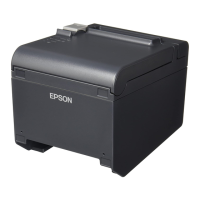
TM-T90
Specification
(STANDARD)
29 28
2.1.2.8 Notes on when memory switch Msw 1-3 is set to ON
1) The printer mechanism stops but does not become busy when: an error has occurred, the cover is
open, printing stops due to a paper-end, or paper is fed using the paper FEED button.
2) When setting the memory switch to enable handshaking with the printer, be sure to check the printer
status using the GS a command and the ASB function. In this setting, the default value of n for GS
a is 2. The printer automatically transmits the printer status, depending on online/offline changes.
3) When using DLE EOT, DLE ENQ, and DLE DC4, be sure that the receive buffer does not become
full.
• When the printer is busy due to a receive buffer-full state:
If an error has occurred, DLE EOT, DLE ENQ, and DLE DC4 cannot be used.
2.1.3 Other Interfaces
Various interface boards (EPSON UB series, except UB-P02 and UB-U05) can be used.



 To Next Page
 Loading...