7800/7700 MultiFrame Manual
7814 Series Dual HDTV Up/Down/Cross Converters
Revision 1.1.3 Page - 105
7.22.1. Source Select Controls
The Source Select section enables the user to assign a particular channel to be used as a particular audio
source in the up mix. There are six sources of audio that feeds the up-mixing process: L Source, R
Source, C Source, LFE Source, Ls Source, Rs Source Pass L and Pass R. Each of these sources can be
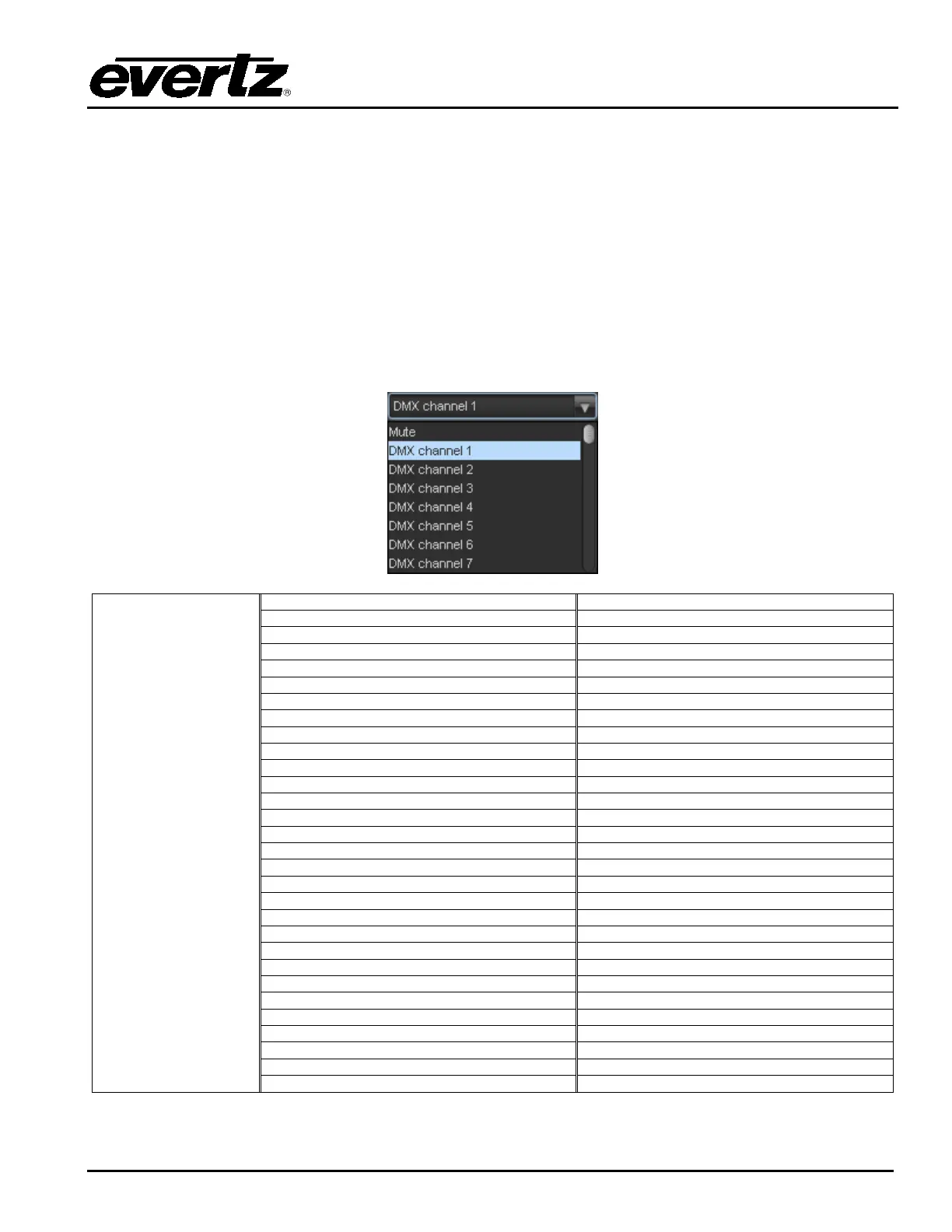
assigned a specific channel of audio using the appropriate drop down menu. For sake of brevity, only the
L Source selection process is shown.
7.22.1.1. Source X
The Source X control enables the user to route one of the 16 internally processed input audio channels to
the Y input of the channel mixer. The user can select the channel source by selecting the desired channel
from the Source Y drop down menu as shown below.
Mono mix channels 1 and 2
Mono mix channels 3 and 4
Mono mix channels 5 and 6
Mono mix channels 7 and 8
Mono mix channels 9 and 10
Mono mix channels 11 and 12
Mono mix channels 13 and 14
Mono mix channels 15 and 16



 To Next Page