7800/7700 MultiFrame Manual
7814 Series Dual HDTV Up/Down/Cross Converters
Page - 32 Revision 1.1.3
6.3. IP CONTROL TAB
6.3.1. IP Configuration through VLPro
All 7814 series modules have a dedicated Ethernet port for controlling module functions as a 7814 mini-
agent.
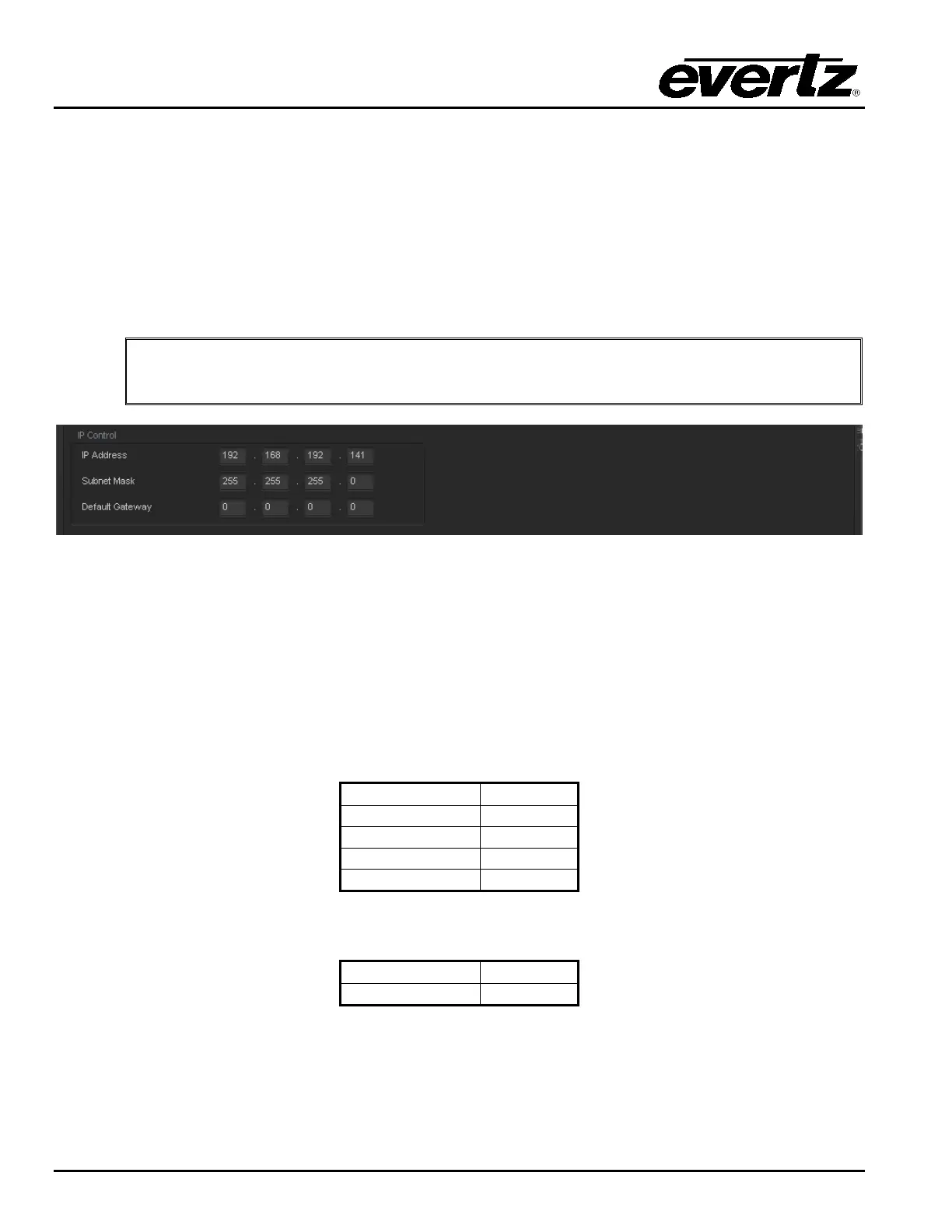
Setting the IP address of the 7814 series dedicated Ethernet port is done through VLPRO using the IP
control tab. To set the IP address, type the desired network settings into the IP ADDRESS, SUBNET
MASK and DEFAULT GATEWAY fields and then press APPLY.
Note: The card MUST be re-booted for the IP address change to take effect.
Figure 6-5: IP Control
6.3.2. IP Configuration through serial com port (Not Implemented at time of writing)
Alternatively, the IP address can be set through the card edge serial connector. To configure the IP
address through the serial port. Before inserting the front card, connect the Evertz serial ribbon cable to
the supplied header J3 on the module processor board and connect 9-pin d-type end of the cable to a
serial port on your computer. Open a Terminal session and configure the port for the following
configuration:
Once a terminal connection is established, you can log into the module using the following criteria.
This will bring you to the user IP configuration menu, which will allow you to configure the IP address,
Gateway and netmask for the dedicated Ethernet port on the rear-plate.



 To Next Page