7800/7700 MultiFrame Manual
7814 Series Dual HDTV Up/Down/Cross Converters
Page - 74 Revision 1.1.3
7.12.5. Conversion Settings
7.12.5.1. Aspect Ratio Conversion
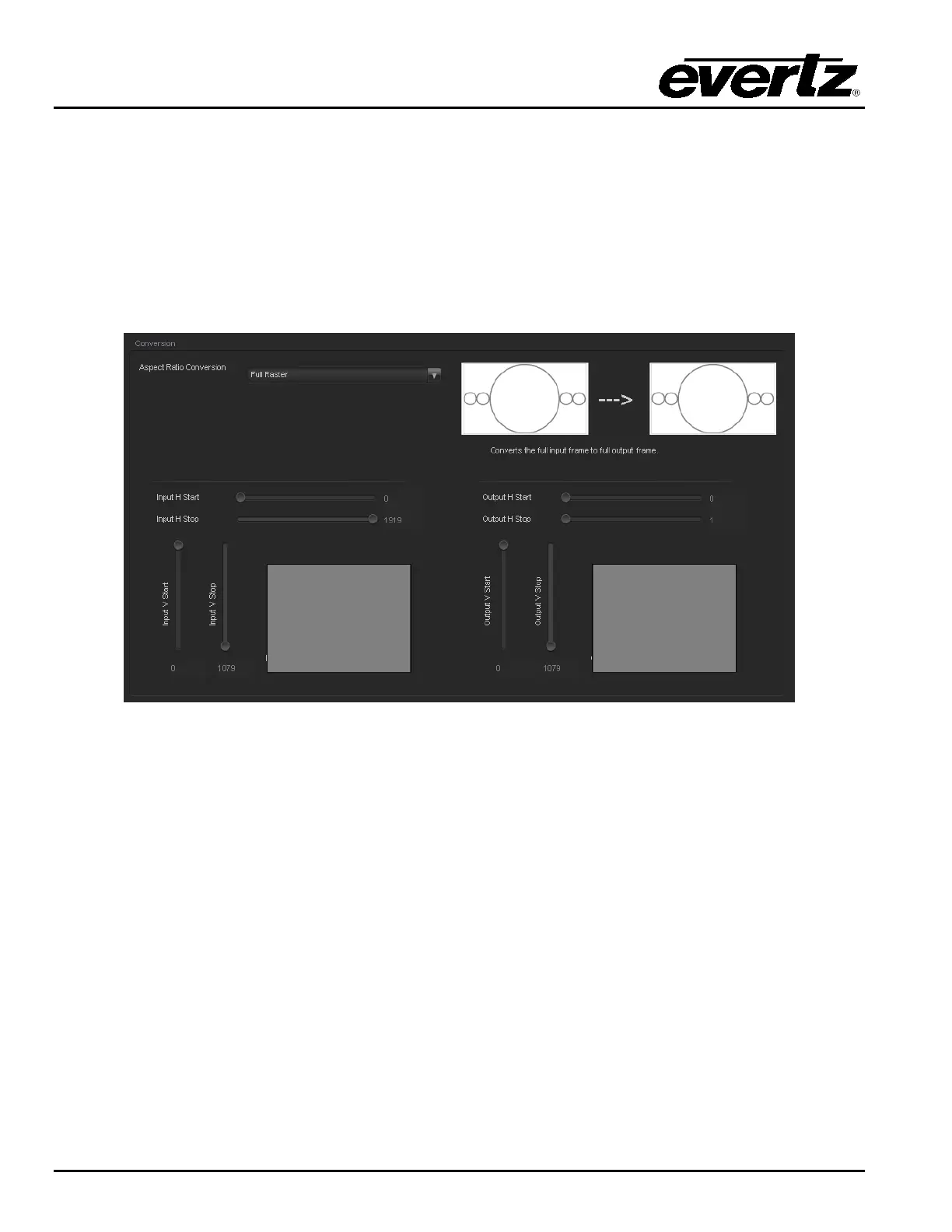
The Aspect Ratio Conversion menu selects the aspect ratio conversion that the module will perform.
There are numerous pre-defined aspect ratio conversions as well as the ability to define custom aspect
ratio conversions. When the User Aspect mode is selected, the user can set input image cropping and
output image size on a pixel-by-pixel and line-by-line basis. There are 10 user definable custom aspect
ratios available. See Section 7.10 for details on configuring custom user aspect ratios.
Figure 7-21: Aspect Ratio Conversion



 To Next Page