7800/7700 MultiFrame Manual
7814 Series Dual HDTV Up/Down/Cross Converters
Page - 34 Revision 1.1.3
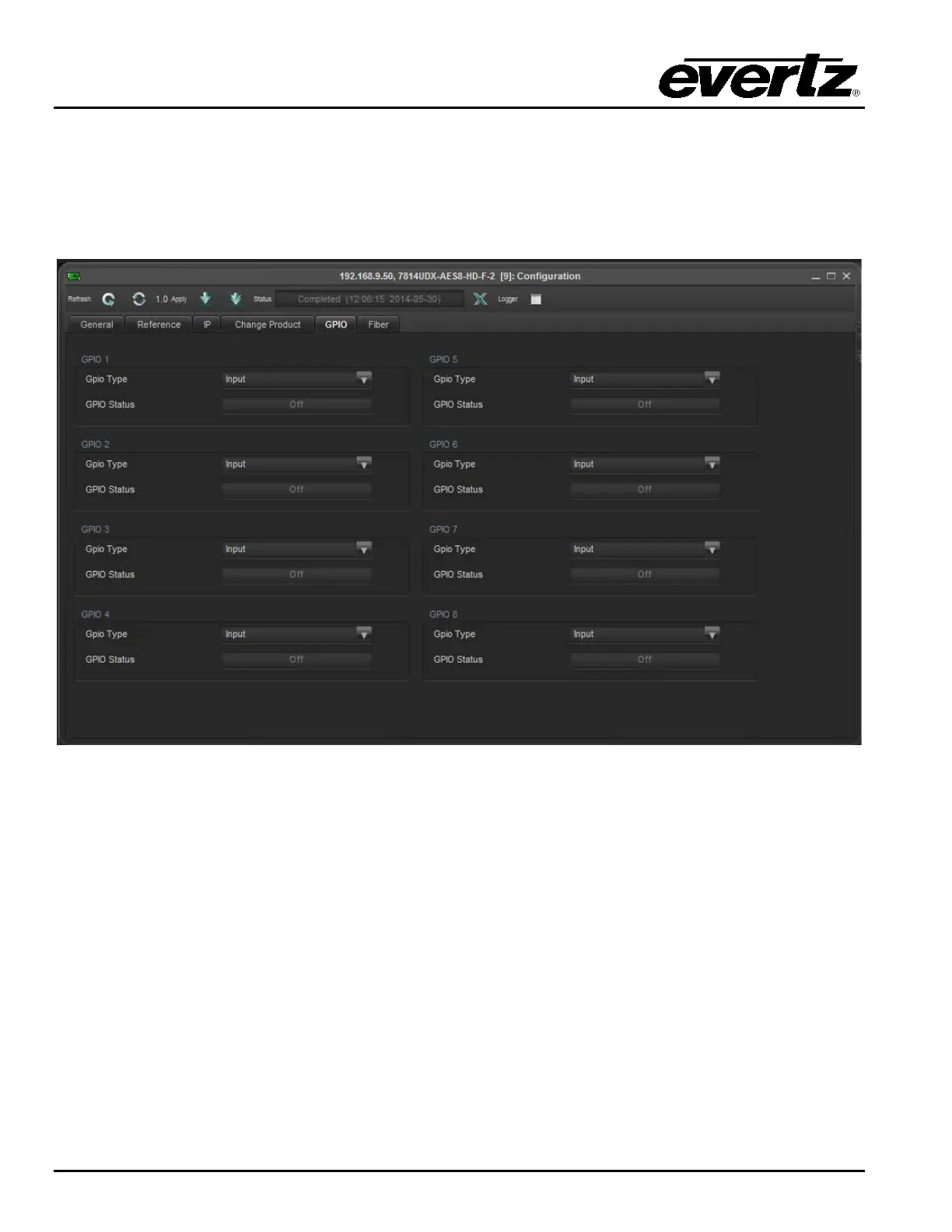
6.5. GPIO CONTROL TAB
The GPIO control Tab in the Global configuration window is used to configure the direction of the external
GPIO’s located on the rear-plate. There are 8 external GPIO located on the rearplate. All GPIO controls
operate in the same fashion. For sake of beifity only controls for GPIO one will be described in the
manual.
6.5.1. GPIO 1
6.5.1.1. GPIO Type control
The GPIO Type control is used to configure the direction on the specified GPIO. To set the GPIO as an
input select Input for the drop down menu. To configure the GPIO as an output select output from the
drop Down menu.
6.5.1.2. GPIO Status
The GPIO status monitor allows for quick reference to determine if the GPIO has been enabled.



 To Next Page