7800/7700 MultiFrame Manual
7814 Series Dual HDTV Up/Down/Cross Converters
Revision 1.1.3 Page - 127
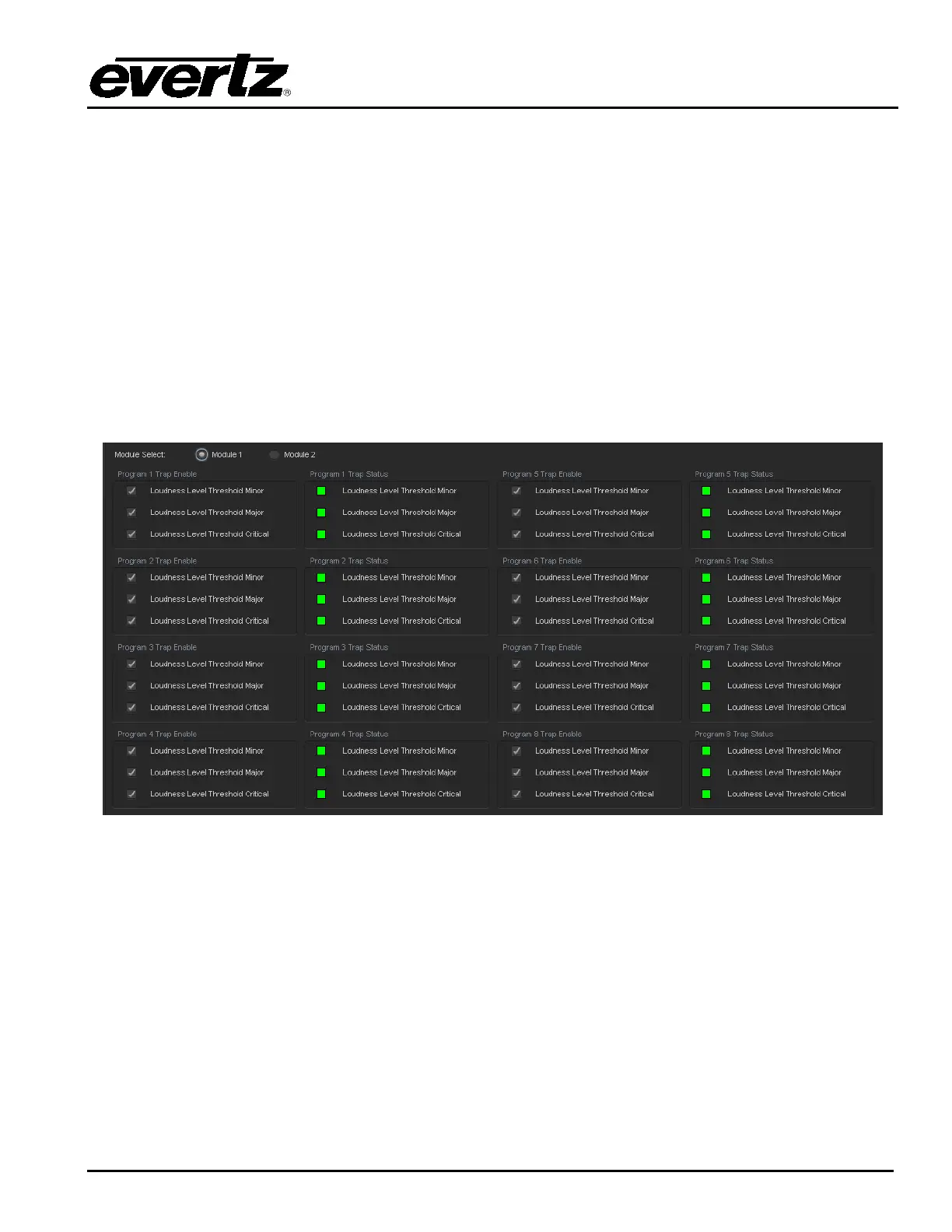
7.27. INTELLIGAIN TRAPS TAB
The IntelliGain system can provide real time analysis and confidence monitoring with SNMP trap alarm
notification. These alarms can be enabled and disabled on an individual audio program basis using the
IntelliGain Fault Traps configuration tab.
To enable or disable an SNMP alarm notification, either check or un-check the defined control.
The system also provides real time trap status information. If a trap is sent by the IntelliGain system,
the trap status box will change state indicating the real time value for that trap. For example, if the trap
status box is the colour green, then the trap has not been sent. However, if the status box is the colour
red, then the fault is in a current state of alarm. Once corrected, the status box will turn back to the colour
green.
IntelliGain Traps Tab identifies the VistaLINK
®
configuration view for the IntelliGain Fault Traps.
Figure 7-35: IntelliGain Traps Tab



 To Next Page