7800/7700 MultiFrame Manual
7814 Series Dual HDTV Up/Down/Cross Converters
Revision 1.1.3 Page - 37
7. CONFIGURING THE VIDEO PATH CONTROLS
The Video Path controls are used to configure the main conversion controls for both video and audio.
Each path is listed in the tree and can be seen when the card is expanded in VLPro. Once the card has
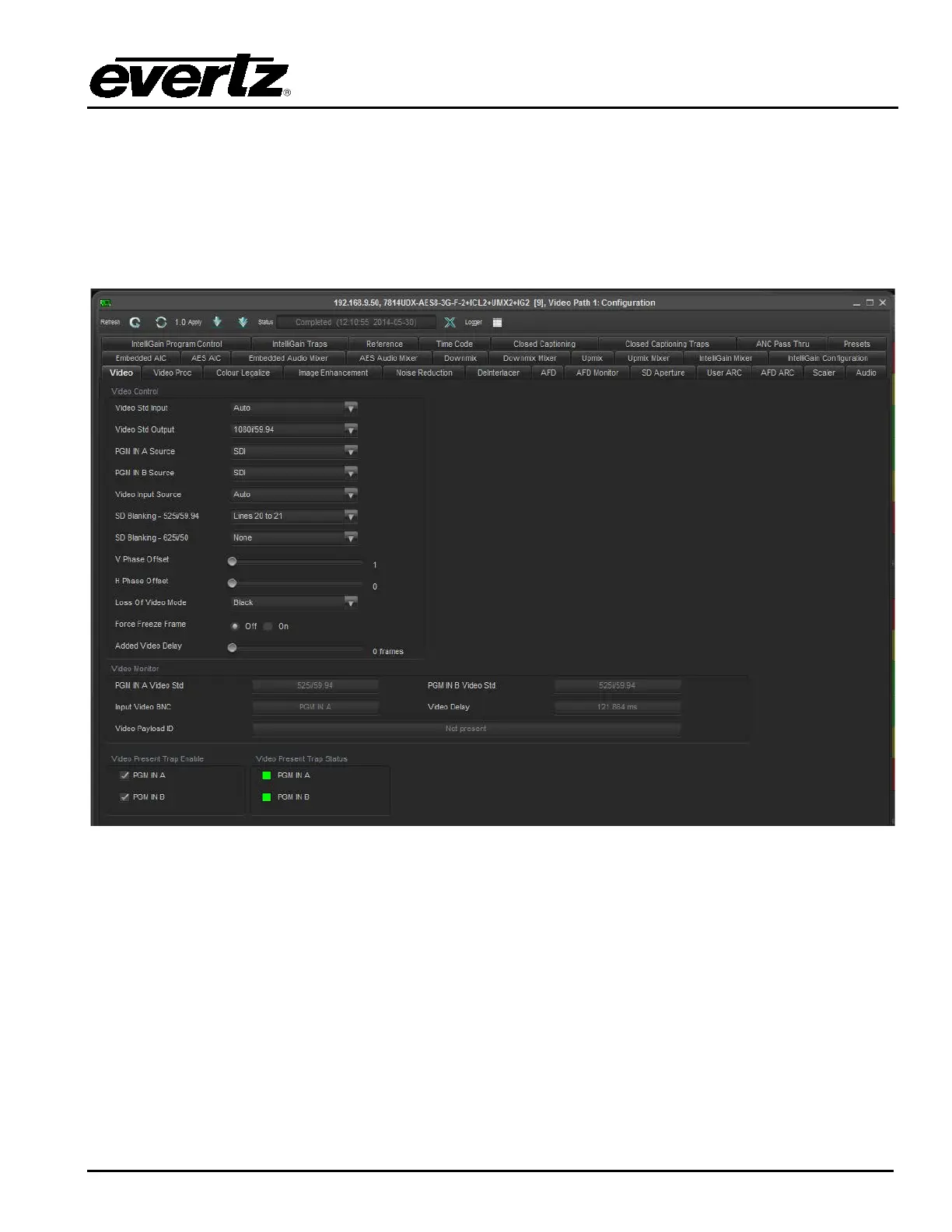
been expanded both conversion paths can be selected for further configuring. Figure 7-1 shows the
control tabs available for each conversion path. For sake of brevity only the controls for video path one
will be described in the manual as the controls for video Path 2 are identical.
Figure 7-1: Video Tab



 To Next Page