7800/7700 MultiFrame Manual
7814 Series Dual HDTV Up/Down/Cross Converters
Revision 1.1.3 Page - 135
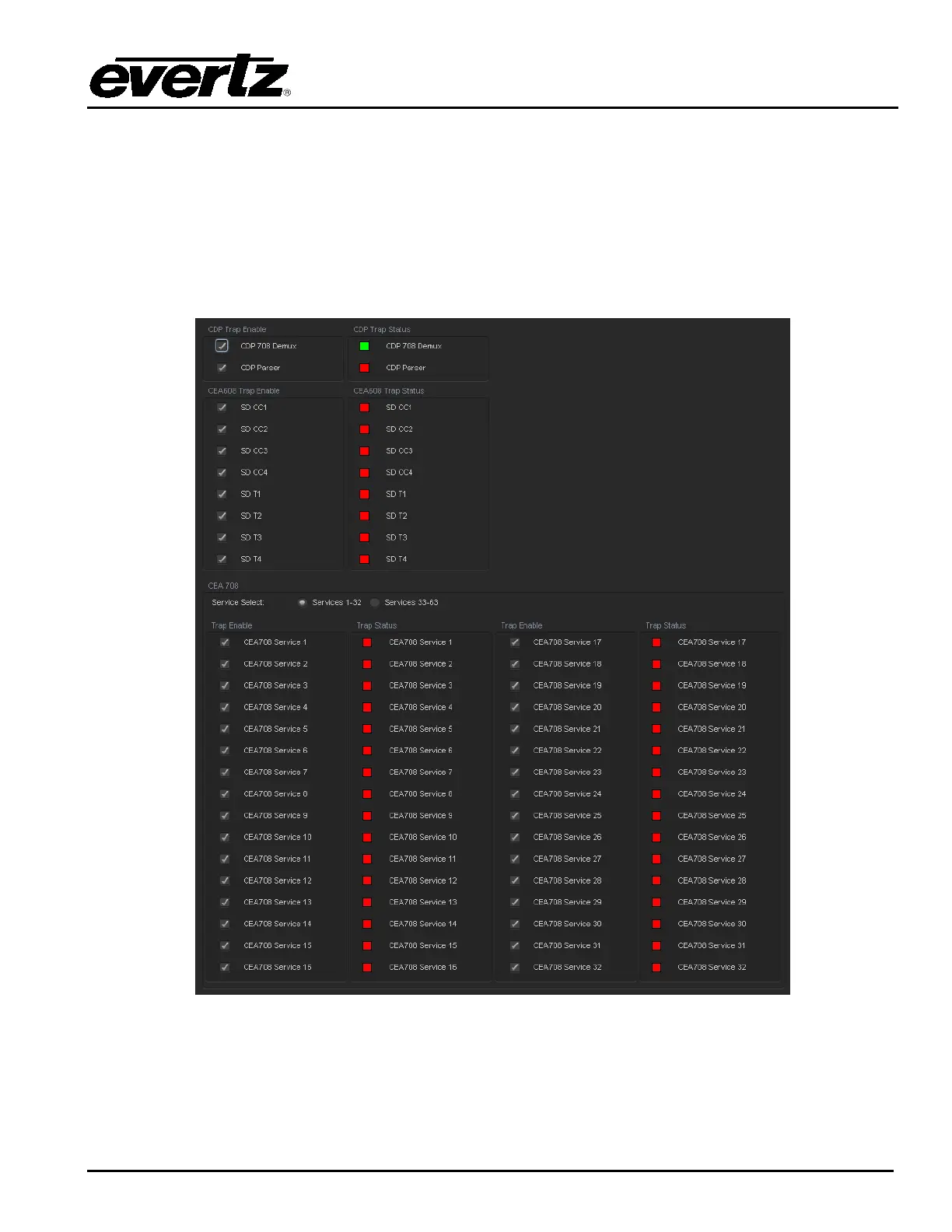
7.31. CC FAULT TRAP CONTROLS
The CC Fault Traps control enables the user to enable or disable Closed Caption traps and view trap
status. To enable a particular trap, simply click the box located beside each trap so that a check mark
appears. When a check mark is present, the trap is enabled. When a check mark is not present, the trap
is disabled.
If a parameter under the Trap Status is green, then the trap is present. If the parameter is red, then the
trap is missing.
Figure 7-39: CC Fault Traps Tab



 To Next Page