7800/7700 MultiFrame Manual
7814 Series Dual HDTV Up/Down/Cross Converters
Revision 1.1.3 Page - 23
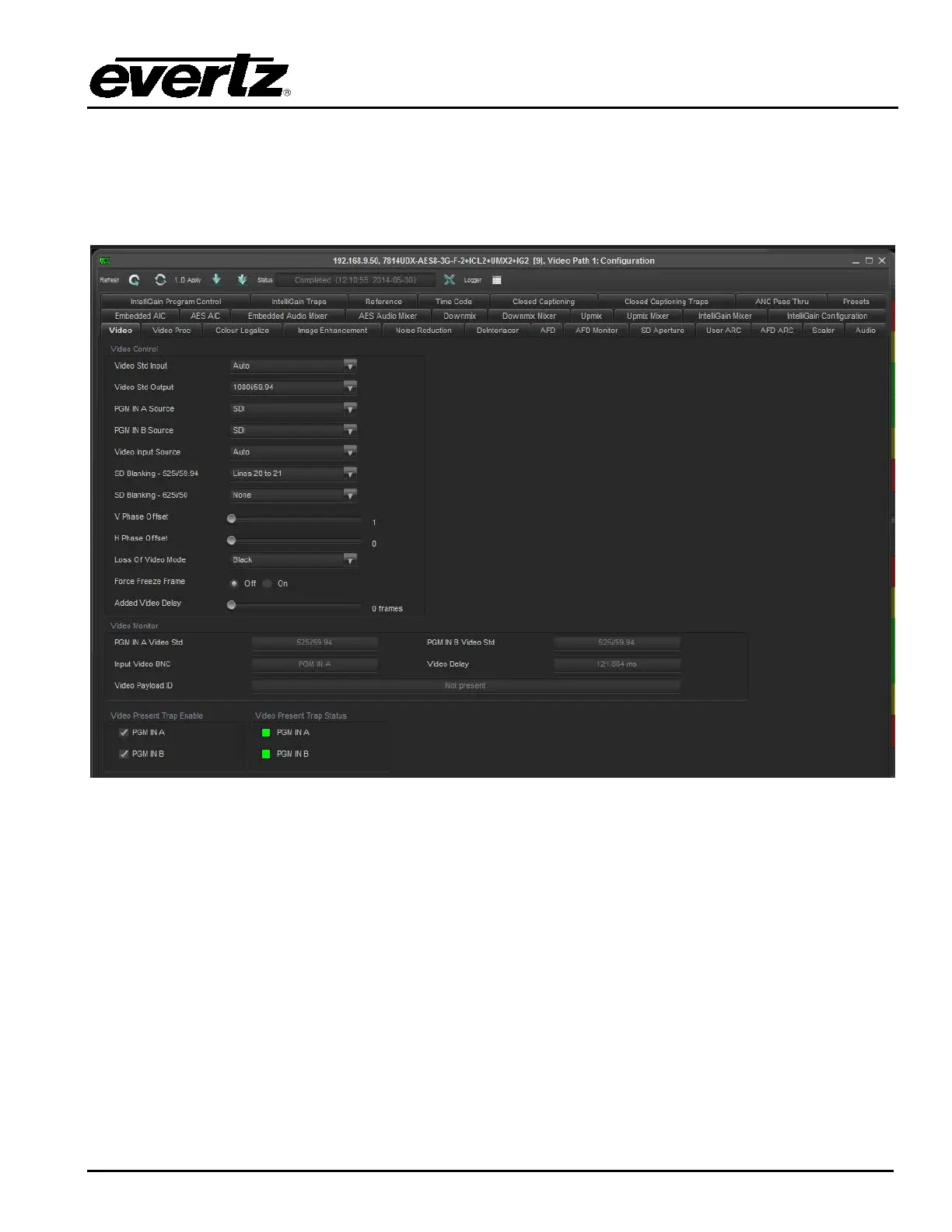
To access the processing controls for Path 1 or Path 2, right click on the Path 1 or Path 2 icon in the
navigation tree and select “View Configuration”. Each processing path has the following control tabs
shown in Figure 5-3 for path 1 and path 2. As controls for path 2 are identical as controls for path 1, for
sake of brefety only controls for path 1 will be described in the manual.
Figure 5-3: Path 1 and 2 Processing Path



 To Next Page